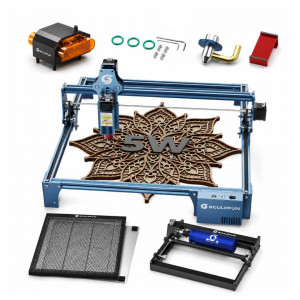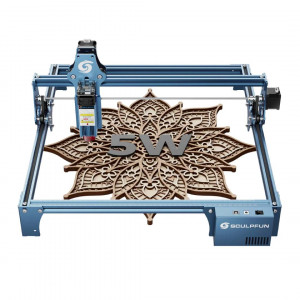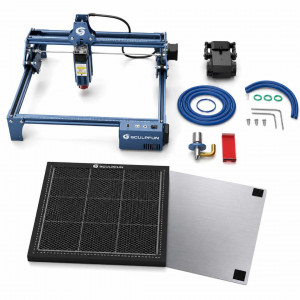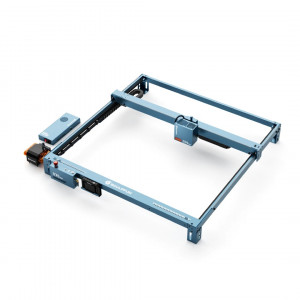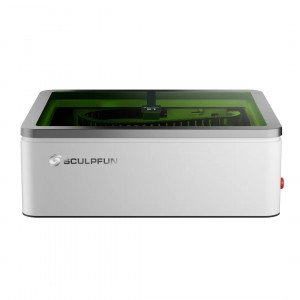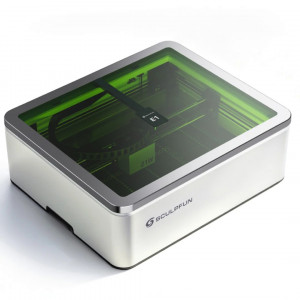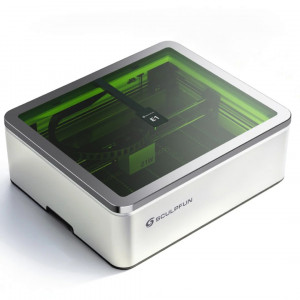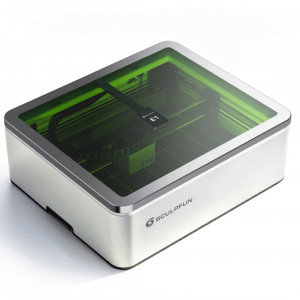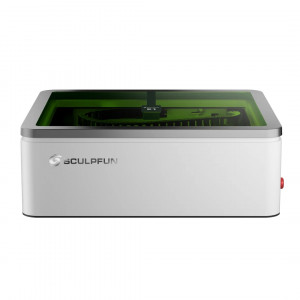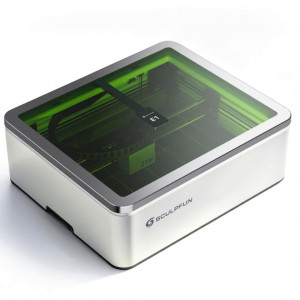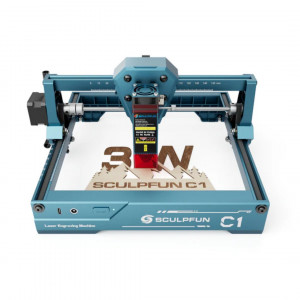


- Stock: In Stock
- Product code: 00-00014039

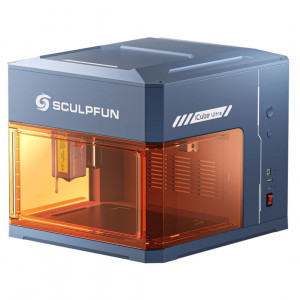
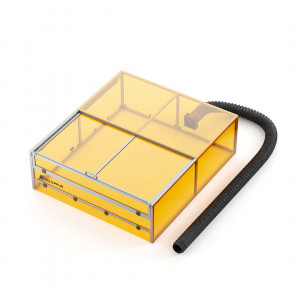
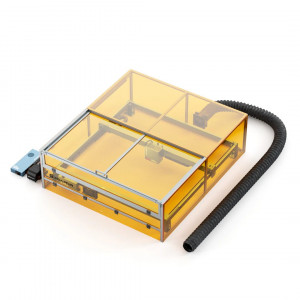
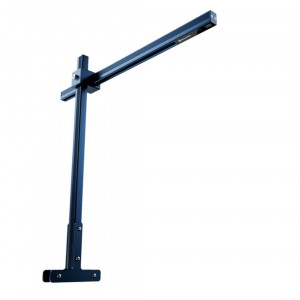
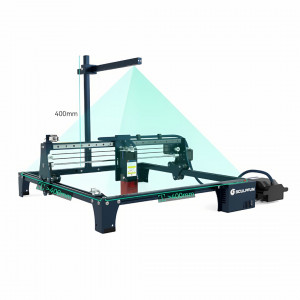
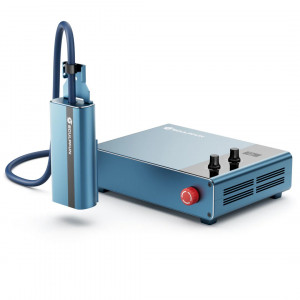
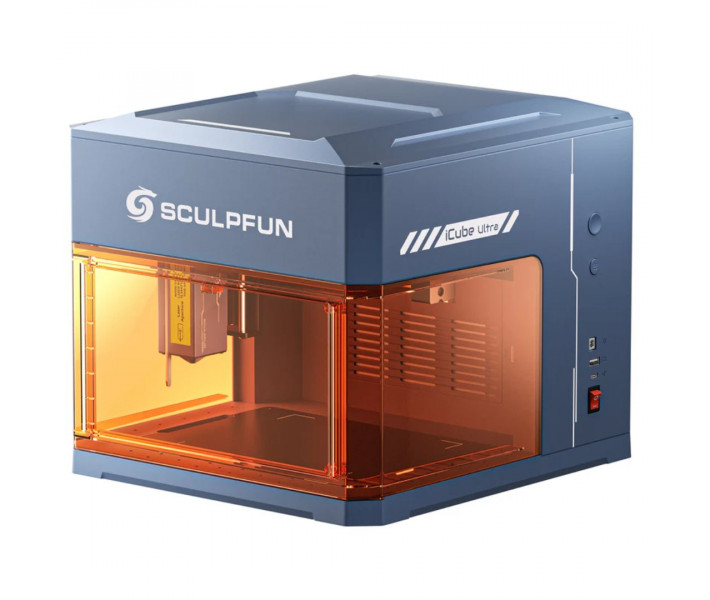
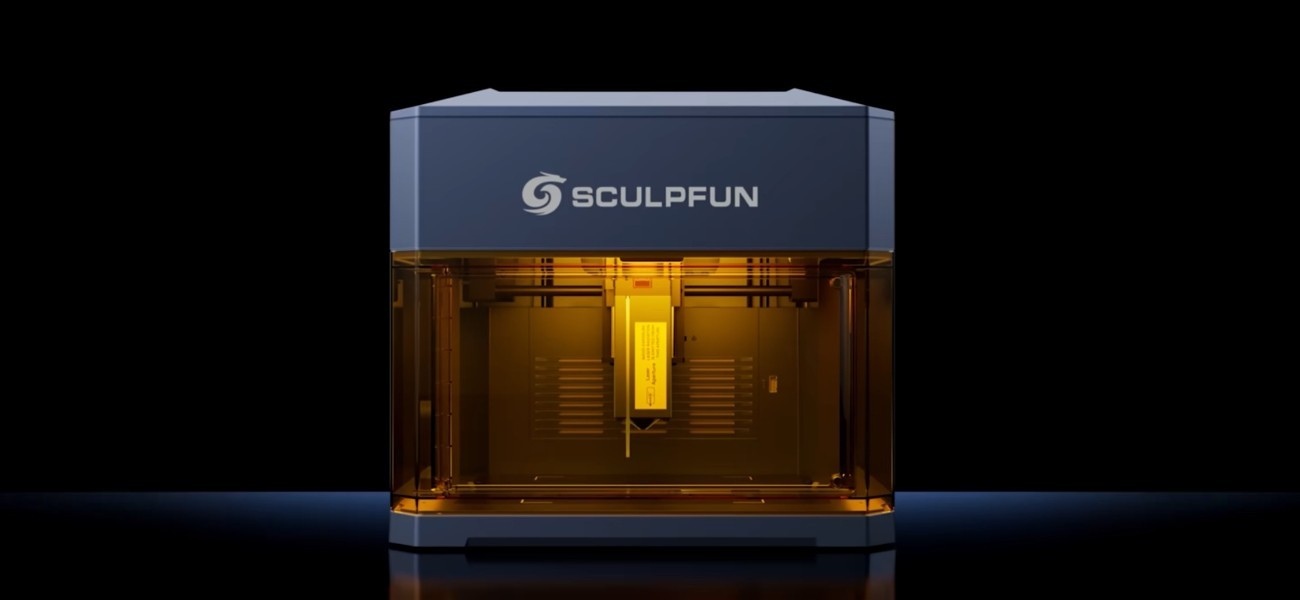
Compact Laser Engraver Sculpfun iCube Ultra with 12W Module
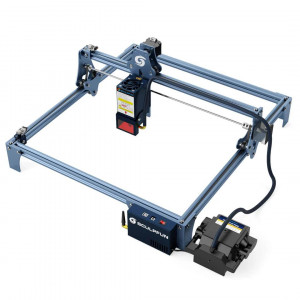
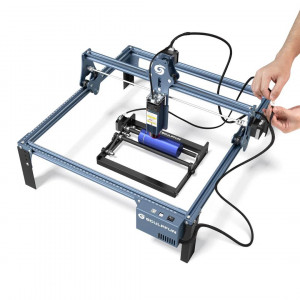
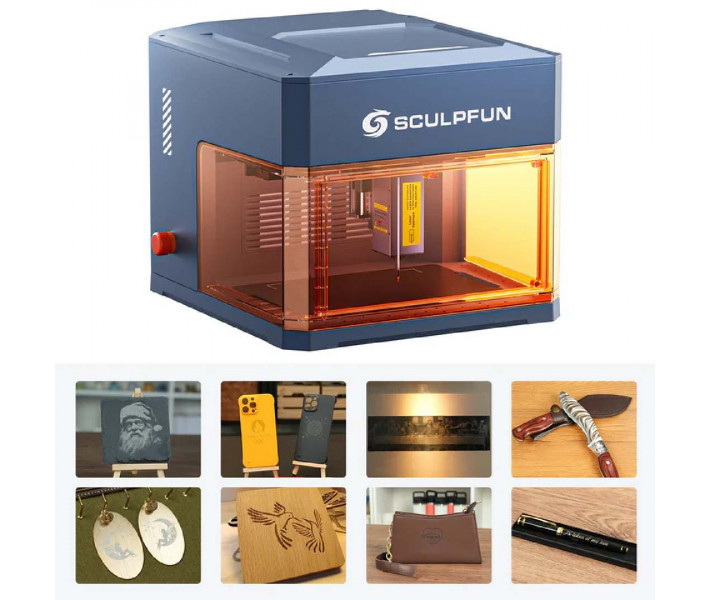
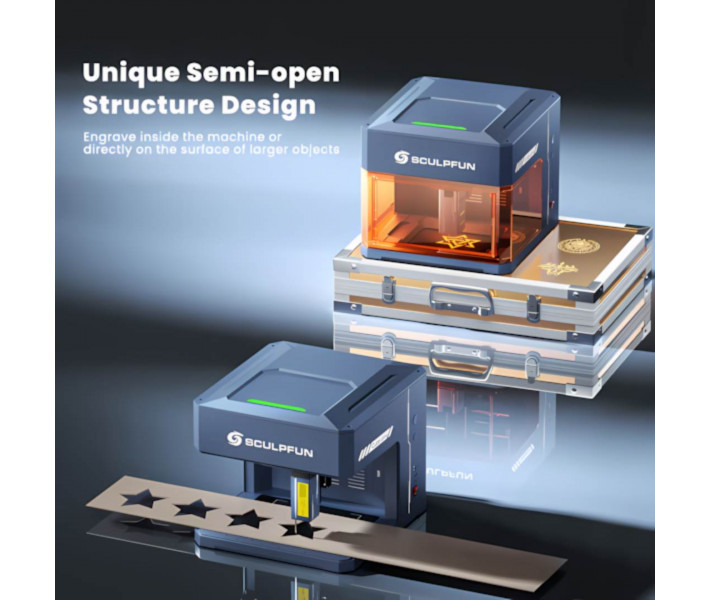
Sculpfun iCube Ultra Single Laser 12W is a desktop laser engraver with a 12W diode module and a working area of 150 x 150 mm. Automatic focusing reduces preparation time for launch, and linear bearings along with a 32-bit control board support movement speeds up to 10000 mm/min. The equipment can be used for making souvenirs, decorative items, personalizing household items, creating advertising materials, and creative projects.
Key Technical Advantages
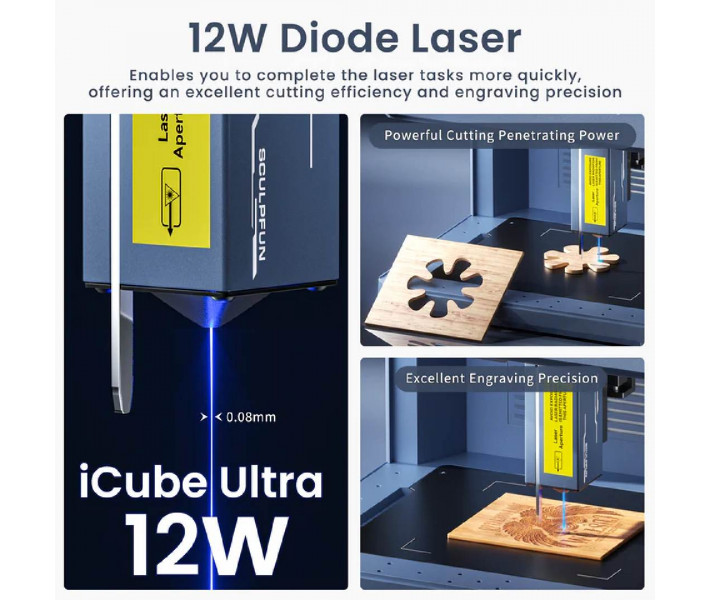
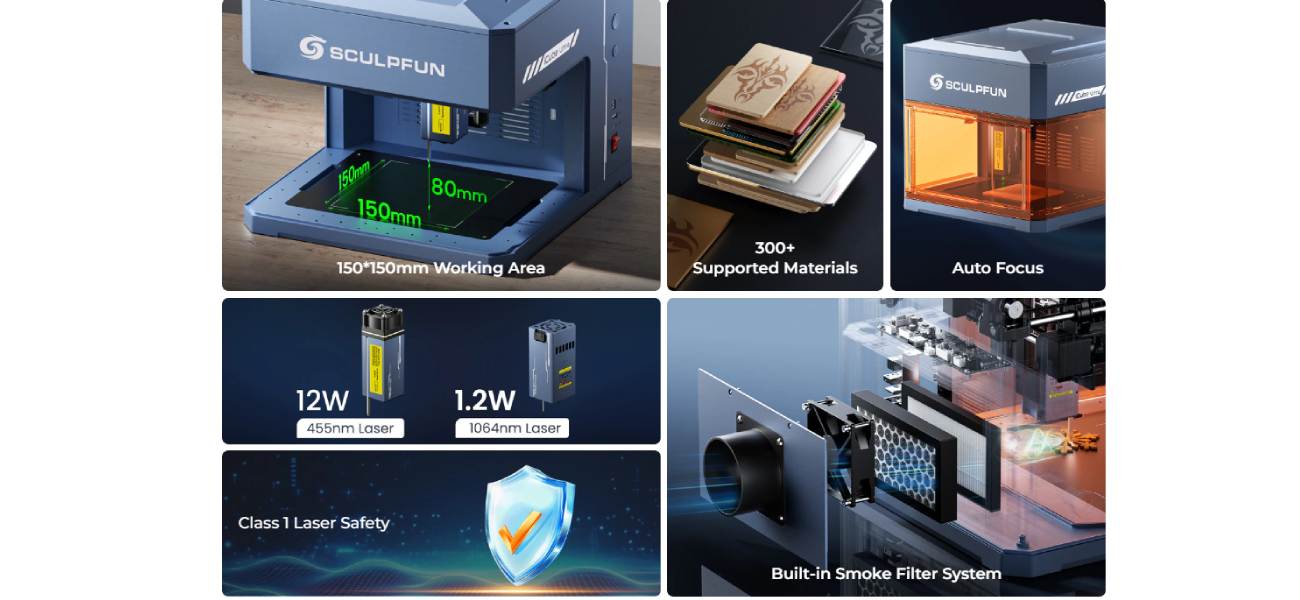
- Cutting wood up to 10 mm thick in one pass. The 12W diode laser operates at a wavelength of 455 nm and supports engraving and cutting of various materials. This allows for more operations without additional processing of the workpiece.
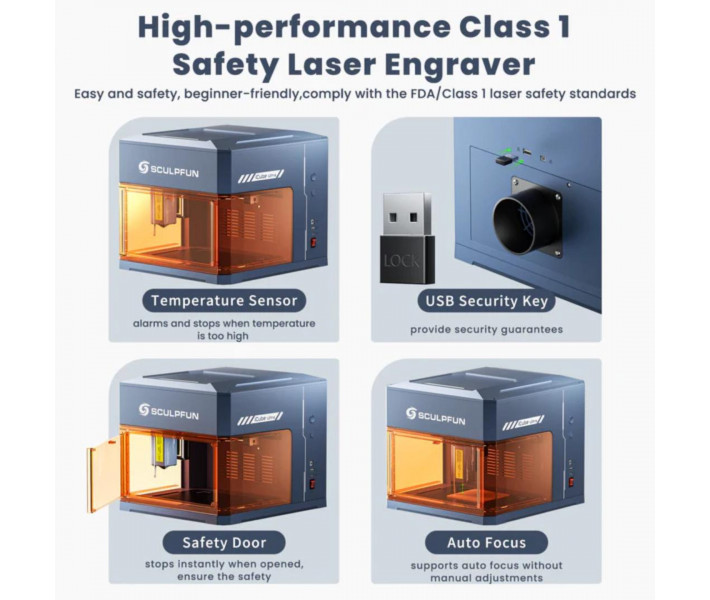
- Automatic focusing without manual adjustment. The system independently determines the optimal distance between the laser head and the material surface. This reduces preparation time and helps avoid errors during setup.
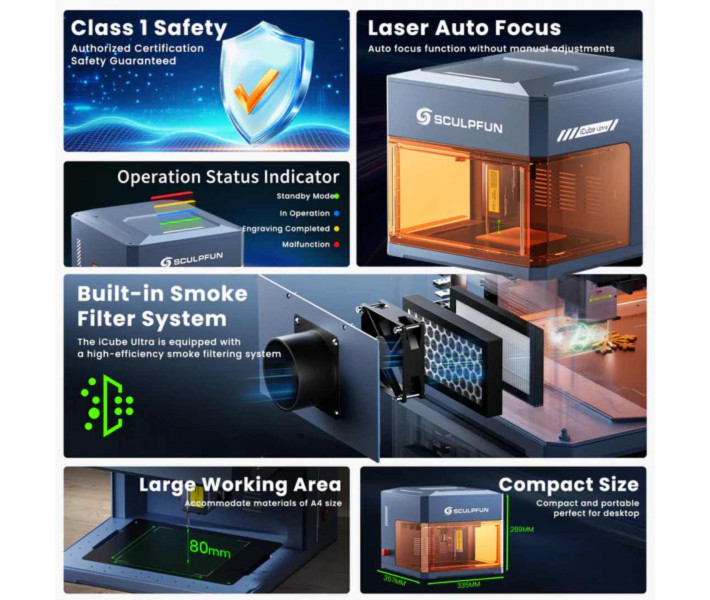
- Increased working area of 150 x 150 mm. The processing area exceeds the 80 x 80 mm format often found among compact models. This size allows working with larger workpieces without changing their position.
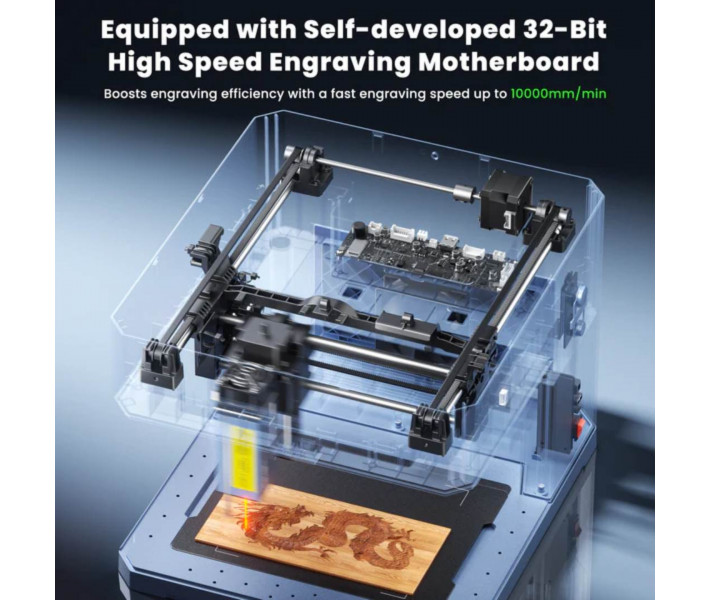
- Fast processing of workpieces. Linear bearings and a 32-bit control board ensure movement speeds up to 10000 mm/min. This reduces the time for serial projects and repetitive operations.
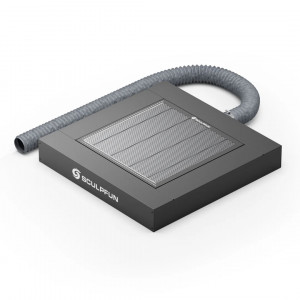
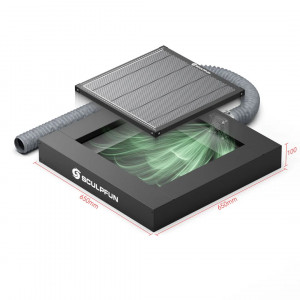
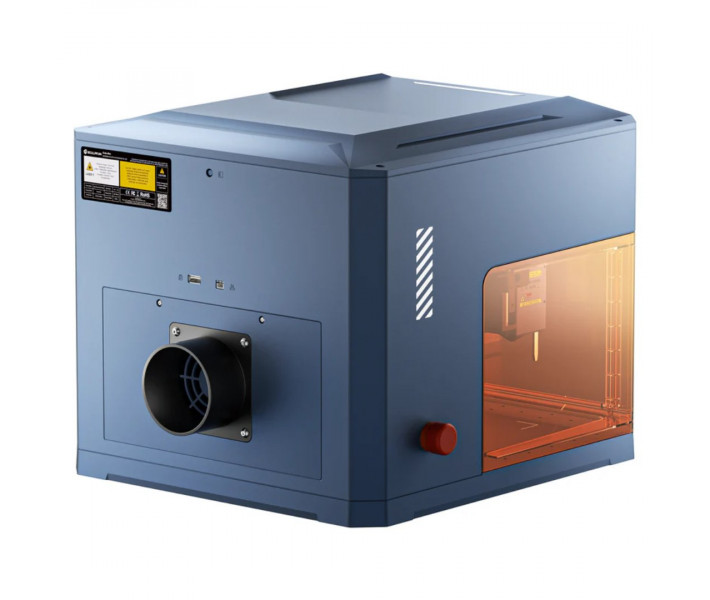
- Built-in air purification system. Multi-level filtration captures smoke, dust, and some combustion products during operation. If necessary, the equipment supports connection to an external air purifier.
- Safe operation thanks to Class 1 certification. The design meets the requirements of the first class of laser safety. This reduces risks during everyday operation of the equipment.
Precision and Processing Quality
The Sculpfun iCube Ultra laser spot size of 0.08 mm allows for detailed images, text, and small graphic elements. High positioning accuracy up to 0.1 mm is achieved through a combination of a rigid design, linear bearings, and a modern control system. This ensures stable movement of the laser head and accurate reproduction of contours during material processing. Automatic focusing additionally supports the optimal working distance, positively affecting the quality of engraving and cutting.
Compatible Materials
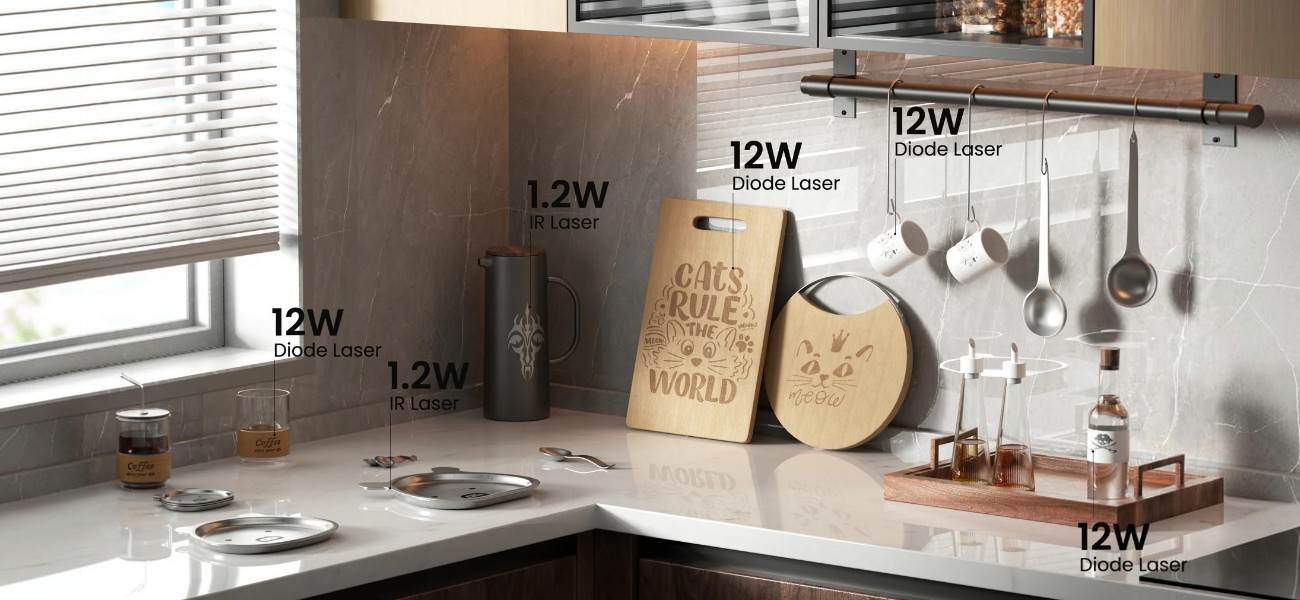
Sculpfun iCube Ultra Single Laser supports processing of various materials for engraving and cutting.
Materials for engraving: wood, paper, fabric, leather, cardboard, bamboo, MDF, stone, ceramics, jade, marble, cement, brick, painted metal, coated metal, felt, dark opaque acrylic, dark glass, cork, stainless steel.
Materials for cutting: wood, paper, cardboard, fabric, leather, bamboo, MDF, dark opaque acrylic.
Getting Started with the Laser Engraver
Before the first launch, it is necessary to perform basic equipment setup and check the processing parameters on a test material. This will help correctly prepare the engraver for work and achieve a predictable result when executing the first project.
- Install the equipment on a flat and stable surface.
- Connect the power adapter and data cable.
- Turn on the engraver and establish a connection via USB or Bluetooth.
- Install LightBurn, LaserGRBL, or Sculpfun APP.
- Upload the layout and place the workpiece in the working area.
- Start automatic focusing.
- Adjust power and speed according to the selected material.
- Perform a test engraving on the sample included in the package.
- Check the result and adjust parameters if necessary.
- Start processing the main product.
What's Included in the Sculpfun iCube Ultra Package
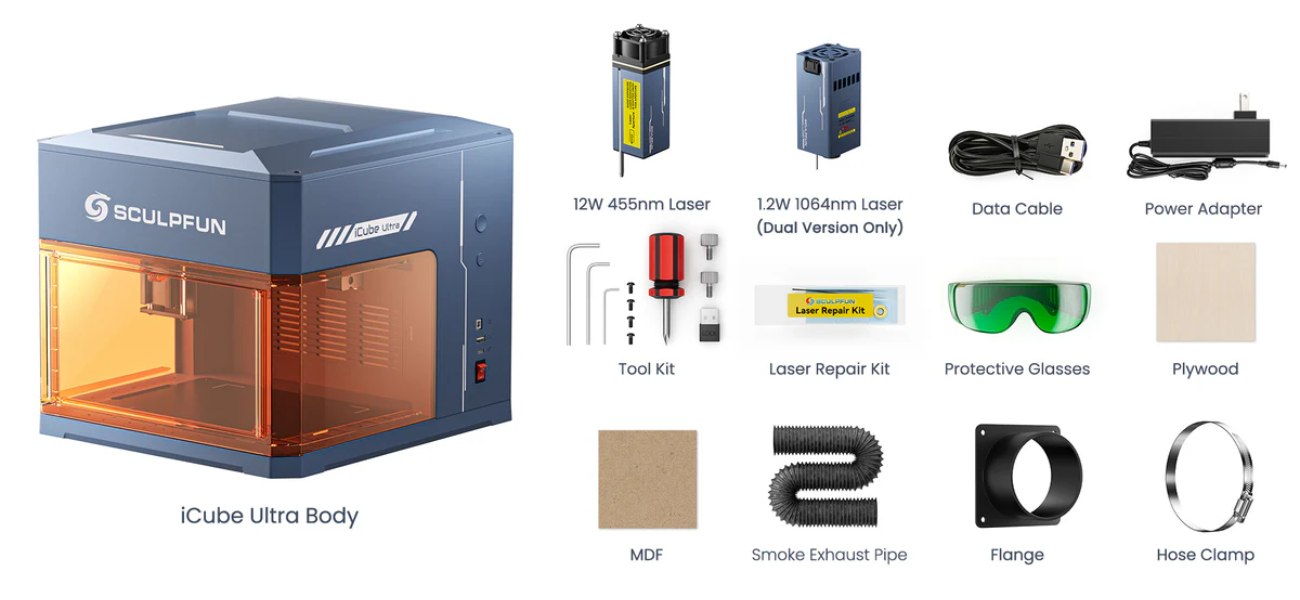
The delivery set includes the main components for starting work, technical maintenance, and connecting the smoke exhaust system.
- Sculpfun iCube Ultra Body. Main module with built-in mechanics and working area.
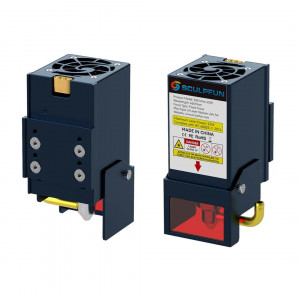
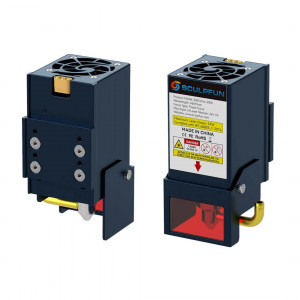
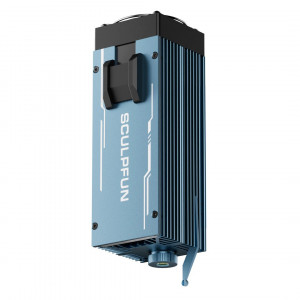
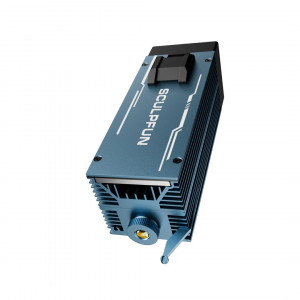
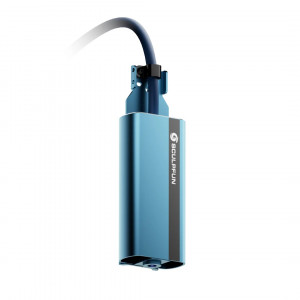
- 12W Laser Module (455 nm). Working head for engraving and cutting materials.
- Data Cable. Connecting the equipment to a computer.
- Power Adapter. Power supply to the equipment.
- Tool Kit. Assembly and basic setup of engraver components.
- Lens Maintenance Kit. Cleaning and care of the laser module optics.
- Protective Glasses. Additional eye protection during operation.
- Plywood Sheet. Test workpiece for checking engraving and cutting parameters.
- MDF Plate. Sample material for trial processing.
- Corrugated Hose for Smoke Exhaust. Connecting the ventilation system to an external channel.
- Mounting Flange. Attaching the exhaust hose to the ventilation system.
- Hose Cover. Securing connections of the smoke exhaust system.
Technical Specifications
| Specification | Value |
| Laser Type | Diode |
| Laser Power | 12W |
| Laser Wavelength | 455 nm |
| Laser Spot Size | 0.08 mm |
| Working Area | 150 x 150 mm |
| Positioning Accuracy | 0.1 mm |
| Maximum Engraving Speed | 10000 mm/min |
| Focusing Method | Automatic |
| Laser Safety Class | Class 1 |
| Connection | Bluetooth, USB |
| Supported Operating Systems | Windows, macOS, Android, iOS |
| Compatible Software | Sculpfun APP, LightBurn, LaserGRBL |
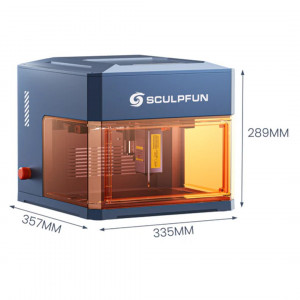
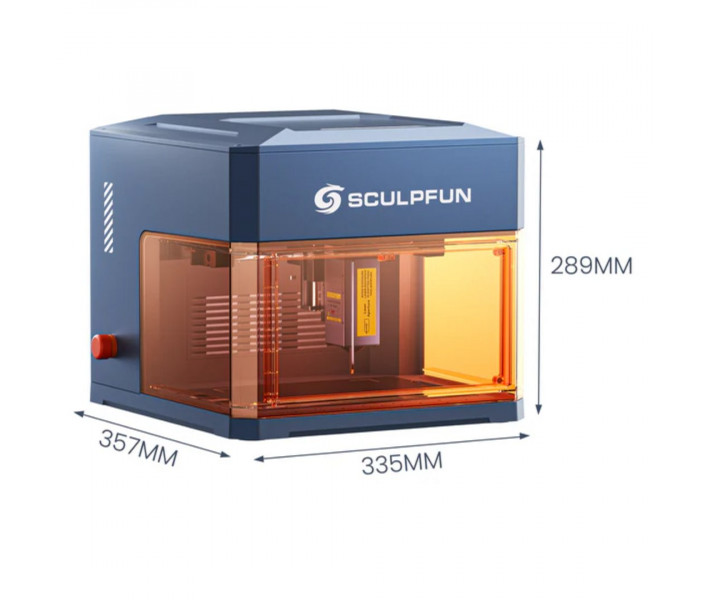
| Net Dimensions | 335 x 357 x 289 mm |
| Net Weight | 5.85 kg |
Practical Recommendations
- Regularly check the condition of the air purification system filters.
- For serial products, save ready processing parameters in the software.
- Use an external air purifier during long cutting operations.
- Before starting, ensure the correct placement of the material within the working area.
Need a laser engraver for cutting wood, working with leather, acrylic, or marking various materials? Sculpfun iCube Ultra Single Laser 12W combines automatic focusing, an expanded working area, and compatibility with popular software.