

- Stock: In Stock
- Product code: 00-00014040

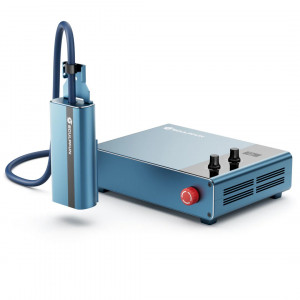
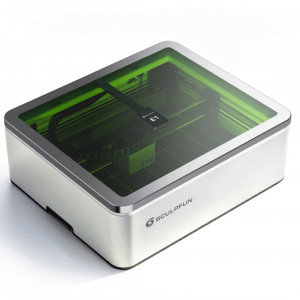
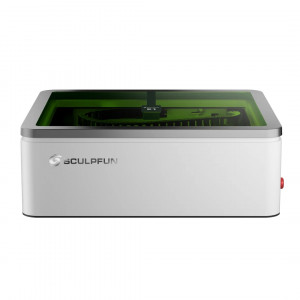
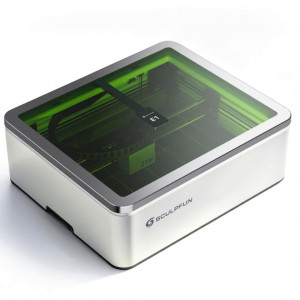
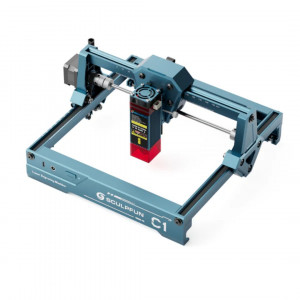
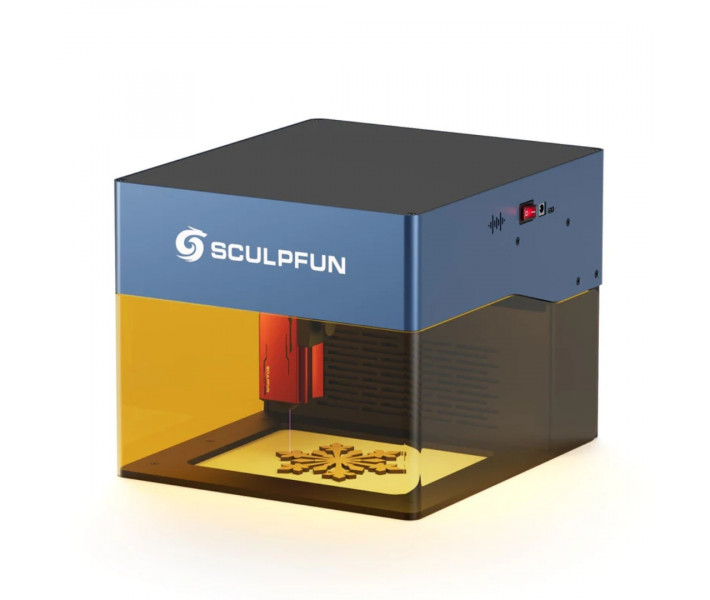
Compact Laser Engraver Sculpfun iCube Pro
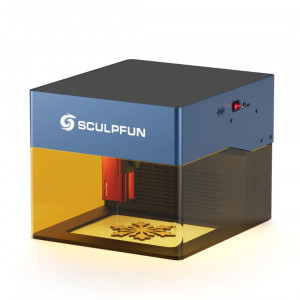
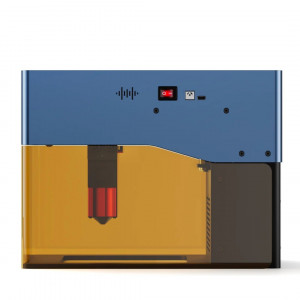
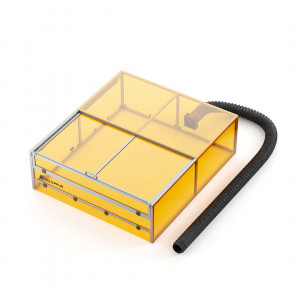
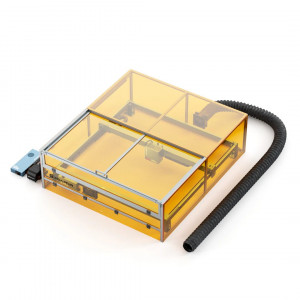
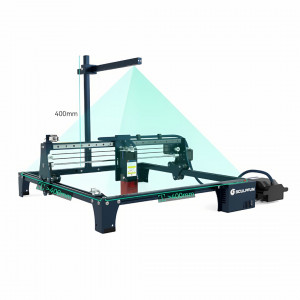
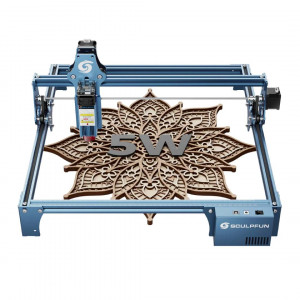
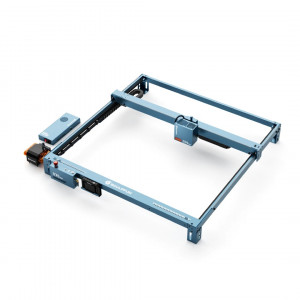
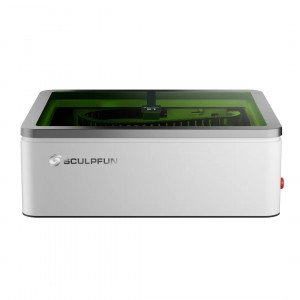
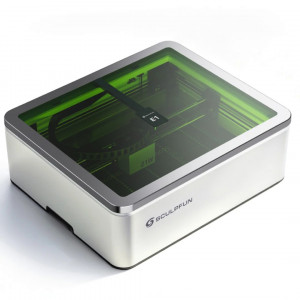
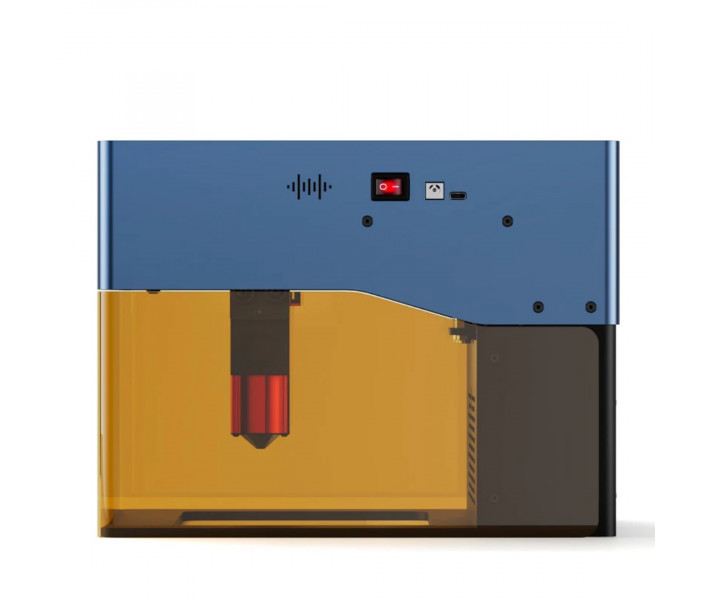
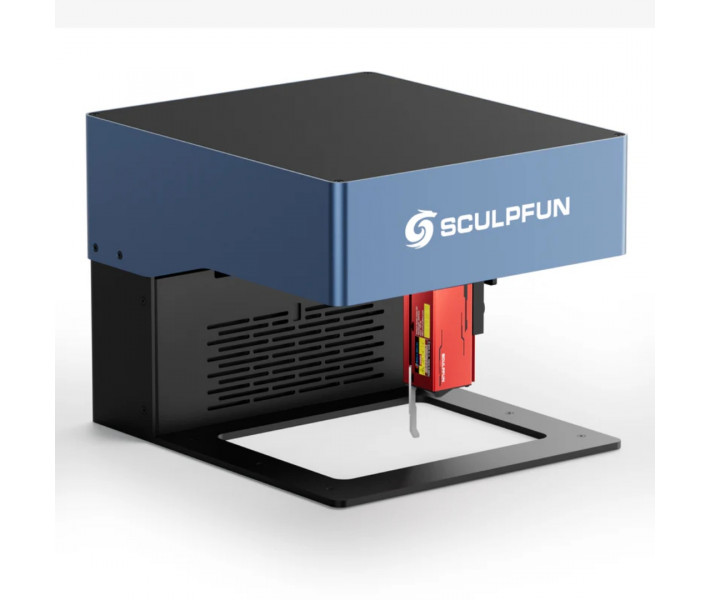
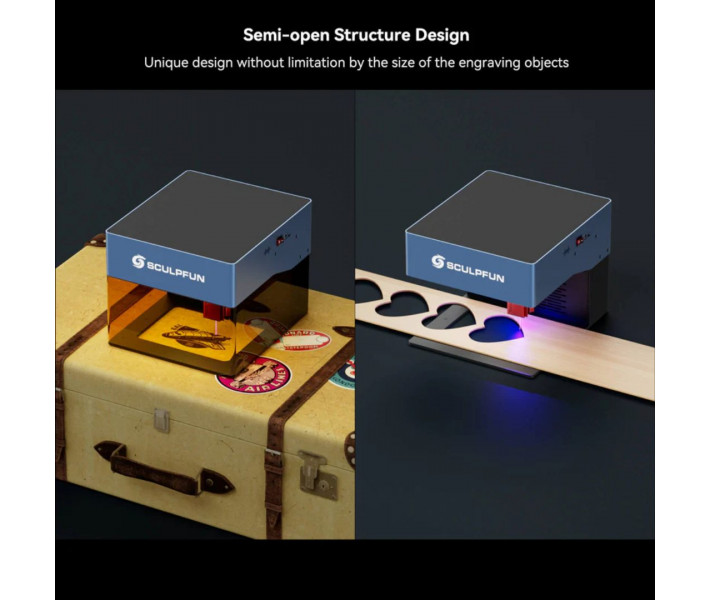
Sculpfun iCube Pro 5W is a compact desktop machine with a 5W module, a working area of 125 x 125 mm, and an integrated smoke filtration system. The 0.06 mm spot allows for precise reproduction of text, QR codes, and complex graphic elements, while a processing speed of up to 10000 mm/min is suitable for serial execution of typical tasks. The semi-open design expands the possibilities of working with large workpieces that extend beyond the internal space of the body.
Key Features of the Laser Engraver
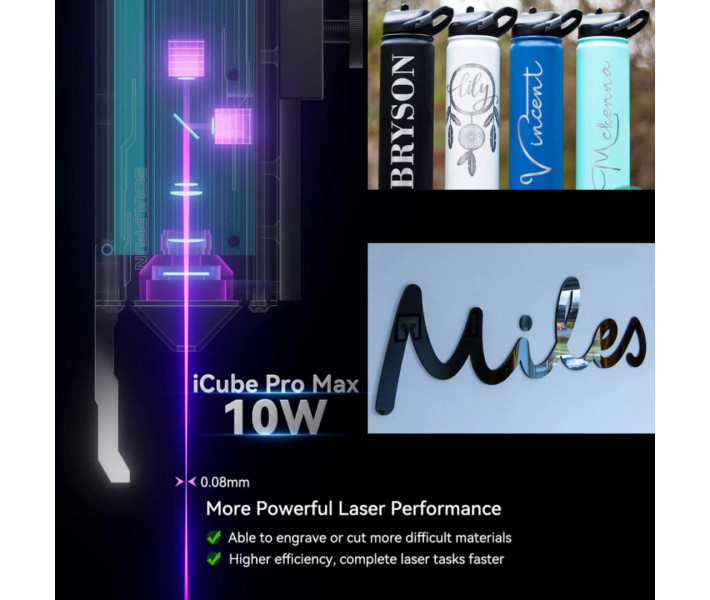
- Precise engraving of small elements. The 5W laser module forms a spot size of 0.06 mm. This allows for clear reproduction of text, QR codes, and graphics with a high level of detail.
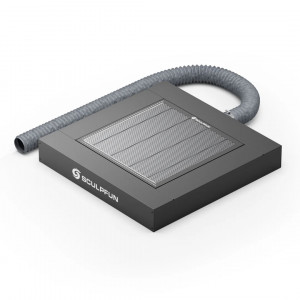
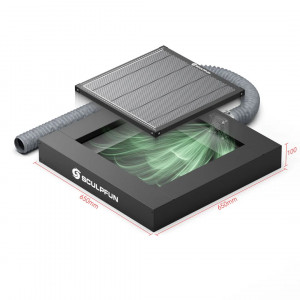
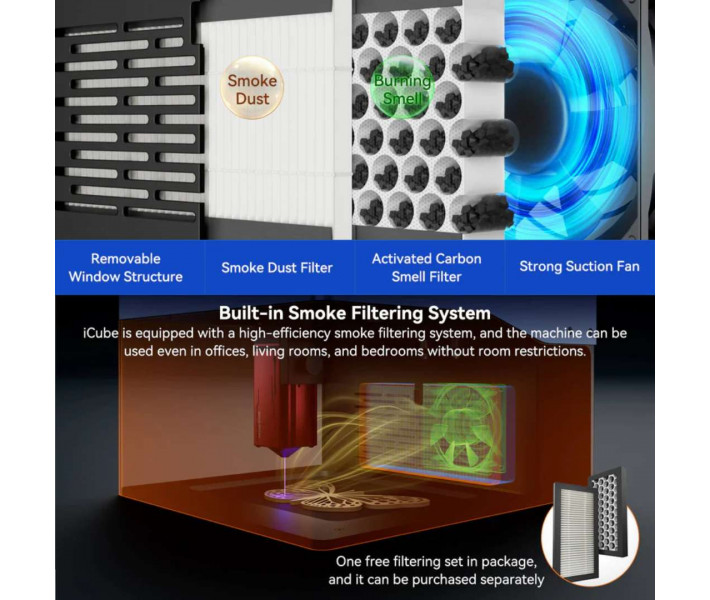
- Built-in air purification system. The body integrates a filter to capture smoke and combustion products. This solution increases comfort when working in a workshop or residential area.
- Processing speed up to 10000 mm/min. The 32-bit control board ensures fast project execution. This helps reduce the production time of serial products and souvenirs.
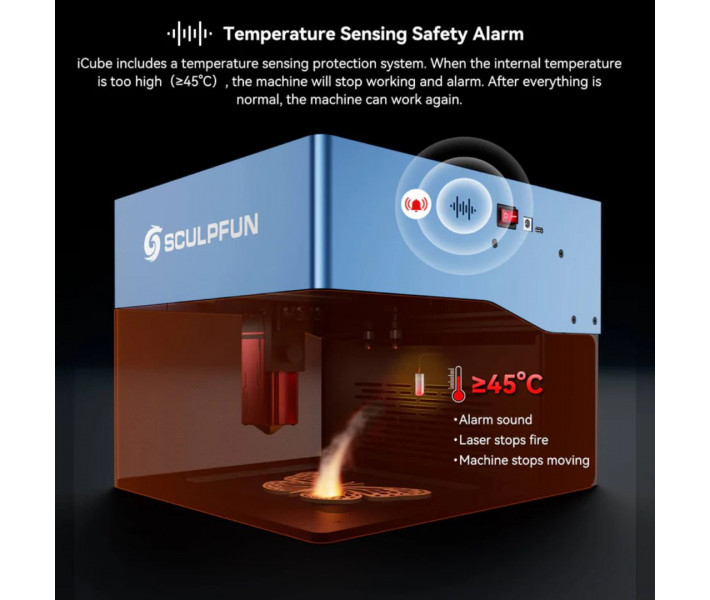
- Automatic overheating protection. The temperature sensor monitors the equipment's condition and activates when reaching 45 °C. In case of overheating, the system stops operation and emits a sound signal.
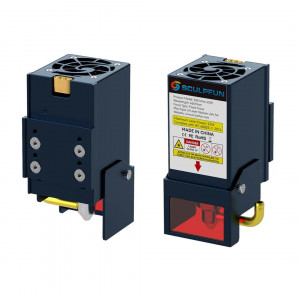
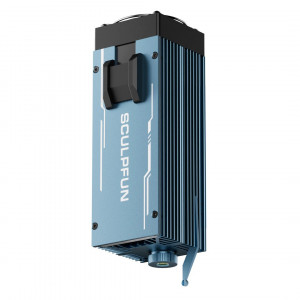
- Replaceable optical lens. The laser head design allows for lens replacement separately from the emitter. This simplifies equipment maintenance and helps maintain stable material processing quality.
- Working with large workpieces. The semi-open design does not limit the user by the internal space of the body. The device can be installed directly on large items for marking or decorative images.
Applications of Sculpfun iCube Pro 5W
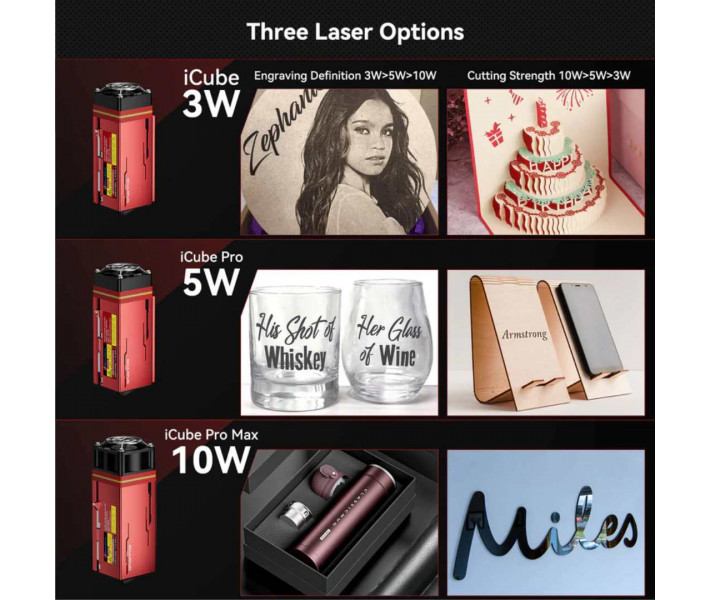
- Production of souvenir products. Suitable for applying logos, inscriptions, decorative elements, and personalized images on various materials.
- Working with wood. Allows engraving and cutting of plywood, wooden blanks, and decorative products.
- Acrylic processing. The laser module supports cutting acrylic up to 6 mm thick with appropriate settings.
- Product marking. Can be used for applying serial numbers, QR codes, barcodes, and technical information.
- Educational and creative projects. Suitable for creating models, decorative panels, models, and handmade products.
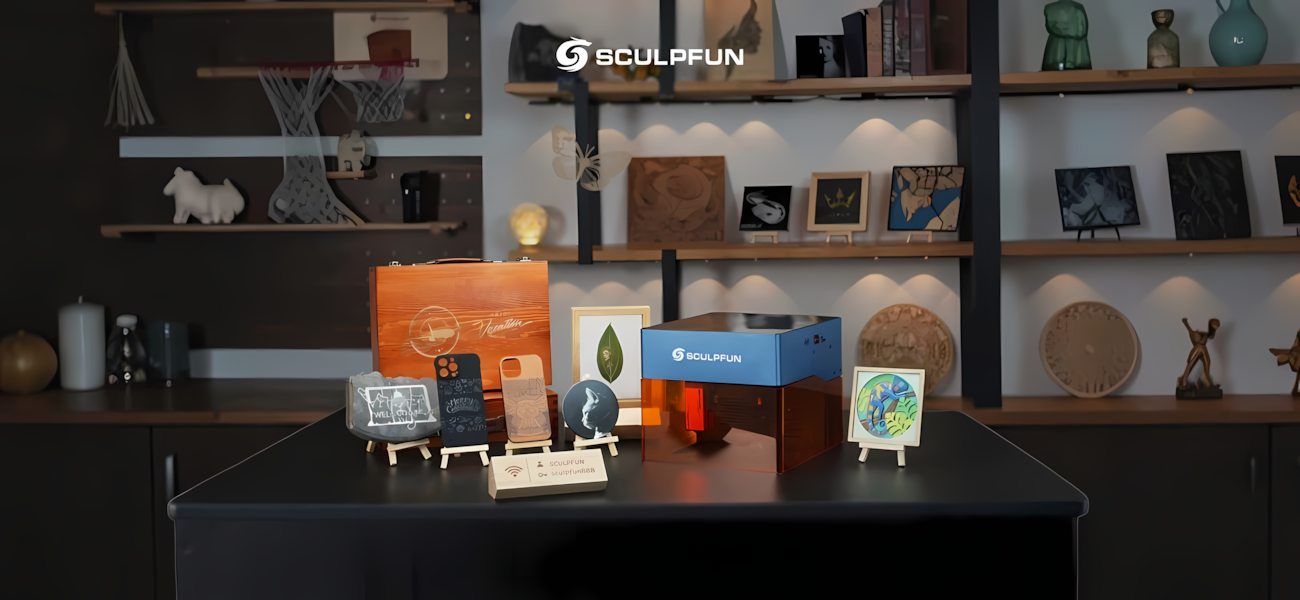
Materials for Working with Sculpfun iCube Pro 5W
Sculpfun iCube Pro 5W supports engraving and cutting of various materials depending on their properties and thickness.
- For engraving: wood, plywood, MDF, bamboo, leather, paper, cardboard, acrylic, ceramics, stainless steel, coated metals.
- For cutting: softwood up to 10 mm thick, acrylic up to 6 mm thick, plywood, MDF, cardboard, paper.
Actual results depend on the material's density, power settings, processing speed, and the number of laser passes.
Connecting and Starting Sculpfun iCube Pro 5W
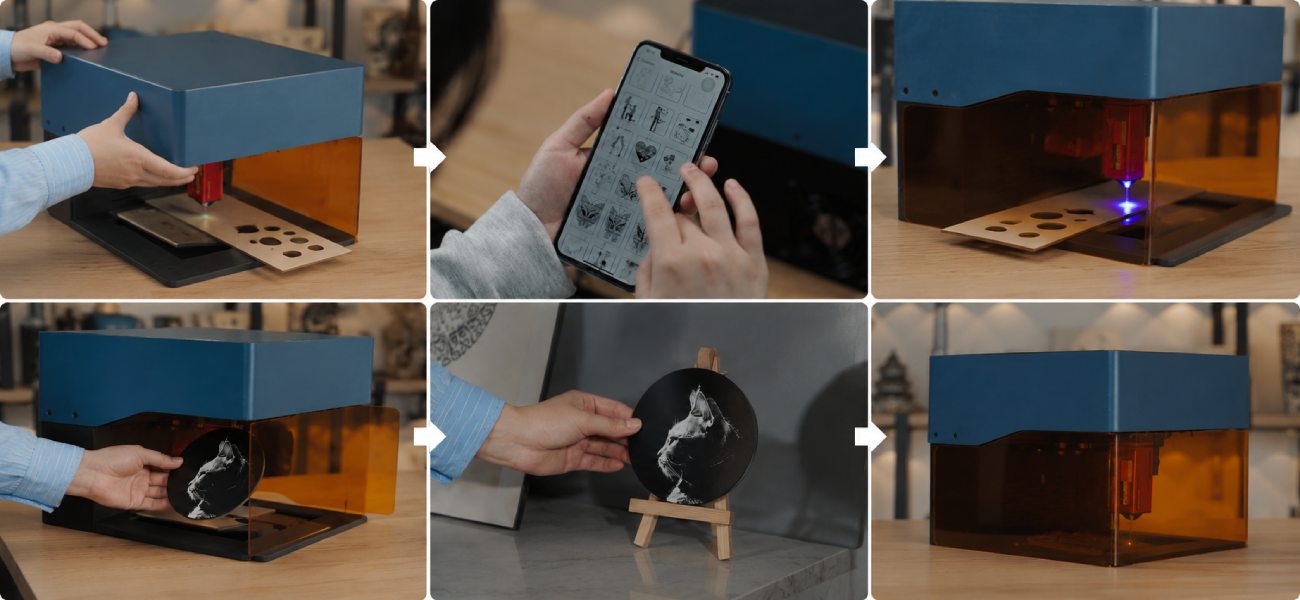
Before starting work, perform a few basic steps. This will help properly set up the equipment and achieve a quality result during the first material processing.
- Assemble and connect Sculpfun iCube Pro 5W according to the instructions.
- Place the workpiece in the working area and check the correct focal distance.
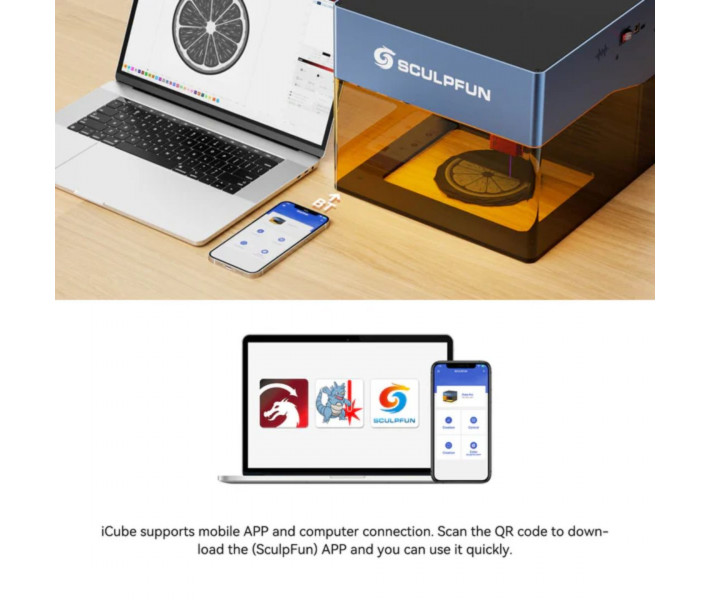
- Connect the equipment to a computer via Type-C or to a smartphone via the Sculpfun APP.
- Install LightBurn or LaserGRBL and import the layout for processing.
- Select power and speed parameters according to the material.
- Perform a test engraving on a sample to check the settings.
- After a successful test, start the main project.
For stable results, it is recommended to save verified settings for different materials in the software and regularly check and clean the laser module's optics as needed.
Package Contents of Sculpfun iCube Pro
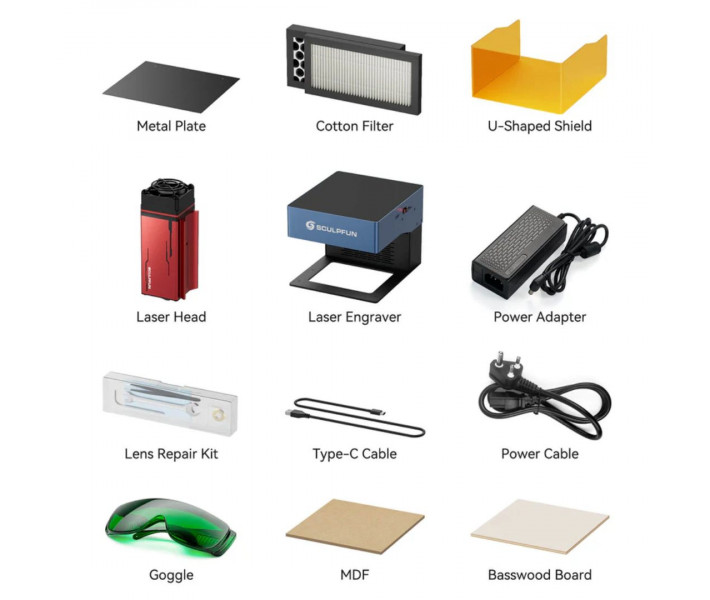
The supply package includes the main components for starting work and technical maintenance of the equipment. The set includes test materials, protective accessories, and tools for servicing the laser module.
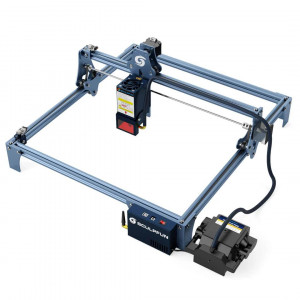
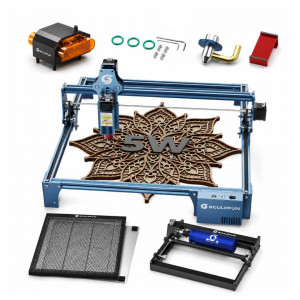
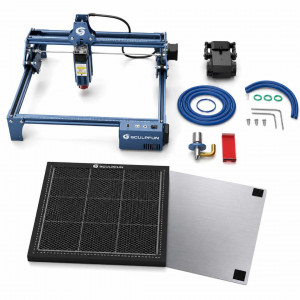
- Laser engraver Sculpfun iCube Pro 5W.
- U-shaped protective screen. Additional protection of the working area from laser radiation.
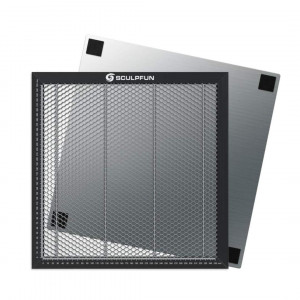
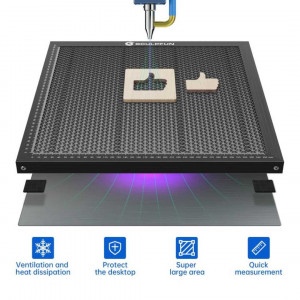
- Metal plate. Substrate under workpieces to protect the table surface.
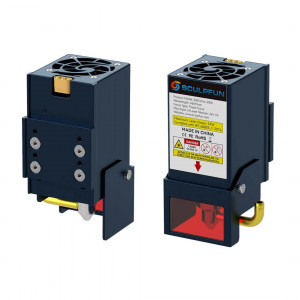
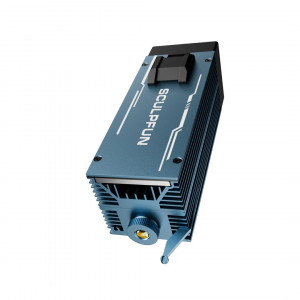
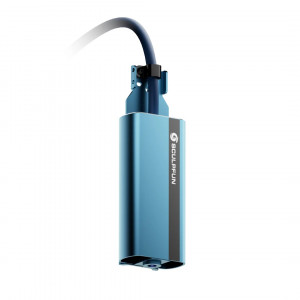
- Laser head. Working module with a 5W emitter.
- Power adapter. Power supply unit for the equipment.
- Power cable. Connecting the adapter to the power grid.
- Type-C cable. Connecting the engraver to a computer and data transfer.
- Set of cotton filters. Replaceable elements of the air purification system.
- Lens maintenance kit. Cleaning and care of the laser module's optics.
- Protective goggles. Additional eye protection during work.
- Linden plywood. Test workpiece for first projects.
- MDF board. Sample material for checking processing parameters.
- Installation instructions. Guide for assembling, connecting, and first starting the equipment.
Technical Specifications
| Specification | Value |
| Laser Type | Diode |
| Laser Power | 5 W |
| Wavelength | 455 nm |
| Laser Spot Size | 0.06 mm |
| Working Area | 125 x 125 mm |
| Maximum Speed | 10000 mm/min |
| Input Power | 60 W |
| Operating Current | 12 V 5 A |
| Optimal Focal Distance | 40 mm |
| Temperature Sensor | Activates at 45°C |
| Vertical Space | 50 mm |
| Fan Speed | 5000 rpm |
| Mobile App | Sculpfun APP |
| Supported Software | LightBurn, LaserGRBL |
| Supported OS | Win7, Win8, Win10, Win11, MAC, IOS, Android, Linux |
| Image Formats | JPEG, BMP, TIF, GIF, and others |
| Dimensions Netto | 262 x 300 x 226 mm |
| Weight Netto | 3.2 kg |
| Dimensions Brutto | 318 x 282 x 360 mm |
| Package Brutto | 4.75 kg |
Usage Tips
- Regularly check the condition of the protective lens and clean it from combustion products if necessary.
- When cutting thick materials, perform test passes to select the optimal power.
- Before serial production, perform test engraving on similar material.
Order Sculpfun iCube Pro 5W and create products with high detail. If you have any questions, our specialists will consult and help you choose the optimal solution for your tasks.