

- Stock: In Stock
- Product code: 00-00014992

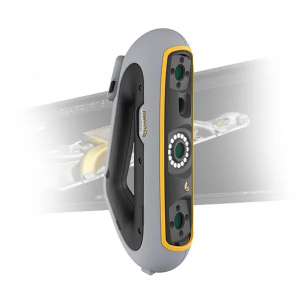
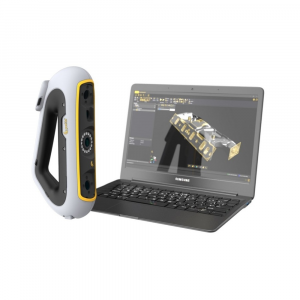
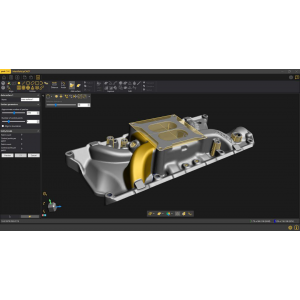
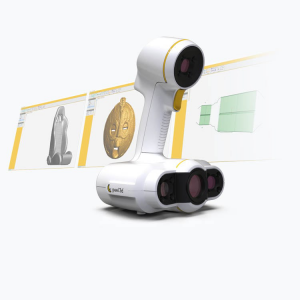
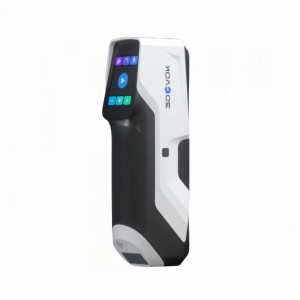
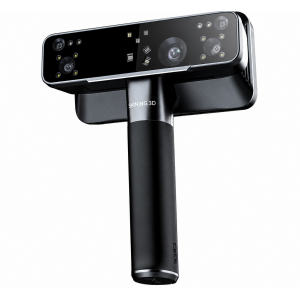
STEM Kit 3D Scanning Peel 3 helps students see how a real object transforms into a digital model. During lessons, students can scan parts, educational models, sculptures, and even a person, then view, measure, and edit the obtained models on a computer. This work combines technology, mathematics, computer science, design, and natural sciences and helps create a modern STEM laboratory according to the tasks of the Ministry of Education order No. 818.
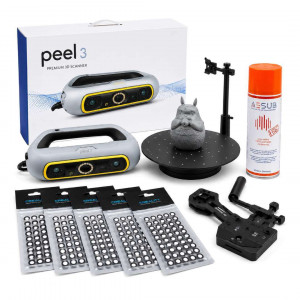
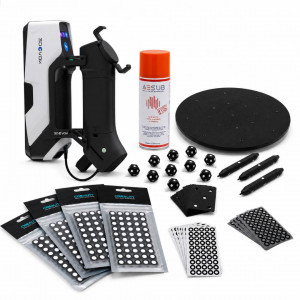
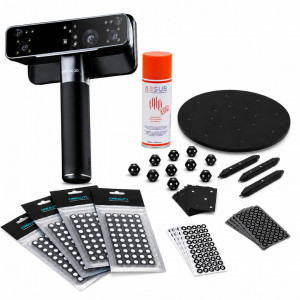
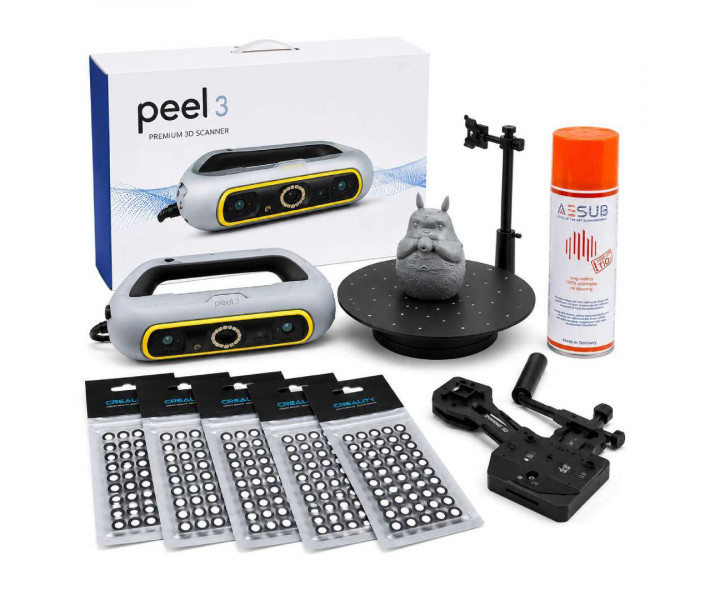
What's Included in the Kit
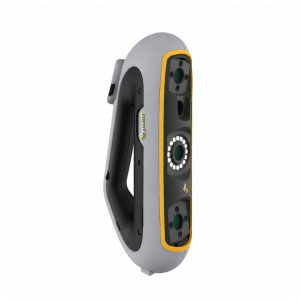
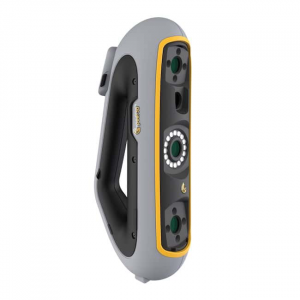
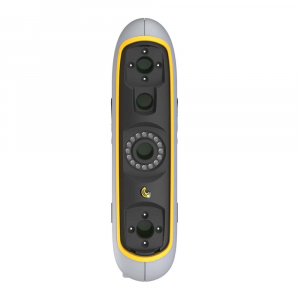
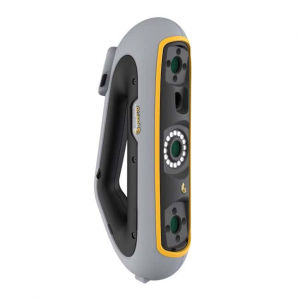
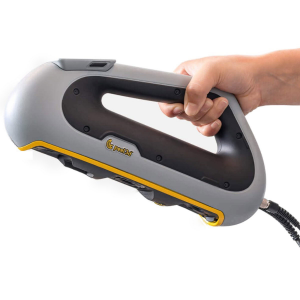
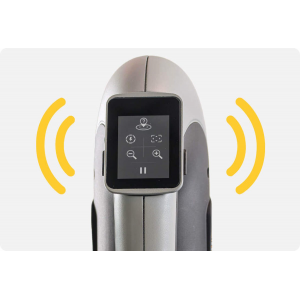
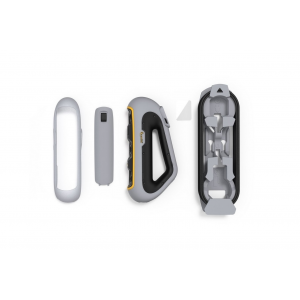
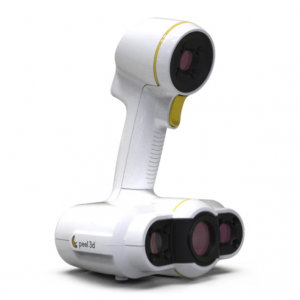
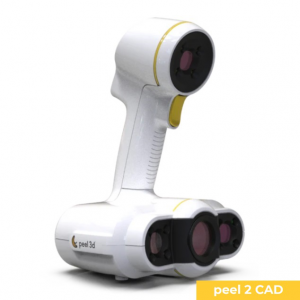
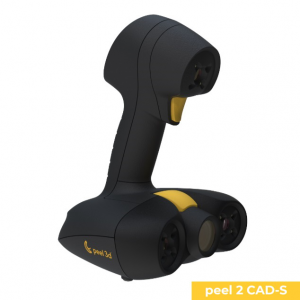
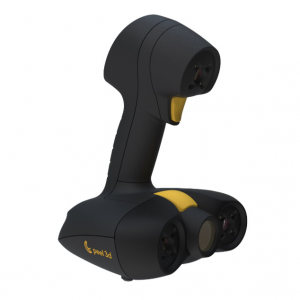
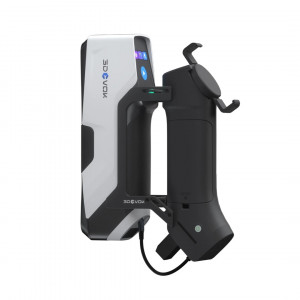
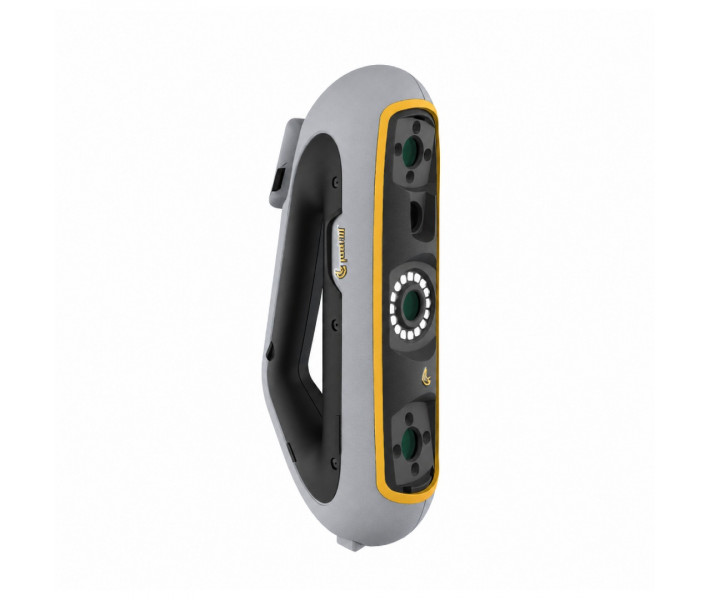
- 3D Scanner Peel 3D Peel 3 — 1 pc.
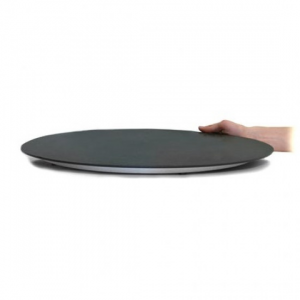
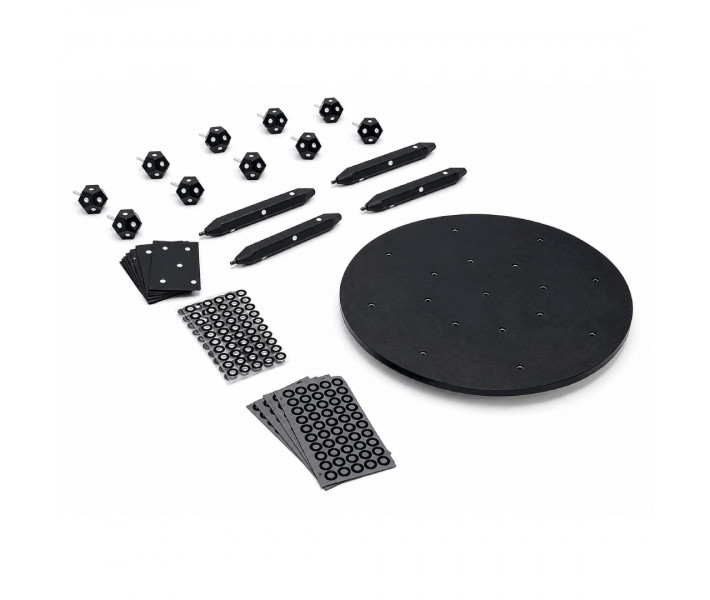
- SHINING 3D Accessories Pro Set — 1 pc.
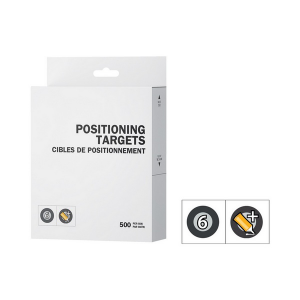
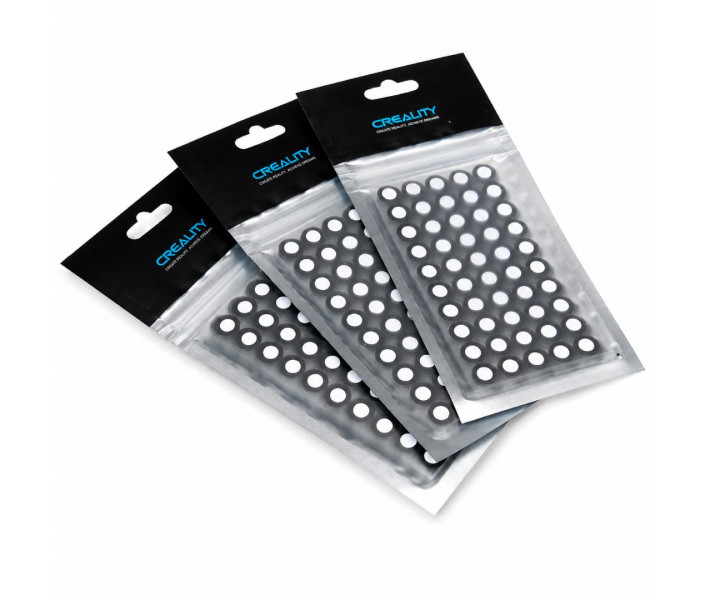
- Creality Markers Set for 3D scanning 6 mm, 1000 pcs. — 10 packs
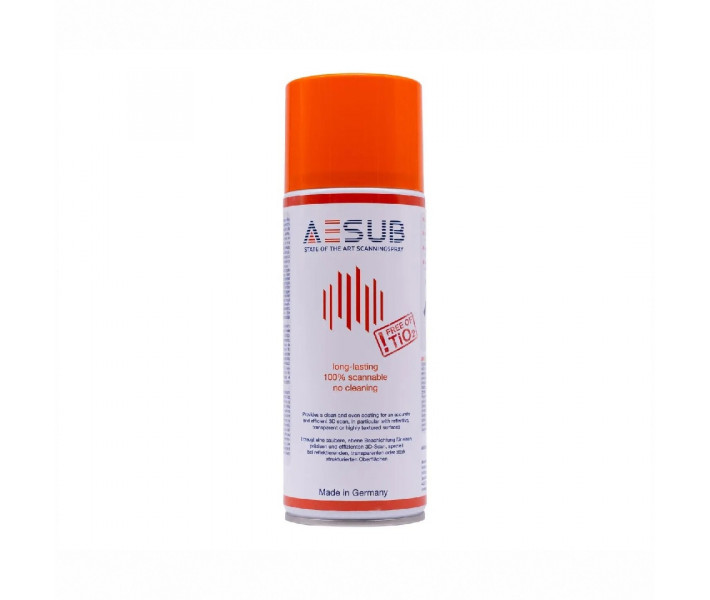
- 3D Scanning Spray AESUB Orange, 400 ml — 10 pcs.
All components of the set are presented as separate items. You can view their characteristics and configurations via the links.
Brief Description and Capabilities of Components
From Small Detail to Human Model
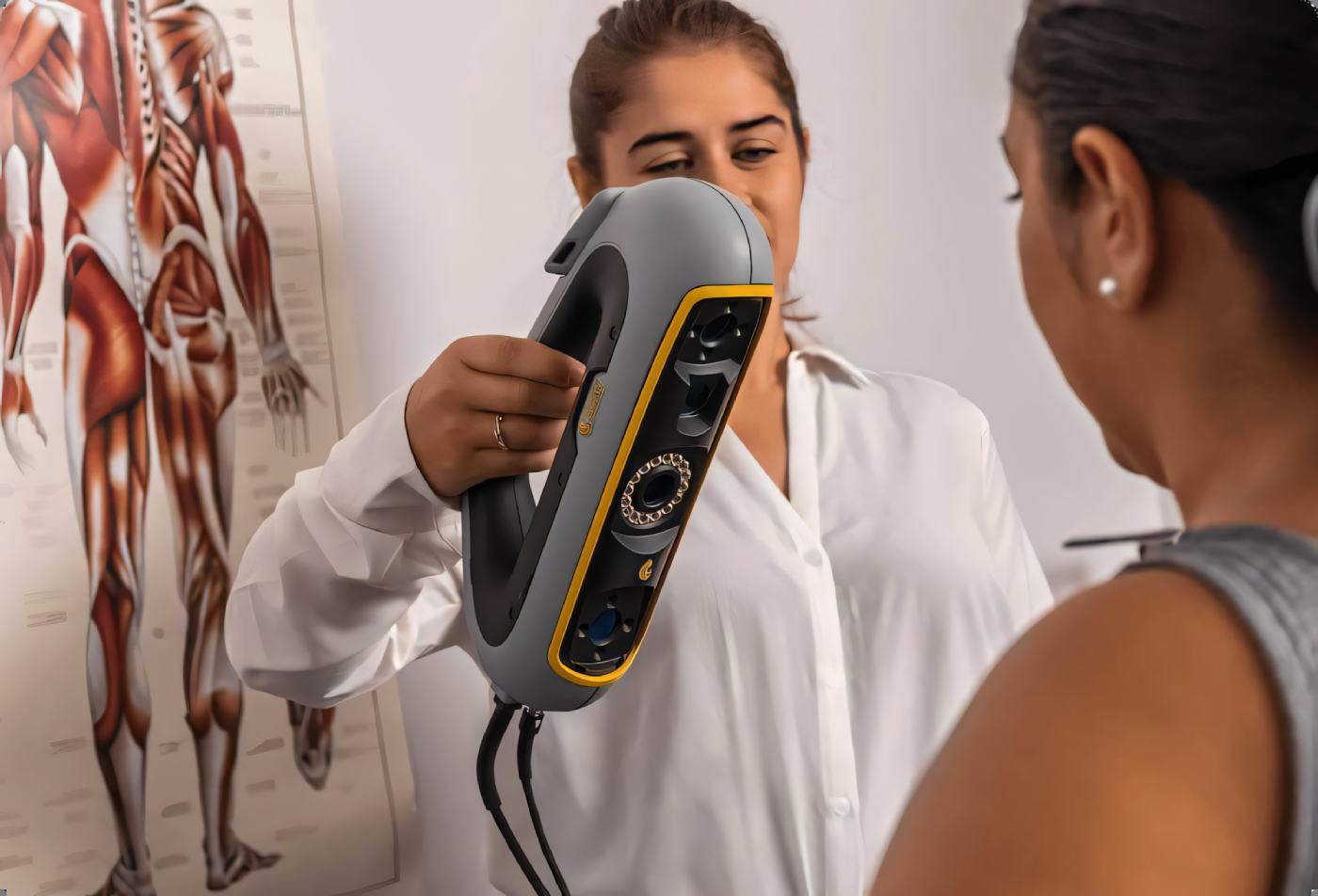
Peel 3 works with objects approximately from 10 cm to 3 m in size. Students can scan mechanical parts, school models, household items, sculptures, furniture elements, or a full-height human. The scanner captures the shape and color of the object, so the obtained model can be used for educational presentations, 3D printing, creating digital collections, and further editing. In technology lessons, students can scan a finished part, find its dimensions, and create a modified version. In biology classes, they can study the shape of the body or its parts. In art classes, they can digitize sculptures and student works, and in computer science, they can prepare models for animation, virtual exhibitions, or educational applications.
Working with the scanner teaches students to carefully study the shape of objects, check results, find errors, and work with digital data. Students see the complete path from a real object to a finished 3D model and better understand how such technologies are used by engineers, designers, architects, and developers.
Accessories for Teamwork
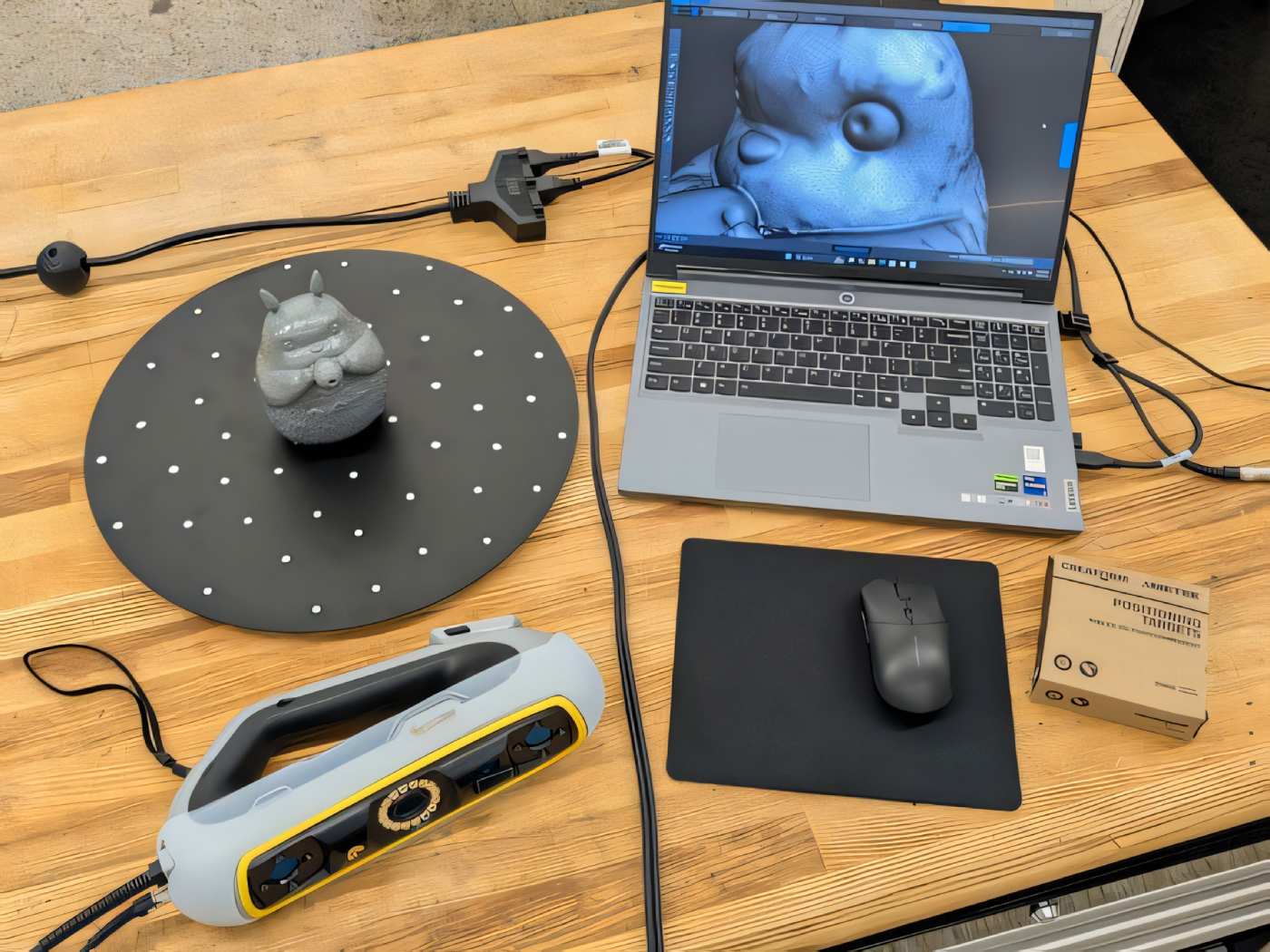
SHINING 3D Accessories Pro helps conveniently place small objects during scanning. Students can set the object on a turntable, scan it from different sides, and watch as a digital copy gradually forms on the screen. This simplifies conducting practical lessons in pairs or small groups.
Markers for More Accurate Results
Creality markers help the scanner maintain position on large, smooth, or similarly shaped surfaces. During work, students learn to properly prepare the object, place markers, and check if all its parts are included in the finished model. A stock of ten packs is suitable for regular lessons and team STEM projects.

Working with Shiny and Transparent Objects
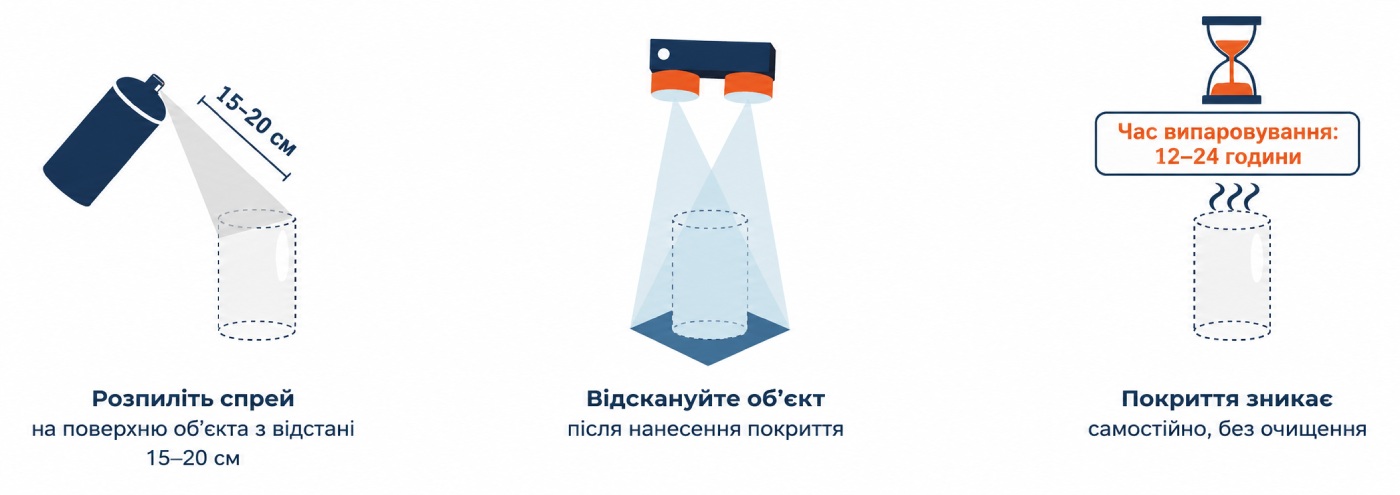
AESUB Orange temporarily makes shiny, dark, or transparent surfaces matte so the scanner can better recognize their shape. Thanks to this, students can work with metal, glass, and other complex objects, compare results before and after applying the coating, and practically study the effect of light on the 3D scanning process. The spray is used under the teacher's supervision and according to instructions.
Ideas for Lessons and STEM Projects
With the kit, students can create a digital exhibition of school exhibits, scan a historical item, prepare a part copy for 3D printing, develop a model for a school robot, or conduct research on symmetry and proportions. Such tasks develop spatial thinking, digital skills, teamwork, and interest in engineering professions.
Kit for a Modern STEM Classroom
Want to create a STEM laboratory for a school or lyceum? You can buy a turnkey STEM laboratory or choose this set for conducting practical 3D scanning lessons. Other equipment options are presented on the STEM Solutions page for educational institutions. 3DDevice managers will help select equipment for the STEM classroom, consider the educational tasks of the institution, and prepare a tender for the STEM laboratory.