- Stock: In Stock
- Product code: 00-00015564
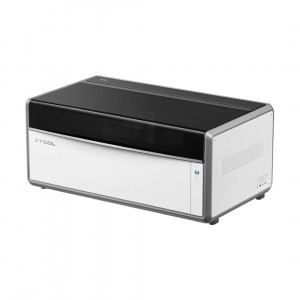
xTool X1 CMYK Module for Applying Full-Colour Images
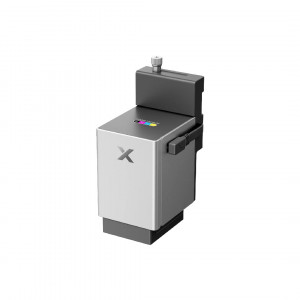
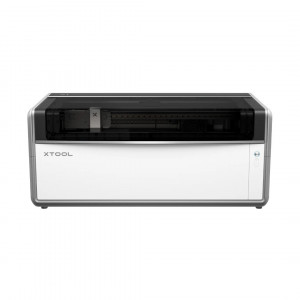
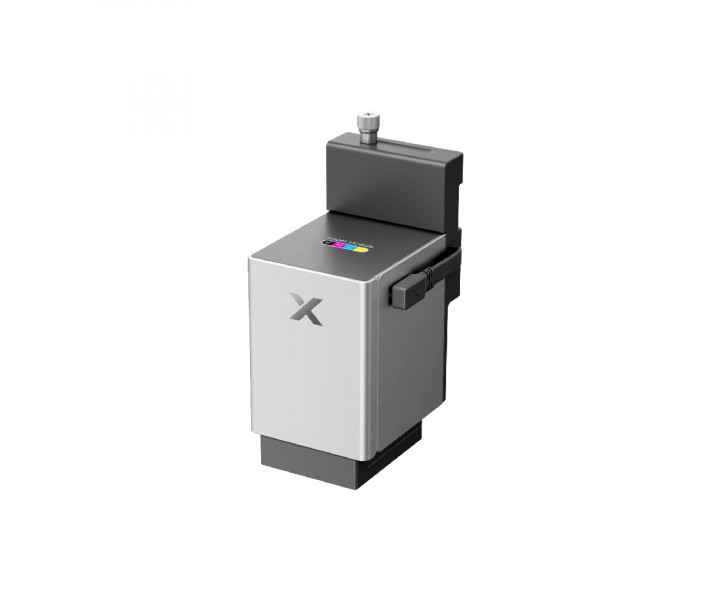
xTool X1 CMYK Inkjet Module - is an optional printing unit for the xTool X1 laser machine. It adds four-colour CMYK inkjet printing to the base machine configuration: Cyan, Magenta, Yellow, and Black. Using the module lets you apply colour graphics to compatible materials and combine printing with laser cutting or engraving within a single workflow.
Key Advantages of the xTool X1 CMYK Inkjet Module
- Adding full-colour printing to xTool X1. Users can apply colour images and text on top of an existing laser machine without buying a separate inkjet printer.
- Four-colour CMYK system. Combining four base colours reproduces multi-colour layouts, logos, and illustrations on compatible substrates.
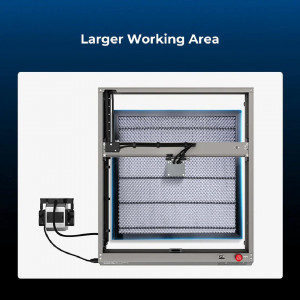
- Working area up to 475.33 × 300 mm. This format allows working with large blanks or placing several parts on the work field at once.
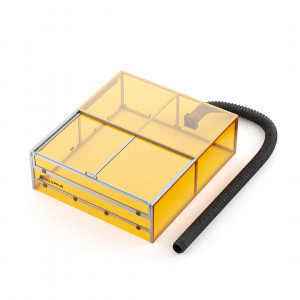
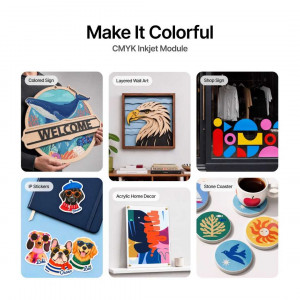
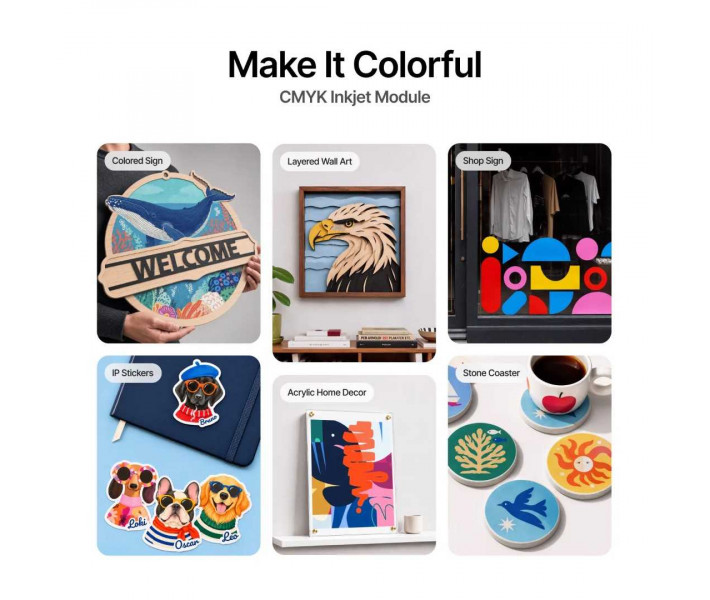
- Printing on various compatible materials. The CMYK module for xTool X1 suits wood, acrylic, fabric, paper, self-adhesive labels, and other surfaces when preparation requirements are met.
- Combining printing with laser cutting and engraving. A single workflow lets you print colour graphics first, then perform accurate contour cutting or engraving on the xTool X1.
- Control via xTool software. Layout preparation, calibration, positioning, and process launch all happen within the xTool Software environment.
- Creating personalised products. The xTool X1 inkjet module helps produce labels, souvenirs, cards, textile inserts, and decorative items in small batches or single pieces.
Materials for Inkjet Printing
The module creates colours by mixing water-soluble Cyan, Magenta, Yellow, and Black inks to form required shades and details on the surface. There is no dedicated white ink, so light areas depend on the material's colour, and shades appear less vivid on dark bases. This printing suits wood, acrylic, fabric, paper, self-adhesive labels, and other compatible xTool X1 surfaces, with final print appearance depending on substrate absorption, texture, and colour.
- Direct printing. Suits surfaces that accept water-soluble ink properly without extra coatings, such as paper or certain self-adhesive labels.
- Primer pre-treatment. Non-absorbent or smooth materials, including acrylic, may require applying a special primer for better ink adhesion.
- Effect of absorption and texture. Untreated wood and coarse fabric surfaces absorb part of the ink, making colours look less saturated and fine details on textured surfaces less sharp.
Water-soluble ink is not waterproof by default. Printed items are not intended for washing, and resistance to moisture, friction, scratches, or sunlight depends on the specific material and any post-processing method specified in the manual.
Working Area and Combining Printing with Laser Processing
Maximum printing area is 475.33 × 300 mm. This figure defines the colour image area and is not the machine's dimensions or maximum workpiece length. Full-colour printing on the xTool X1 pairs well with laser processing in one project, such as printing a colour design onto acrylic, wood, or label stock first, then laser-cutting along a set contour or engraving extra details.
Software and Print Control
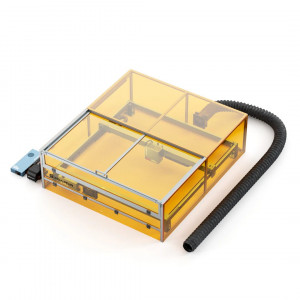
xTool Software combines layout preparation and print module control, letting you align digital artwork accurately with the actual material position on the workbed.
Several steps are required during task preparation and execution:
- Installing the module on the xTool X1.
- Connecting the machine to a computer and software.
- Calibrating the print module.
- Selecting Lift platform processing mode.
- Selecting the material and adjusting processing parameters.
- Updating the background image and measuring distance.
- Placing the graphic object on the work field.
- Selecting Four-color inkjet head as the processing module.
- Previewing the working area and starting the process.
Calibration, distance measurement, and background updates help prevent misalignment between the printed image and subsequent laser cutting or engraving lines.
Print Module Design and Maintenance
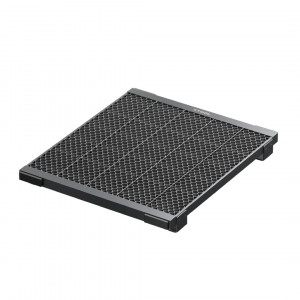
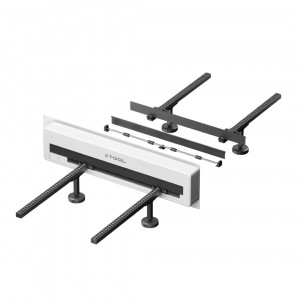
The print module mounts onto the xTool X1 structure using a dedicated mounting plate and connects via its corresponding cable. A plate for flexible materials, magnetic clamps, and test-print elements are included for positioning and holding blanks. Install the CMYK cartridge into its slot only when the equipment is powered off.
Proper care keeps ink flow steady and nozzles in good condition:
- After printing finishes, put the bottom protective cap back in place.
- Keep the sponge inside the bottom cap moist using the included liquid or an alternative allowed by the manual.
- Do not leave the printhead uncovered for long without its protective cap.
- Do not touch nozzles or cartridge metal contacts with your hands or foreign objects.
- Replace a soiled test pad when needed.
Technical Specifications of the xTool X1 CMYK Inkjet Module
| Parameter | Value |
| Compatible equipment | xTool X1 |
| Printing technology | Inkjet printing |
| Colour system | CMYK (Cyan, Magenta, Yellow, Black) |
| Ink type | Water-soluble ink |
| Maximum working area | 475.33 × 300 mm |
| White ink support | None |
| Conveyor feeder support | Simultaneous operation with Automatic Conveyor Feeder is not supported |
| Operating temperature | 15–35 °C |
| Operating humidity | 40–60% |
What's Included with the xTool X1 CMYK Inkjet Module
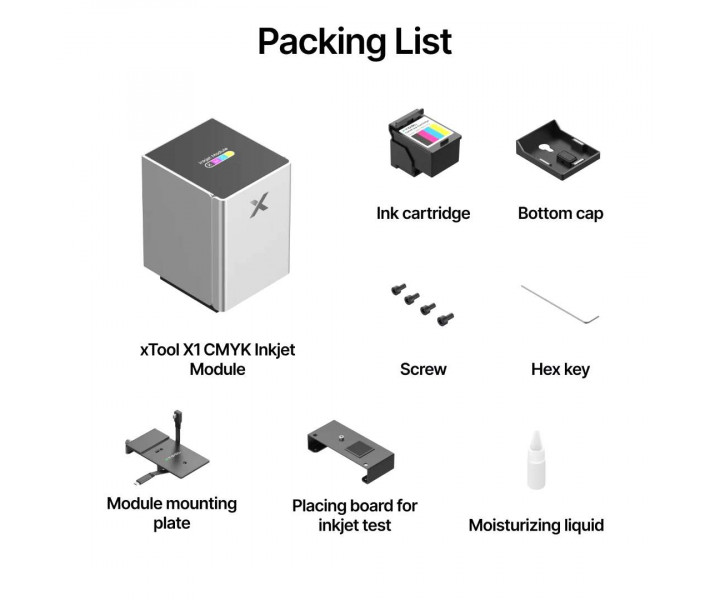
The delivery kit includes the module itself, a cartridge, mounting hardware, and items for calibration and basic maintenance.
- xTool X1 CMYK inkjet print module - 1 pc. Performs full-colour CMYK printing on compatible materials.
- Cartridge - 1 pc. Contains four-colour ink for producing prints.
- Bottom cap - 1 pc. Protects the printhead between work cycles and helps keep it in proper condition.
- Screws - 4 pcs. Used to secure mounting hardware during installation.
- Hex key - 1 pc. Used for tightening and loosening mounting screws during assembly.
- Module mounting plate - 1 pc. Serves to securely attach the print module to the machine structure.
- Test print plate - 1 pc. Used to position blanks during inspection and test printing.
- Moisturising liquid - 1 pc. Designed to maintain moisture in the printhead protection area during storage.
Buy the xTool X1 CMYK Inkjet Module
Order the xTool X1 CMYK Inkjet Module to expand your laser equipment capabilities and add full-colour image transfer onto products. Contact our specialists if you need advice on compatibility and usage details.
|
Main Parts |
Wearable Parts |
Consumables and Accessories |
| Circuit board, motor, laser head, camera, guide rail, rotary attachment (if included), etc. | Timing belt, blade holder, mirror, lens, etc. | Material for processing, smoke exhaust pipe, user manual, packaging, utility knife, screwdriver, base plate, cable for rotary attachment (if included), risers for rotary attachment (if included), cutting mat, etc. |
| 24 months | 3 months |
Warranty does not apply |
| Extended warranty can be purchased | ||