We use cookies and other tracking technologies to improve the website, personalize content, and analyze traffic. You can adjust your settings in the settings.
Necessary cookies enable core functionality of the website. Without these cookies the website can not function properly.
Statistic cookies help website owners to understand how visitors interact with websites by collecting and reporting information anonymously.
A set of cookies to collect information and report about website usage statistics without personally identifying individual visitors to Google.
Marketing cookies store user data and behavior information, which allows advertising services to target more audience groups.
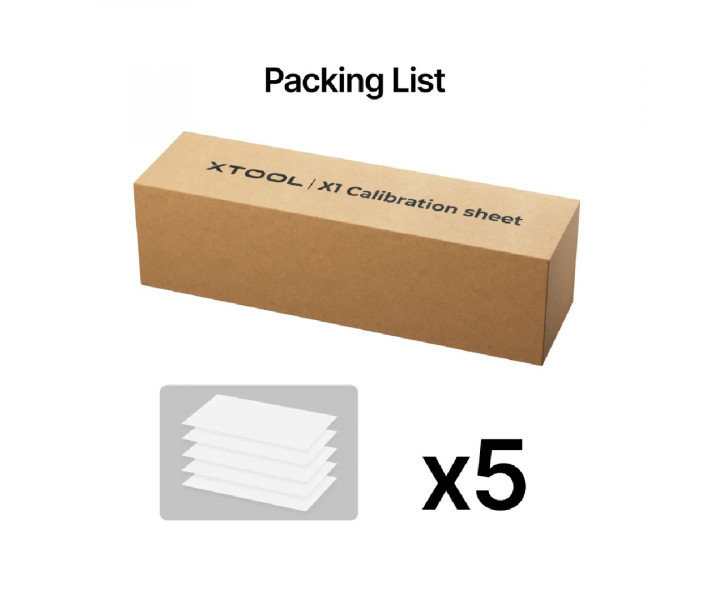
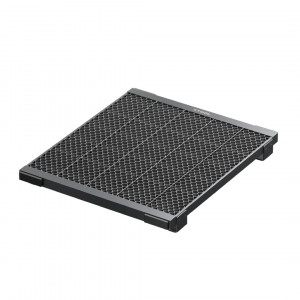
xTool X1 Calibration Sheet for Precision Equipment Setup
xTool X1 Calibration Sheet is designed for calibrating cameras and coordinate positioning on the laser machine. A special pattern is used during automatic calibration, helping the system correctly determine the working area and processing coordinates. The paper is also used to restore accuracy after transport, vibration, or prolonged equipment use.
Advantages of the xTool X1 Calibration Sheet
Automatic calibration. Used to align cameras and coordinate paths within the machine's working area.
0.2 mm calibration accuracy. This automatic calibration figure is stated by the manufacturer. It is not a specification of the paper's accuracy itself or of laser engraving.
Full working area calibration. Helps coordinate camera operation and coordinate positioning across different sections of the work zone.
Restoring positioning accuracy. The paper can be used during recalibration after transport, exposure to vibration, or long-term operation.
Dedicated calibration pattern. Use paper made for the xTool X1 for the procedure. Plain paper is not a tested substitute and may cause a calibration error.
What the xTool X1 Calibration Sheet Is For
Calibration paper is used during initial machine setup, as well as whenever recalibration is needed. After moving the equipment, prolonged use, or exposure to vibration. It is also required when running camera calibration through xTool software. For configurations with multiple laser sources, alignment of their operation for joint processing is supported.
How to Use the Calibration Sheet
Camera calibration is performed through xTool software.
Connect the xTool X1 to the software and open device settings.
Go to the Calibration section and start Camera Calibration.
Prepare the calibration paper and masking tape to secure it.
Remove the protective film from the paper, if fitted, and place it on the work platform. The top-left corner of the paper should align with the top-left corner of the platform, and the edges should be parallel.
Make sure the sheet lies flat, without creases, dirt, or lifted edges. Secure it with masking tape.
Confirm paper placement in the software, close the machine lid, and start measurement according to the software instructions.
Wait for processing and calibration to finish. Do not open the lid while the procedure is running.
Once finished, remove the calibration paper following the on-screen instructions.
Technical Specifications
Parameter
Value
Compatible equipment
xTool X1 laser machine
Purpose
Camera and coordinate positioning calibration
Automatic calibration accuracy
0.2 mm
Sheet size
615 × 320 mm
Pack quantity
5 sheets
Features
Full working area calibration, alignment of multiple laser sources when compatible modules are fitted
Buy the xTool X1 Calibration Sheet in Ukraine
Order xTool X1 calibration paper as a separate pack with delivery across Ukraine. If you need help choosing paper to match your laser machine bundle, contact our consultants.
Key Parameters
TypeCalibration sheet
FeaturesUsed for xTool X1 camera/optical calibration
Material for processing, smoke exhaust pipe, user manual, packaging, utility knife, screwdriver, base plate, cable for rotary attachment (if included), risers for rotary attachment (if included), cutting mat, etc.
xTool X1 Calibration Sheet for Precision Equipment Setup
xTool X1 Calibration Sheet is designed for calibrating cameras and coordinate positioning on..
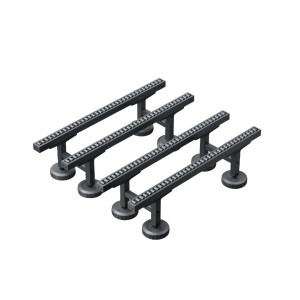
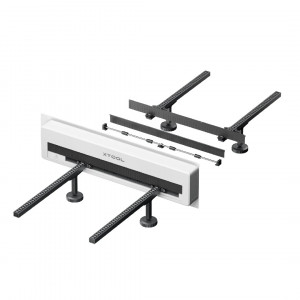
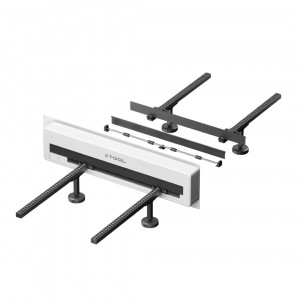
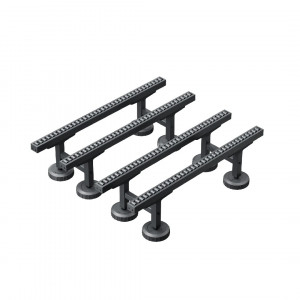
xTool X1 Guide Rail for Automatic Material Feeding
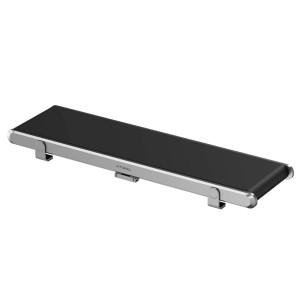
xTool X1 Conveyor Rail - is a conveyor guide rail designed to expand the automatic material feedin..
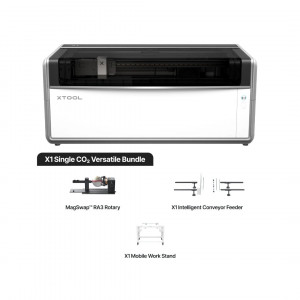
xTool X1 Single CO2 Versatile Bundle Laser Machine for Cutting and Engraving
xTool X1 Single CO2 Versatile Bundle - is a laser machine with a 55 W CO..
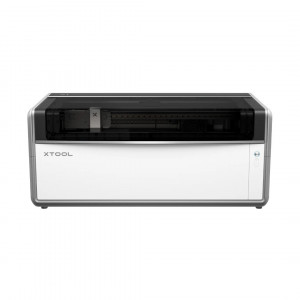
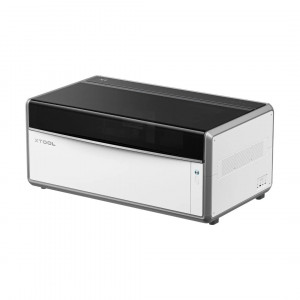
xTool X1 Single CO2 Standalone Laser Machine for Cutting and Engraving
xTool X1 Single CO2 Standalone is a laser machine with a 55 W CO₂ source for c..
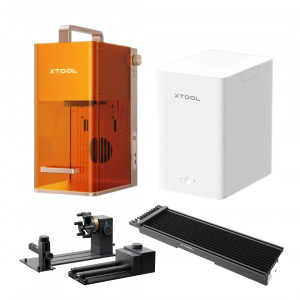
xTool F2 Deluxe Bundle Premium Package — is a ready-made kit for launching laser engraving and cutting in a STEM lab. The set allows students to quick..
A universal solution for serial production in laser engraving
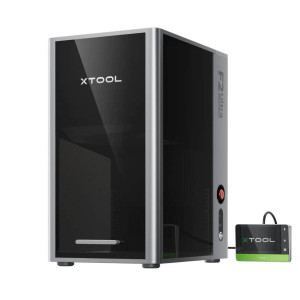
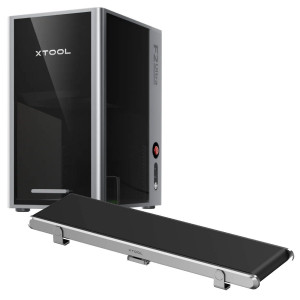
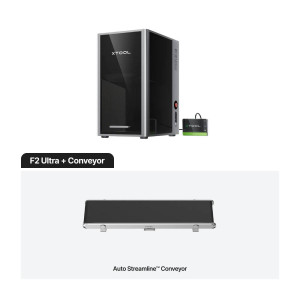
The xTool F2 Ultra kit with two lasers and the Auto Streamline Conveyor system is a pro..
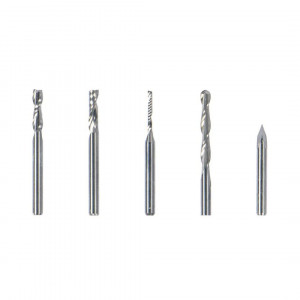
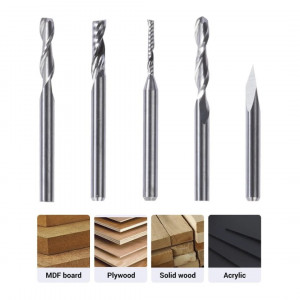
CNC Bits Set of Five Cutters for Cutting and CarvingCNC Bits (5 Bits) is a set of CNC cutters designed for rough machining, cutting 2D contours, formi..
Multi-Level Filtration System KitAir Filter Combo is a set of three replacement filters for the Bambu Lab Smoke Purifier air cleaner. It removes fine ..
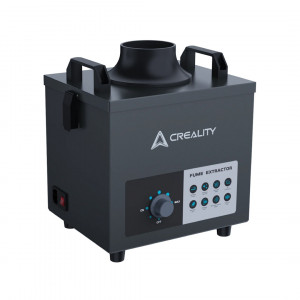
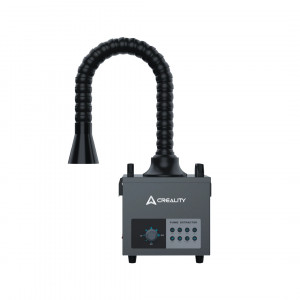
Air Purifier for Laser EngravingCreality Fume Extractor is a compact air purification system designed to absorb smoke, fine dust, and unpleasant odors..
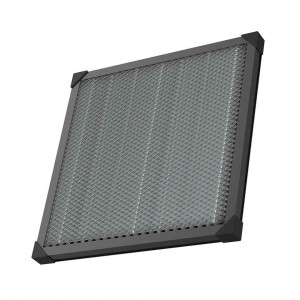
Creality Honeycomb Workbench 500x500 Exhaust System for Laser EngraverCreality Honeycomb Workbench is a platform for laser cutting and engraving, desi..
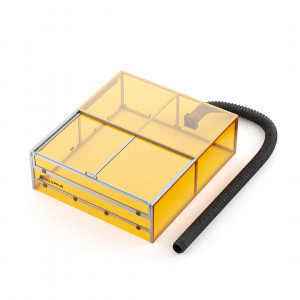
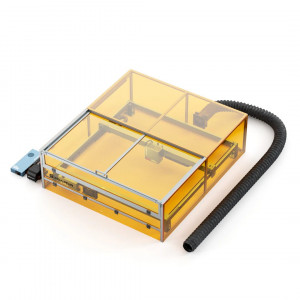
Sculpfun B70 Protection of the Work Area During Laser Cutting and EngravingSculpfun B70 Enclosure — is a protective enclosure for a laser engraver, de..
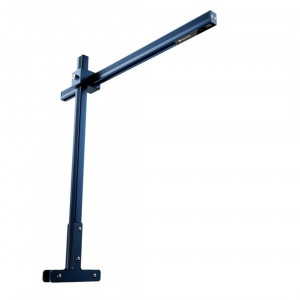
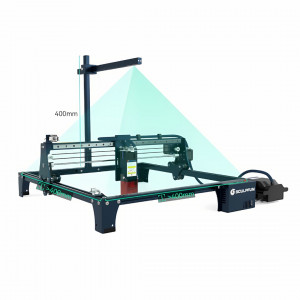
Precise Positioning of Blanks Using the SCULPFUN CAM500 CameraSculpfun CAM500 is a camera for laser engravers, designed for precise positioning of bla..
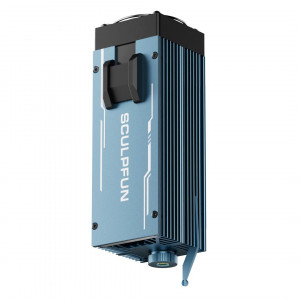
Laser Module 1064 nm for Engraving Metals and PlasticsSculpfun IR-2 is an infrared laser module with a power of over 2W, designed for engraving metals..
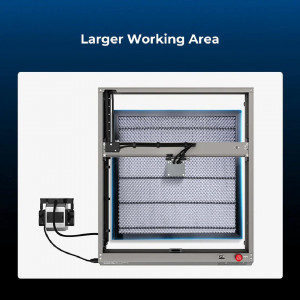
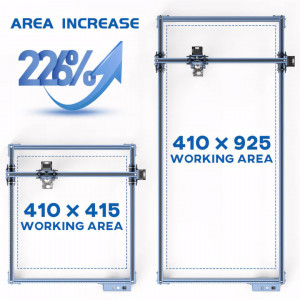
Expansion of the Processing Area to 410 x 925 mm for Sculpfun S6/S9Sculpfun Area Expansion Kit is an expansion kit designed for laser engraving and cu..
xTool X1 Guide Rail for Automatic Material Feeding
xTool X1 Conveyor Rail - is a conveyor guide rail designed to expand the automatic material feedin..