

- Stock: In Stock
- Product code: 00-00014068

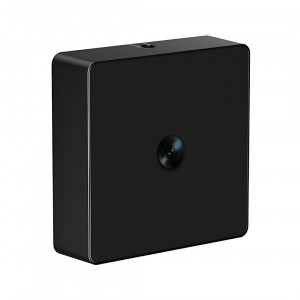
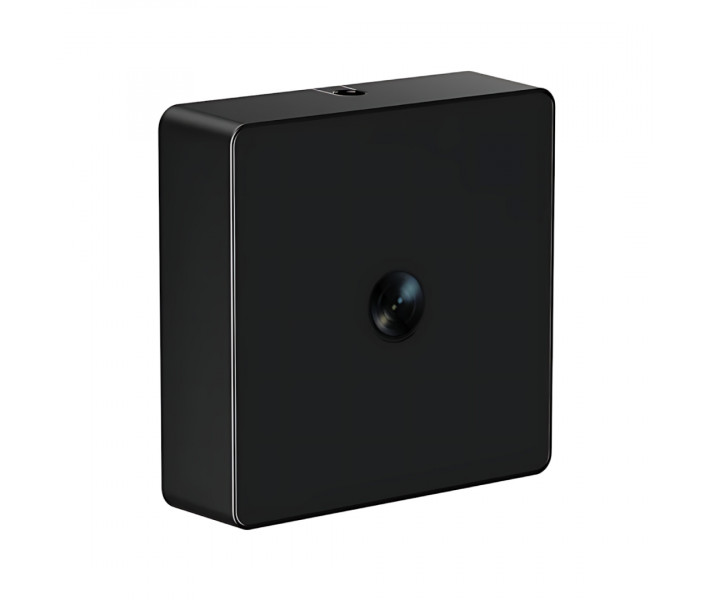
SCULPFUN 5-megapixel camera for the iCube Ultra series
SCULPFUN iCAM is a digital camera module for the iCube Ultra laser engraver, designed for precise layout positioning, workpiece control, and alignment automation. The device is equipped with a 5-megapixel sensor, streams the work area in real-time, and fully integrates with the LightBurn software. After calibration, the error is less than 1 mm, and the contour recognition feature allows for quick processing of complex-shaped parts.
Main Advantages of SCULPFUN iCAM
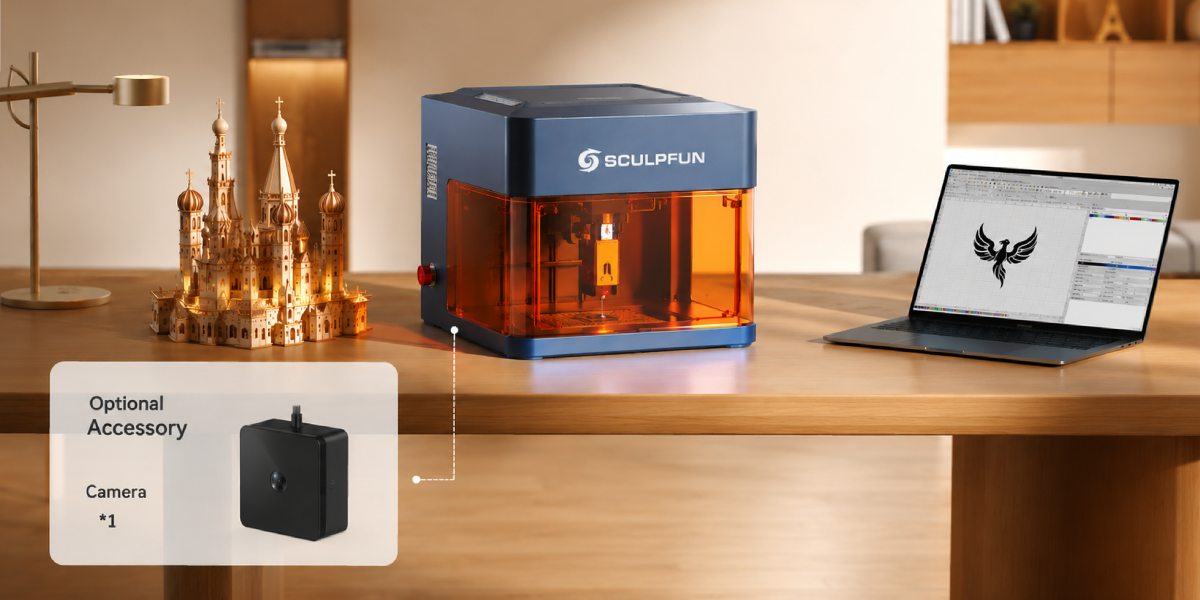
- LightBurn Support. Allows you to see the workpiece directly in the program's workspace.
- High Accuracy. After calibration, the error is less than 1 mm.
- 5 MP Sensor. The SCULPFUN iCAM camera provides a clear image for precise layout placement and serial engraving.
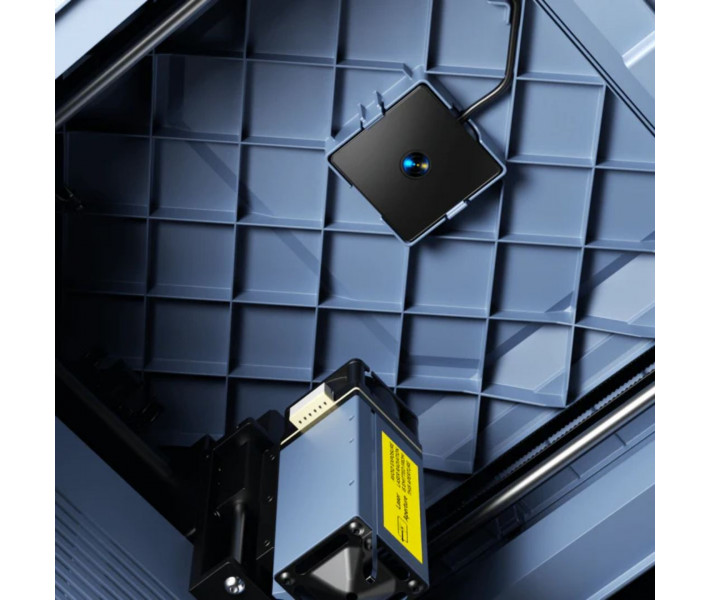
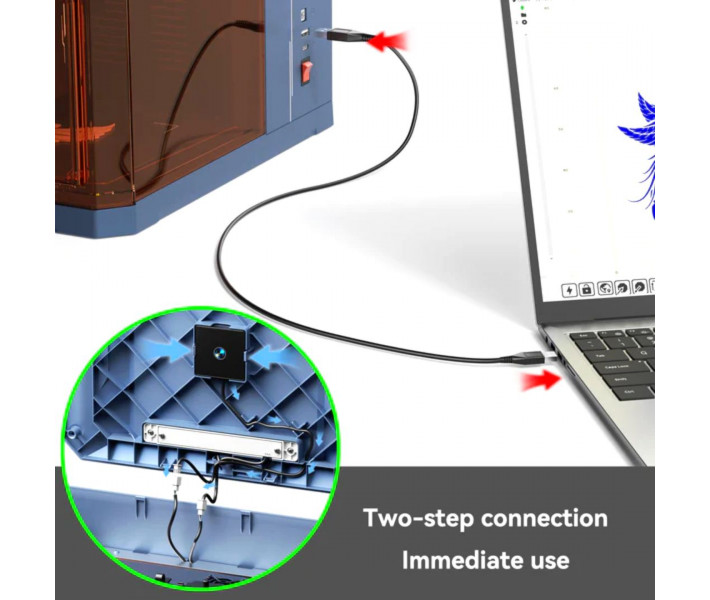
- Easy Connection. SCULPFUN iCAM is installed without additional adapters and modifications to the engraver's design.
- Object Contour Work. After calibration, the camera allows using the contour recognition feature in LightBurn for working with complex-shaped products.
Compatibility with SCULPFUN iCAM
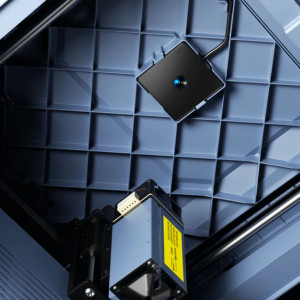
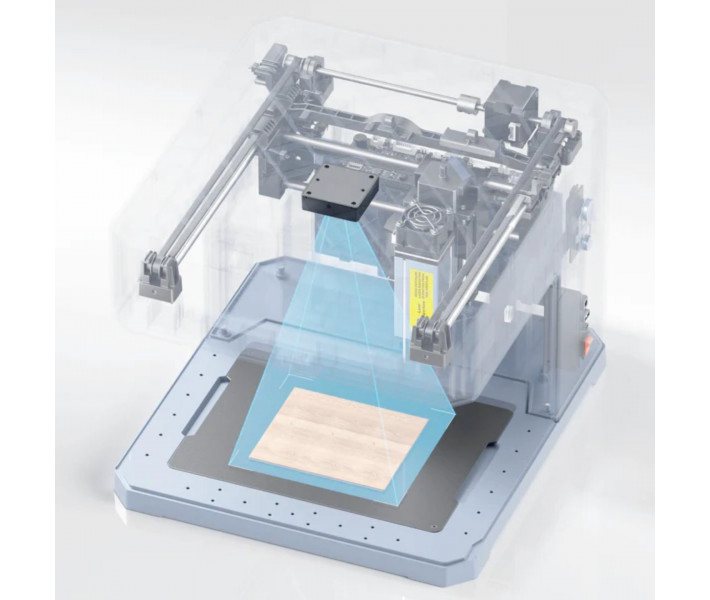
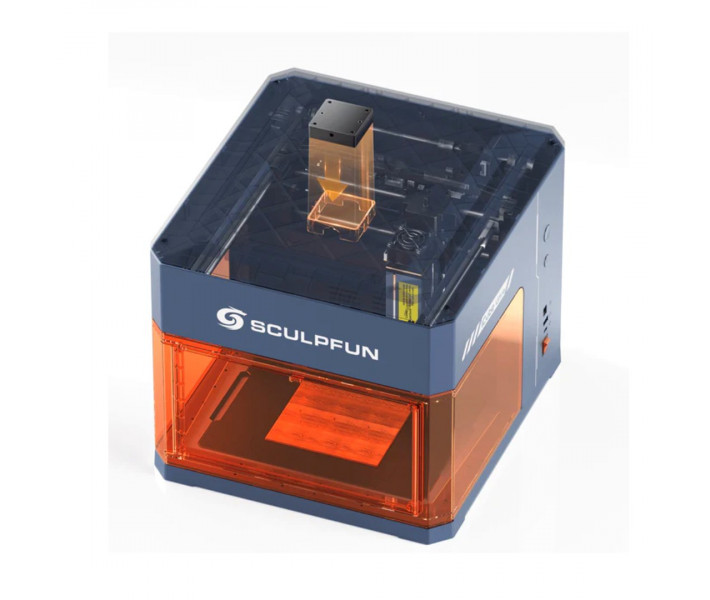
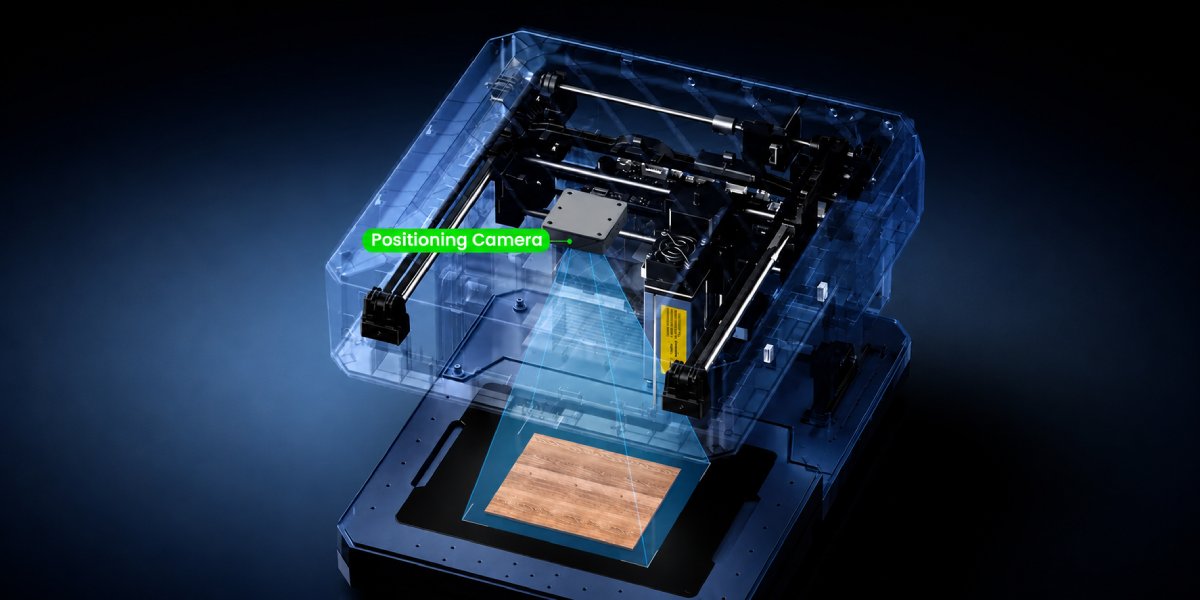
The SCULPFUN iCAM module is designed specifically for the iCube Ultra series. The mounting locations, viewing angle, and frame capture zone are tailored to the design of this laser machine.
SCULPFUN iCAM is installed without additional adapters. After installation, the camera helps control material placement and task preparation.
Camera Operation with LightBurn
SCULPFUN iCAM is compatible with the LightBurn software, allowing the engraver's work area to be displayed directly on the screen. After calibration, layouts can be quickly placed on workpieces and their placement checked before starting.
The camera supports Camera Alignment and Camera Capture functions in LightBurn, simplifying layout preparation and working with finished products. The contour recognition feature in LightBurn is also available for working with tokens, keychains, plaques, and other non-standard shaped products.
During serial engraving, the module helps prepare a batch of parts faster, reduce setup time, and minimize errors during layout placement.
Image Quality and Accuracy
The SCULPFUN iCAM module is equipped with a 5-megapixel sensor with a resolution of 2592 x 1944 pixels. This is sufficient for accurately displaying the work area and controlling the placement of small elements.
The lens with a focal length of 1.79 mm has a wide viewing angle, allowing it to cover the entire engraving area. After calibration, SCULPFUN iCAM helps accurately place layouts even when working with small details.
Installation and Connection of the Camera for iCube Ultra
- Install the Camera. Secure the camera inside the SCULPFUN iCube Ultra according to the manufacturer's instructions.
- Connect the Cable. Connect the camera to the machine using the included cable.
- Launch LightBurn. After connecting, check if the SCULPFUN iCAM camera is correctly displayed in the software.
- Perform Calibration. Use the calibration templates from the kit to set up the camera in LightBurn.
- Set Up the Work Area. Define the boundaries of the work zone and check the correct display of the workpiece on the screen.
- Check Camera Operation. Place a test layout and ensure its position matches the actual placement on the worktable.
SCULPFUN iCAM Package Contents
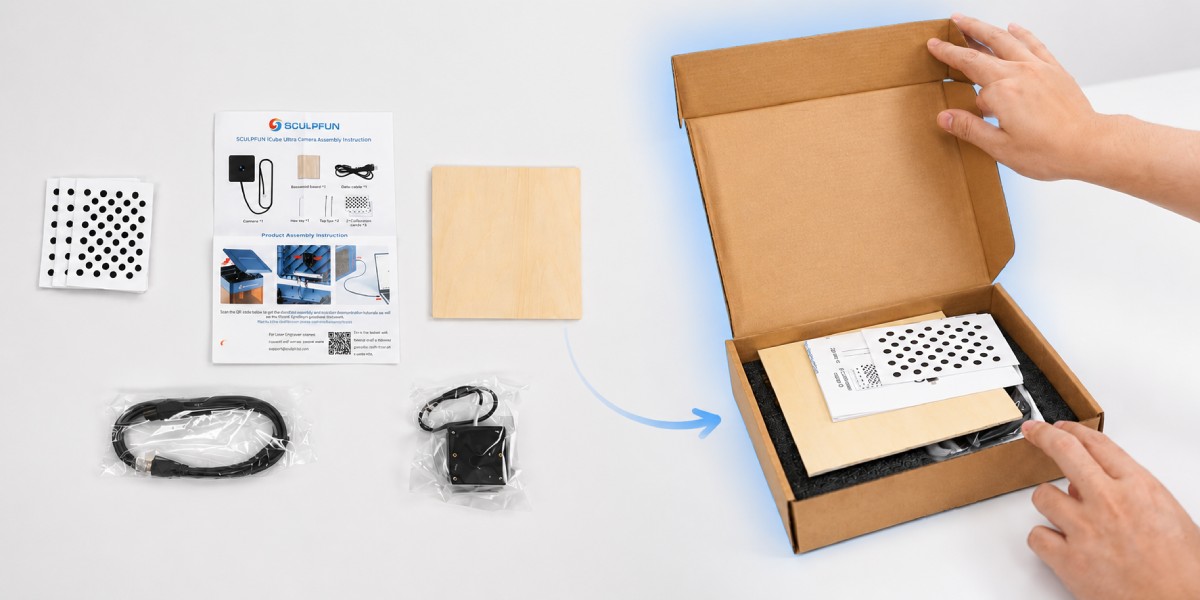
- SCULPFUN iCAM Camera. The main module for working with camera functions in LightBurn.
- Connection Cable. For connecting the camera to the laser engraver.
- Beech Plywood Sheet. Used for testing after camera installation and setup.
- Three Calibration Sheets. Designed for camera setup in LightBurn.
- User Manual. Contains installation and setup recommendations.
Technical Specifications
| Specification | Value |
| Product Name | SCULPFUN iCube Ultra Camera Module |
| Model | iCAM |
| Camera Dimensions | 50 x 50 x 15 mm |
| Camera Resolution | 5 MP |
| Maximum Resolution | 2592 x 1944 |
| Focal Length | 1.79 mm |
| Aperture | F2.4 |
| Supported Software | LightBurn |
| Gross Weight | 0.2 kg |
| Gross Package Dimensions | 218 x 180 x 55 mm |
| Compatibility | SCULPFUN iCube Ultra |
Working with SCULPFUN iCube Ultra without a camera? Enhance your engraver with the SCULPFUN iCAM module and manage layout placement directly in LightBurn.