

- Stock: In Stock
- Product code: 00-00013978

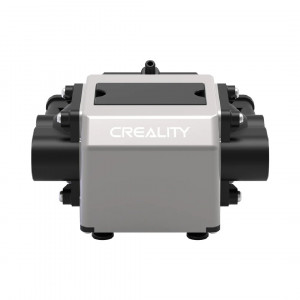
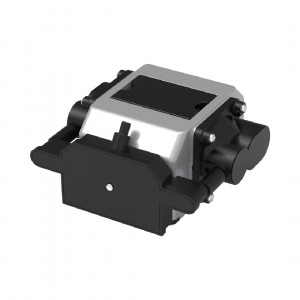
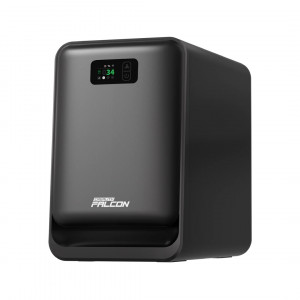
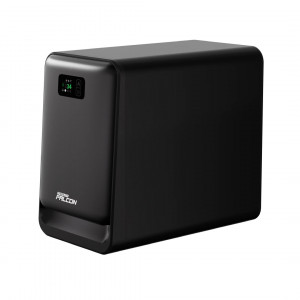
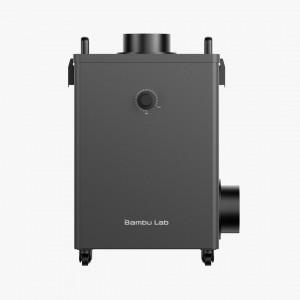
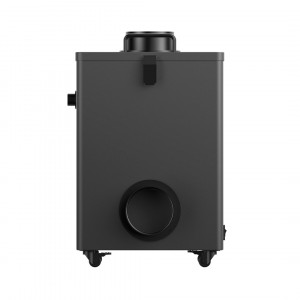
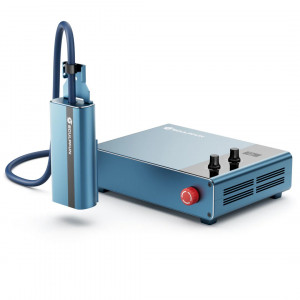
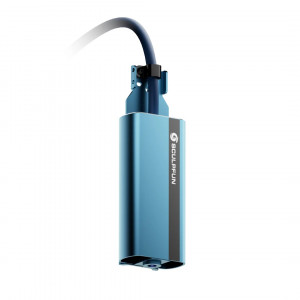
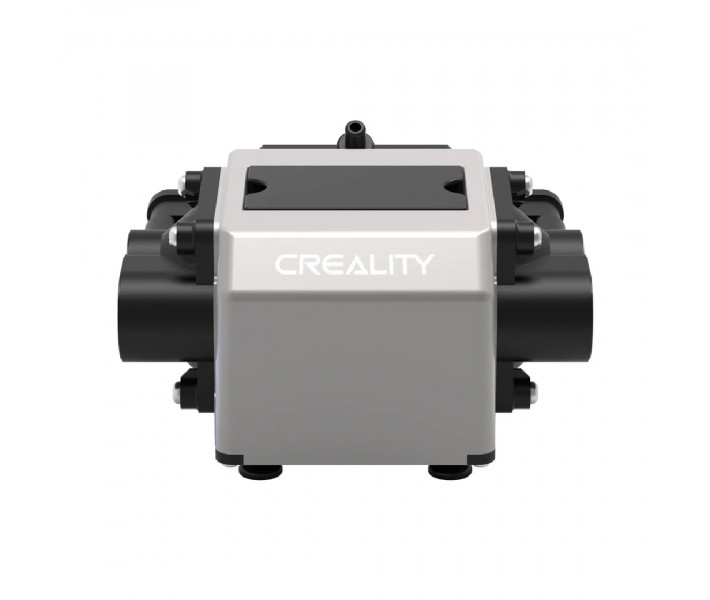
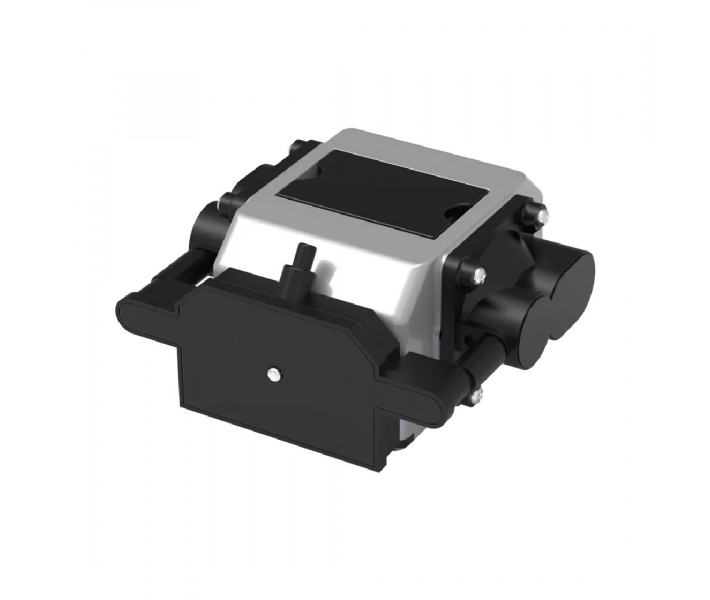
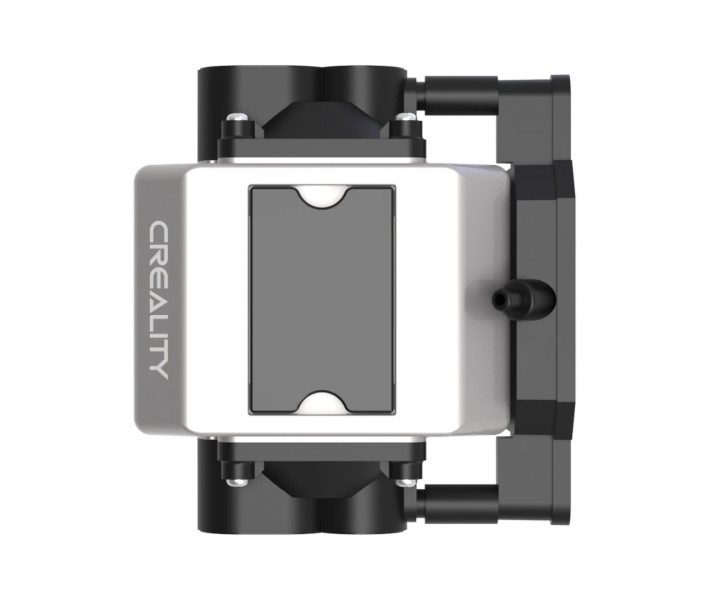
Creality Air Assist Kit for Laser Engraver
Air Assist Kit is an air supply system for laser engravers designed to optimize thermal material processing through adjustable forced airflow into the working area. The device creates a stable airflow that effectively displaces combustion products, prevents charring, and protects optical elements from premature contamination. With a flow rate of 22 L/min and an operating pressure of 30 kPa, it significantly improves the final finish of workpieces during high-speed cutting and detailed engraving.
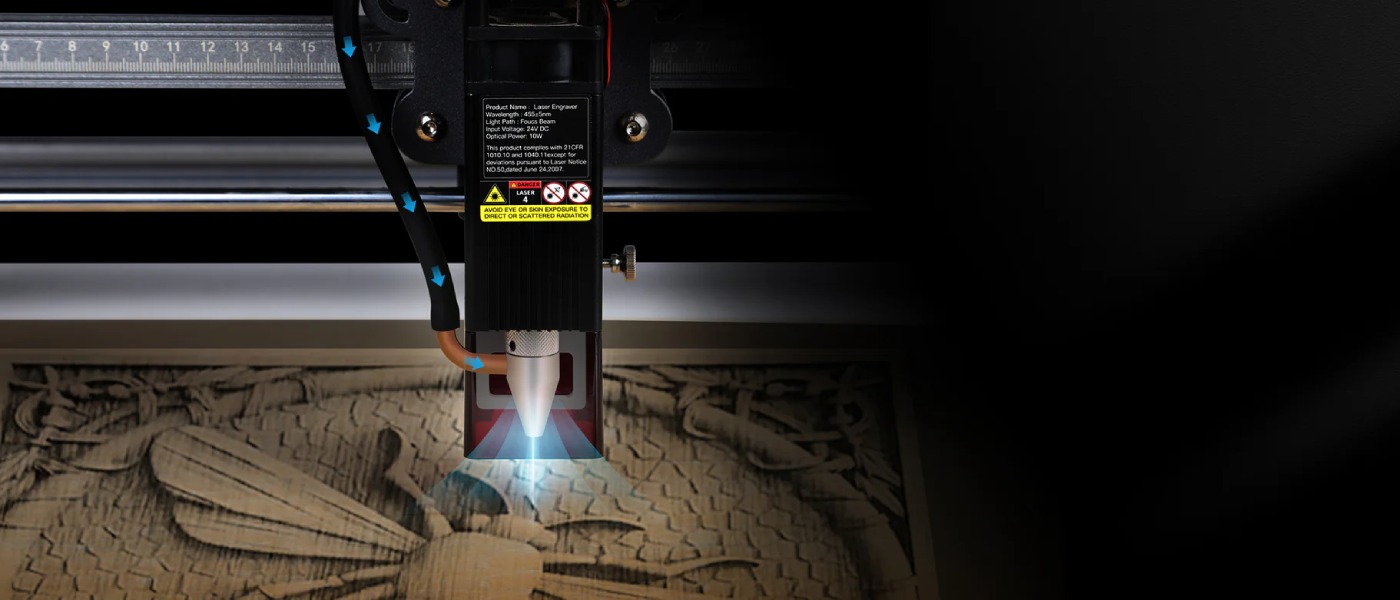
Key Advantages of the Creality Air Assist Kit
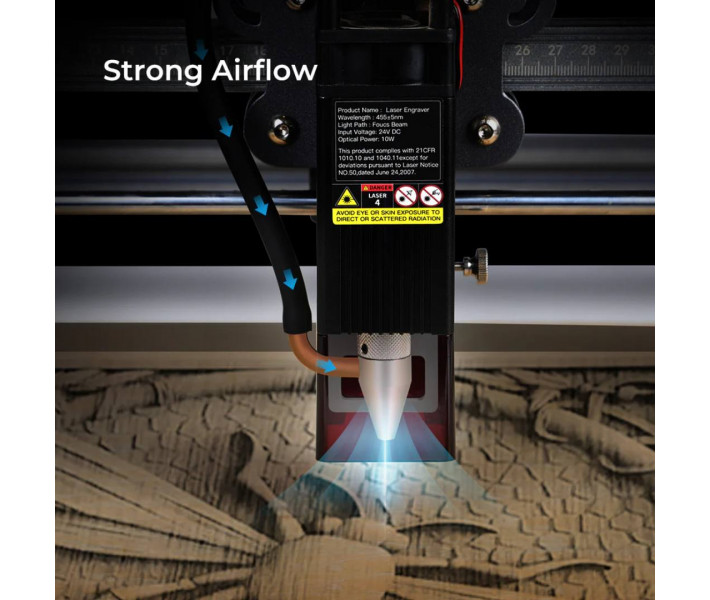
- Efficient Smoke and Dust Removal. A powerful 22 L/min airflow blows fine combustion particles directly away from the focus point of the laser module.
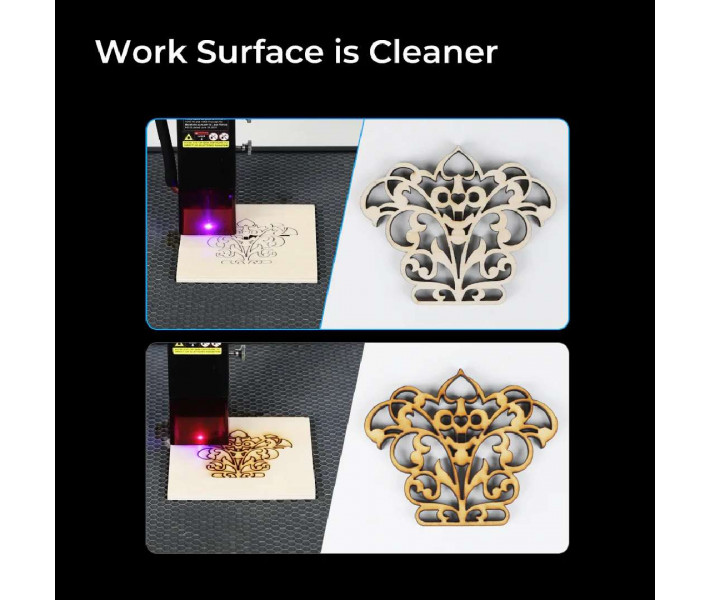
- Clean Material Surfaces. Constant airflow under 30 kPa pressure prevents yellow scorch marks and thermal stains around the processed area.
- Reduced Heat at the Cutting Point. The air cools the edges of the material, minimizing the risk of charring or catching fire.
- Smooth and Clean Edges. Lower thermal stress results in a crisp, clean, and neat cut during layout cutting.
- Laser Lens Protection. A directional air barrier blocks soot and resin from getting onto the laser's protective glass.
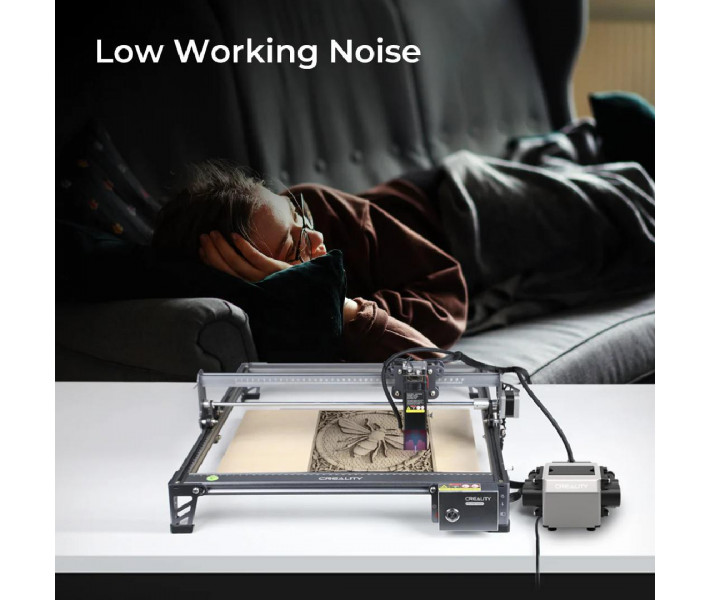
- Low Noise Level. The compressor operates at just 46.5 dB, ensuring a comfortable and quiet working environment.
Why You Need Air Assist
During laser engraving or thermal cutting of wood, plywood, and other dense materials, a significant amount of smoke, gas, and debris is produced. Without forced extraction, these gases block the laser beam, reducing the actual power reaching the material's surface. The air assist mechanically clears the optical path for the laser beam. This enhances the efficiency and speed of through-cutting while ensuring consistent line depth when engraving complex designs. Power consumption remains minimal at just 17W.
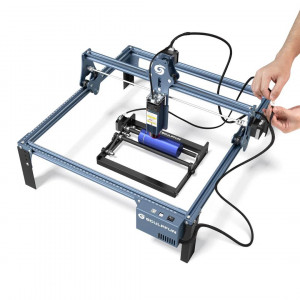
Compatibility with Creality Falcon Laser Engravers
The kit is specifically designed for the CR-Laser Falcon 10W and 7.5W models, and is also compatible with the Falcon 5W version. Before connecting, it is recommended to verify the mounting type and air nozzle diameter of your specific laser module.
Applications
- Laser cutting of plywood of various thicknesses.
- High-detail engraving on natural wood.
- Fast cutting of thick cardboard and paper.
- Processing acrylic and other polymer workpieces.
- Souvenir production in private workshops.
- Educational labs, makerspaces, and technical hobby clubs.
- Small-scale serial production of decor and advertising products.
Step-by-Step Installation
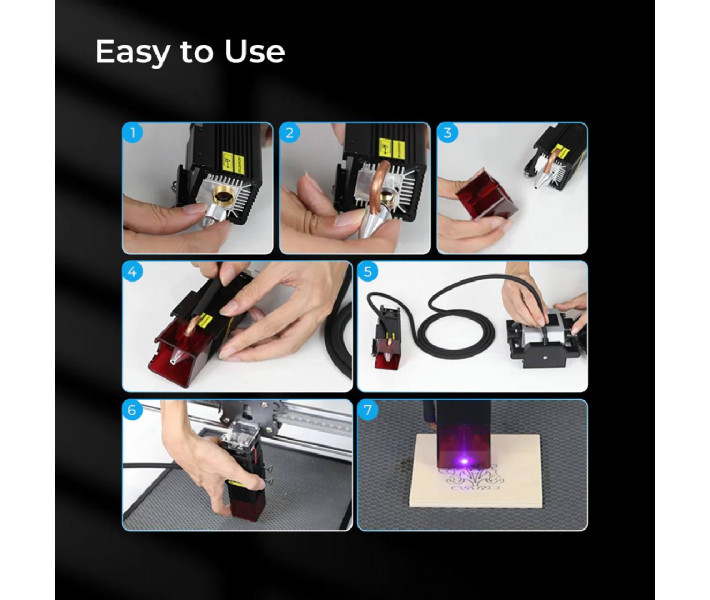
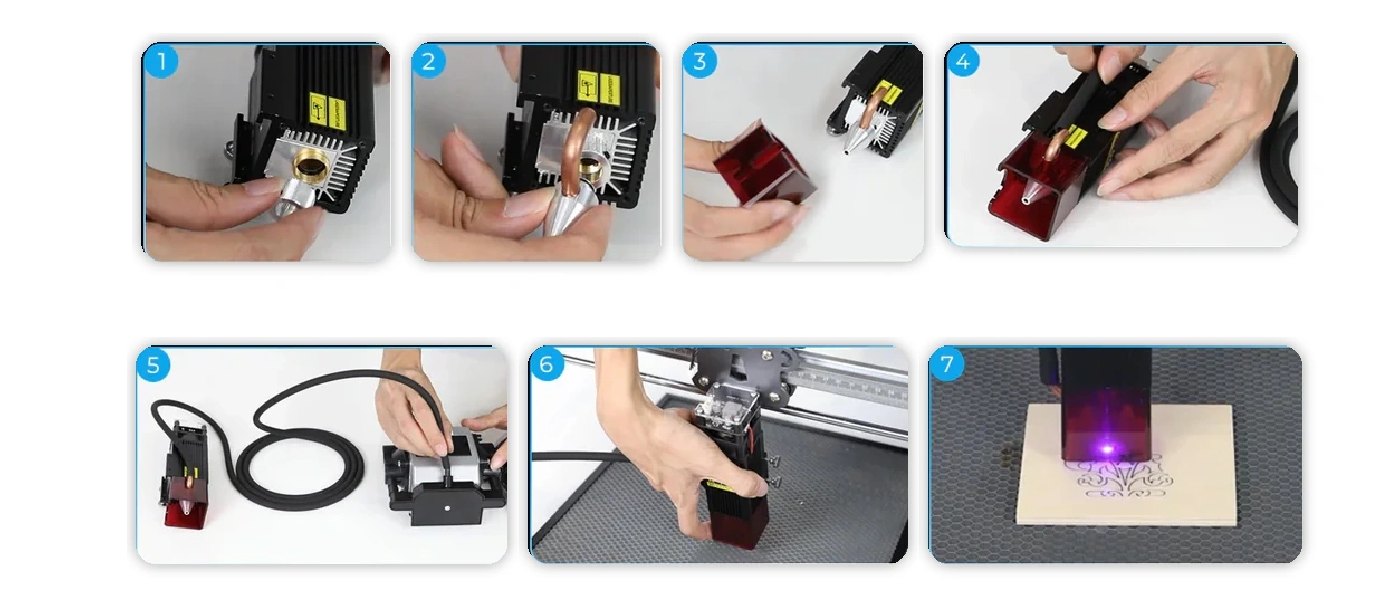
Installing the Air Assist Kit is quick and requires no complex technical tools. To properly integrate the compressor into your setup, simply follow these straightforward steps.
- Installing the Air Nozzle. Remove the protective cap or secure the included metal nozzle to the bottom of the laser module according to your machine's configuration.
- Routing the Air Line. Connect one end of the flexible silicone tube to the installed laser head nozzle.
- Securing Cables and Tube. Carefully route the tube along the engraver's cable harness, securing it with the provided zip ties or clips so it does not interfere with the free movement of the X and Y axes.
- Connecting to the Compressor. Push the other end of the silicone tube firmly onto the outlet port of the Air Assist pump module.
- Powering Up. Connect the power cable to the adapter, plug it into the compressor jack, and then plug the device into a 110–220V power outlet.
- Activation and Setup. Switch on the toggle button on the compressor housing before starting the engraving or cutting cycle in your control software.
Once finished, ensure there are no kinks or bends in the silicone hose along its entire length. A properly configured air assist line is ready for use immediately after powering on the air module.
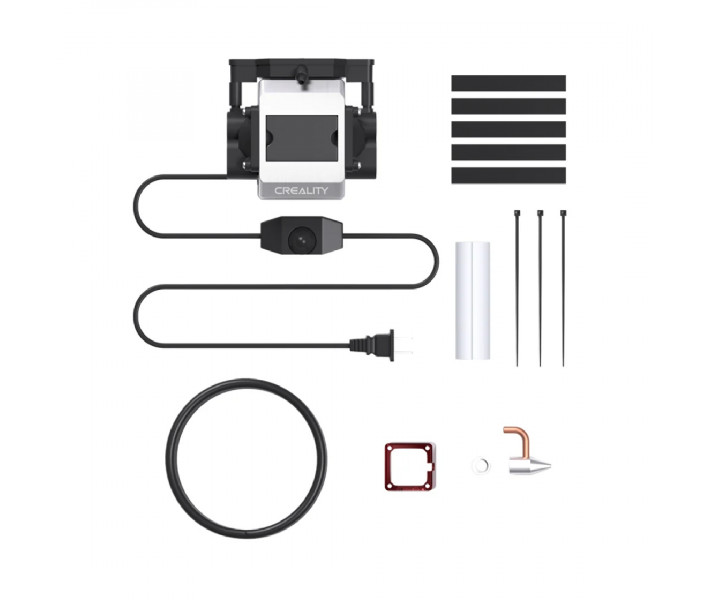
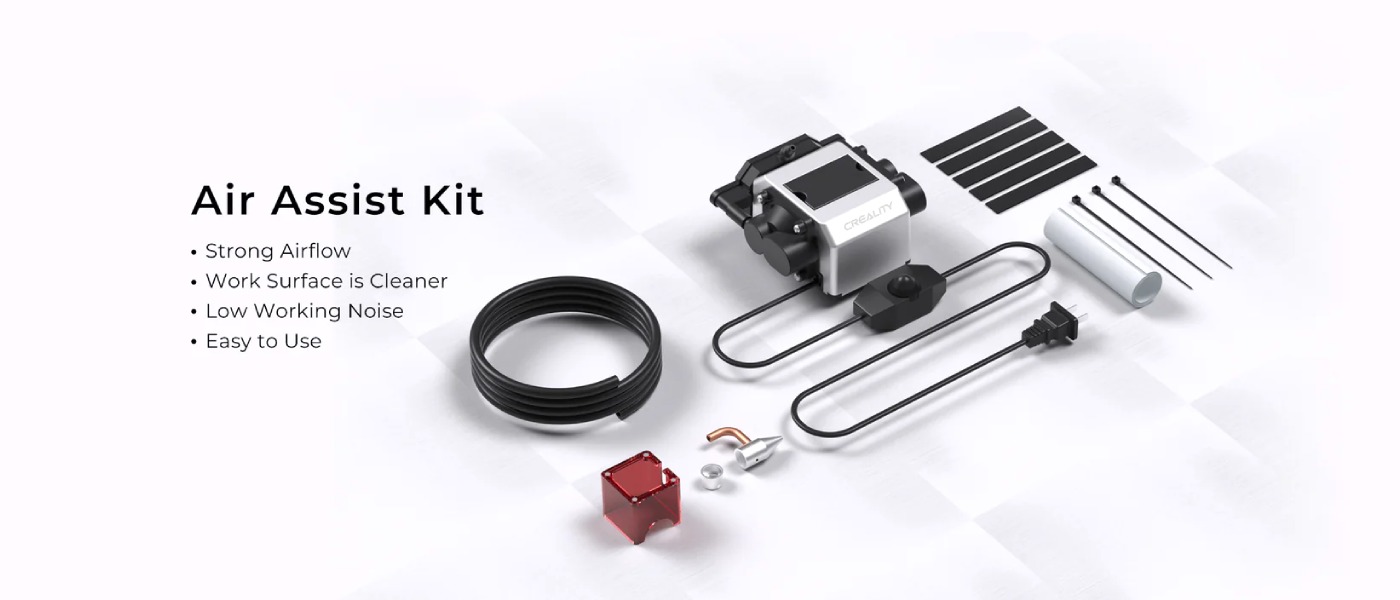
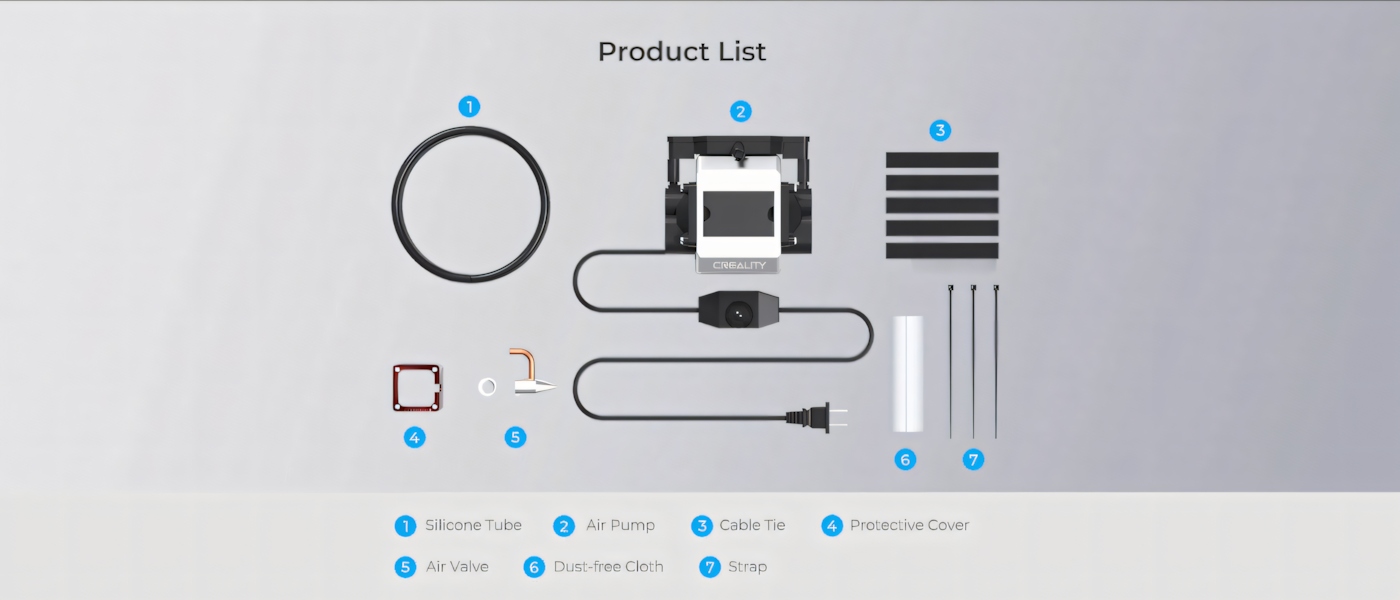
What's Included in the Creality Air Assist Kit
The package contains all the necessary connecting parts and lines required to hook it up to a compatible engraving machine.
- Air Compressor. The main electric module that generates stable pressure and pumps airflow to clear the processing zone.
- Silicone Tube. A flexible hose designed to transport compressed air from the compressor to the machine's laser head.
- Air Valve. A mechanical control element that allows you to adjust the airflow intensity depending on the type of material.
- Cable Ties. Plastic zip ties for secure and neat attachment of the air hose to the moving cable harnesses of the engraver.
- Protective Cover. A specialized design element that shields the connection zone and optical components from dust and high temperatures.
- Lint-Free Wipe. A soft cloth for delicate care, cleaning the protective glass and lens of the laser module from residue and soot.
- Fixing Strap. A durable strap for additional compressor stabilization or organizing long communication cables.
Creality Air Assist Kit Technical Specifications
| Parameters | Values |
| Product Name | Air Assist Kit |
| Operating Voltage | 110–220 V |
| Current Frequency | 60 Hz |
| Power Consumption | 17 W |
| Operating Current | 150 mA |
| Maximum Pressure | 30 kPa |
| Air Flow Volume | 22 L/min |
| Working Noise Level | 46.5 dB |
Precautions for Use
- Be sure to verify the device's compatibility with your laser engraver and the geometry of its optical block.
- Check the module power and compressor power specifications to avoid overloading the mains network.
- Regularly check the tube and nozzle for kinks, blockages from resin, or fine dust.
Buy Creality Air Assist Kit in Ukraine
Order the Air Assist for your laser engraver in Ukraine with delivery to Kyiv, Kharkiv, Odesa, Lviv, and other cities across the country. Our technical specialists will gladly provide advice regarding equipment compatibility and installation details for your machine.