

- Stock: In Stock
- Product code: 00-00014607
- SKU: FSX1-PC-01

Large-Format SLS Printing for Serial Batches and Prototypes
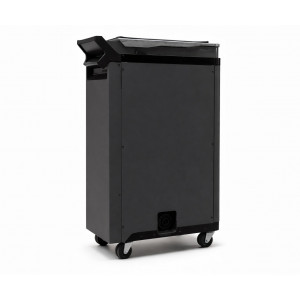
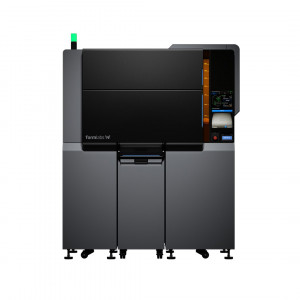
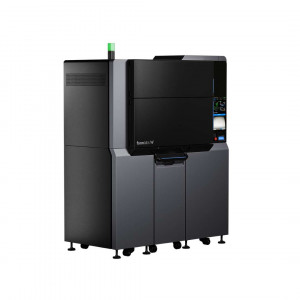
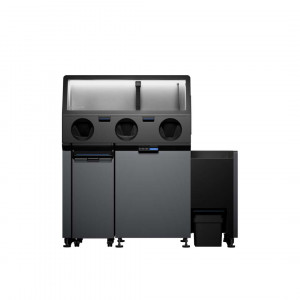
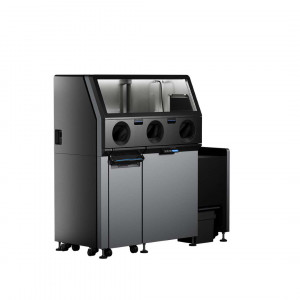
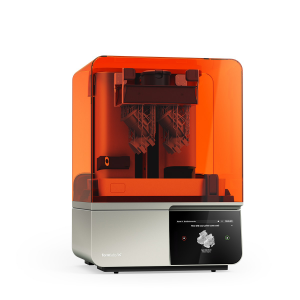
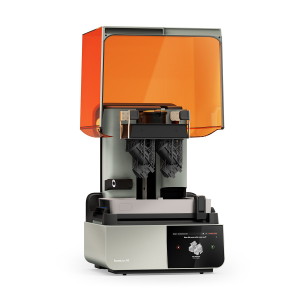
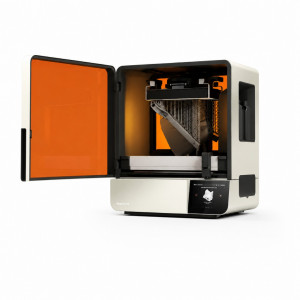
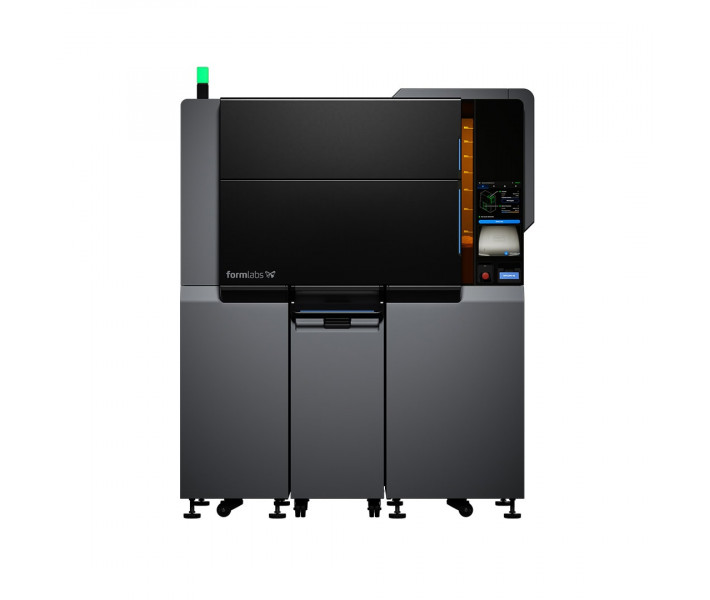
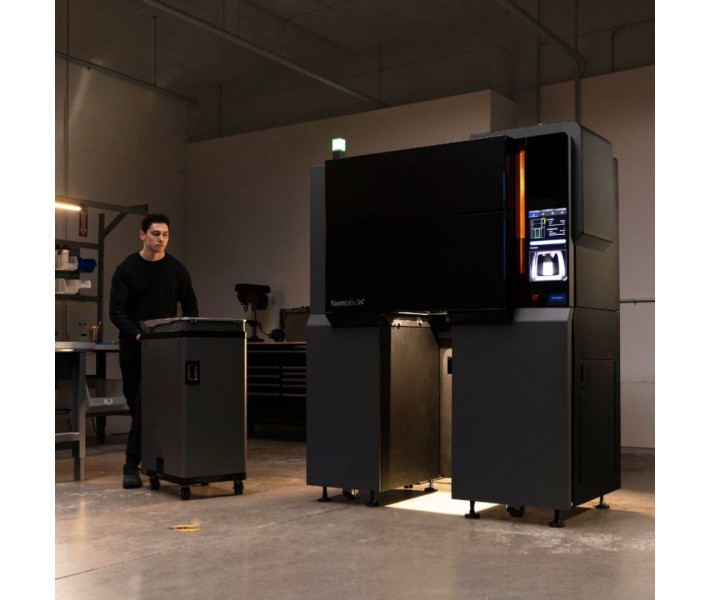
Formlabs Fuse X1 is an industrial 3D printer with Selective Laser Sintering (SLS) technology designed for producing functional parts and prototypes. The model is equipped with a 120W fiber laser, a working area of 330 x 330 x 565 mm, and a modular Build Unit chamber that allows task changes in about 5 minutes. The system occupies about 1.3 m² of space and ensures a continuous production cycle thanks to the interchangeable working chamber.
Main Advantages of Formlabs Fuse X1
- Accommodates large parts and dense batches. The working area of 330 × 330 × 565 mm with a useful volume of 61.5 L allows printing large-scale products and placing more parts in one build. This reduces the number of production cycles for enclosures, assemblies, and serial batches.
- High part packing density. Thanks to SLS technology and the absence of supports, parts can be placed throughout the chamber volume. A fill density of over 30% by volume and over 48% by weight allows for more products to be manufactured in one cycle compared to many industrial SLS and MJF systems.
- Powerful fiber laser. The 120W ytterbium laser ensures fast sintering of polymer powder and stable results when working with large chamber loads. The laser system uses a wavelength of 1064 nm and a spot diameter of 330 µm for precise part formation.
- Modular Fuse X1 Build Unit chamber. The removable Build Unit chamber allows the module to be replaced in about 5 minutes after 3D printing is completed. While the finished build cools outside the printer, the system can immediately start the next task.
- 3D printing without support structures. SLS technology does not require the creation of additional supports during 3D printing. Unsintered powder holds the model during the build process, enabling the production of complex geometries, internal cavities, and channels.
- Stable temperature throughout the chamber volume. The thermal chamber, quartz tube heaters, and 13 separate heating zones maintain a uniform temperature throughout the working chamber volume. This promotes stable material sintering regardless of part location.
- Print Intelligence for 3D print quality control. The system uses computer vision to monitor the build process in real-time. Data analysis helps detect deviations during 3D printing and control the quality of finished products without stopping the task.
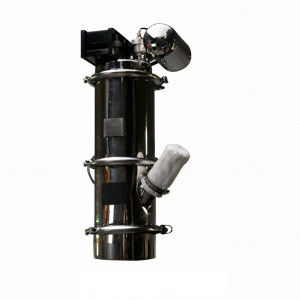
- Automated powder feed. The 105L hopper works with the Fuse X1 Vacuum Conveyor system for automatic material transportation. This approach reduces manual operations and operator contact with powder during printer preparation for 3D printing.
SLS Printing Technology of Formlabs Fuse X1
Formlabs Fuse X1 operates using Selective Laser Sintering technology. The 120W fiber laser sequentially sinters layers of polymer powder with a thickness of 110 µm, forming the finished product without auxiliary structures.
The laser system uses a spot diameter of 330 µm and Formlabs' fourth-generation galvanometers for precise beam positioning across the build area. The laser wavelength is 1064 nm, and the equipment complies with the IEC 60825-1:2014 standard and belongs to laser products of class 1.
Fuse X1 Build Unit Working Chamber
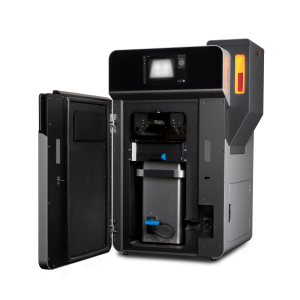
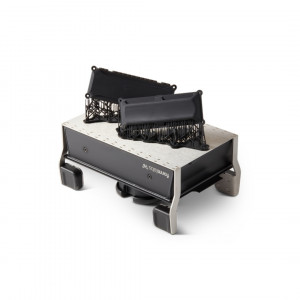
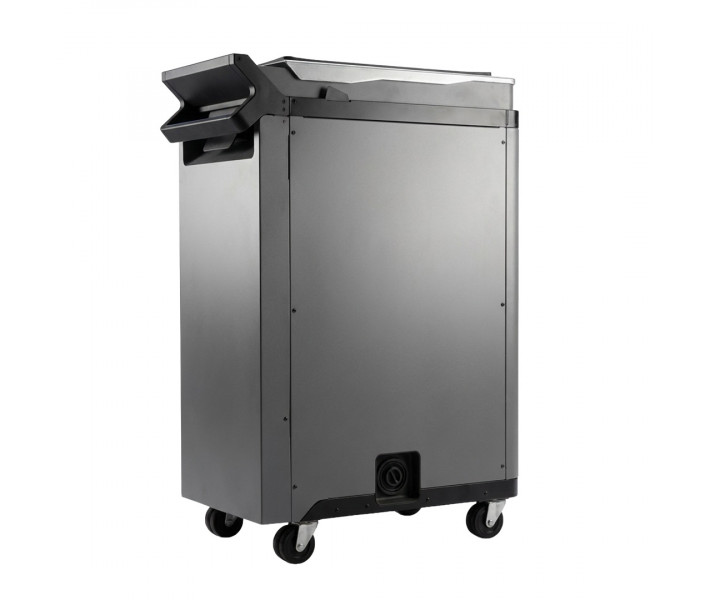
Fuse X1 Build Unit is a thermally insulated build chamber with integrated power and data connectors. It allows cooling of finished parts outside the printer while the equipment continues working on the next project. This approach reduces task change time to less than 5 minutes, minimizing equipment downtime and maintaining a continuous production cycle.
Design and Hardware
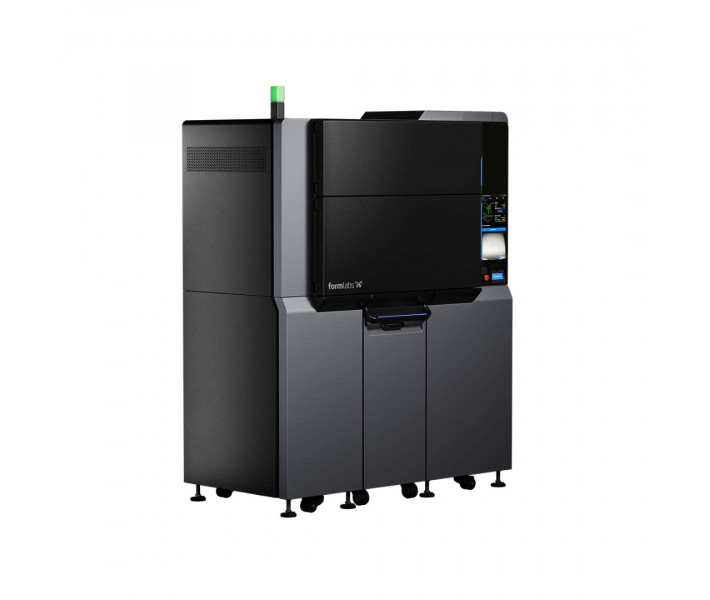
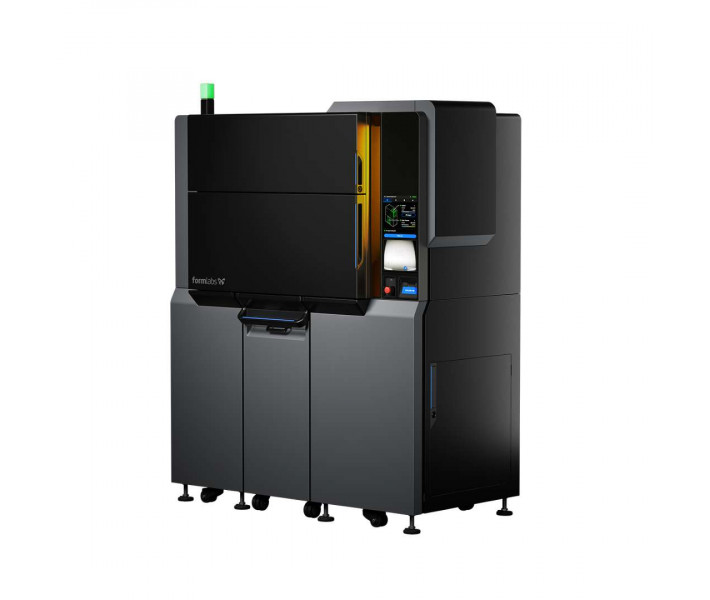
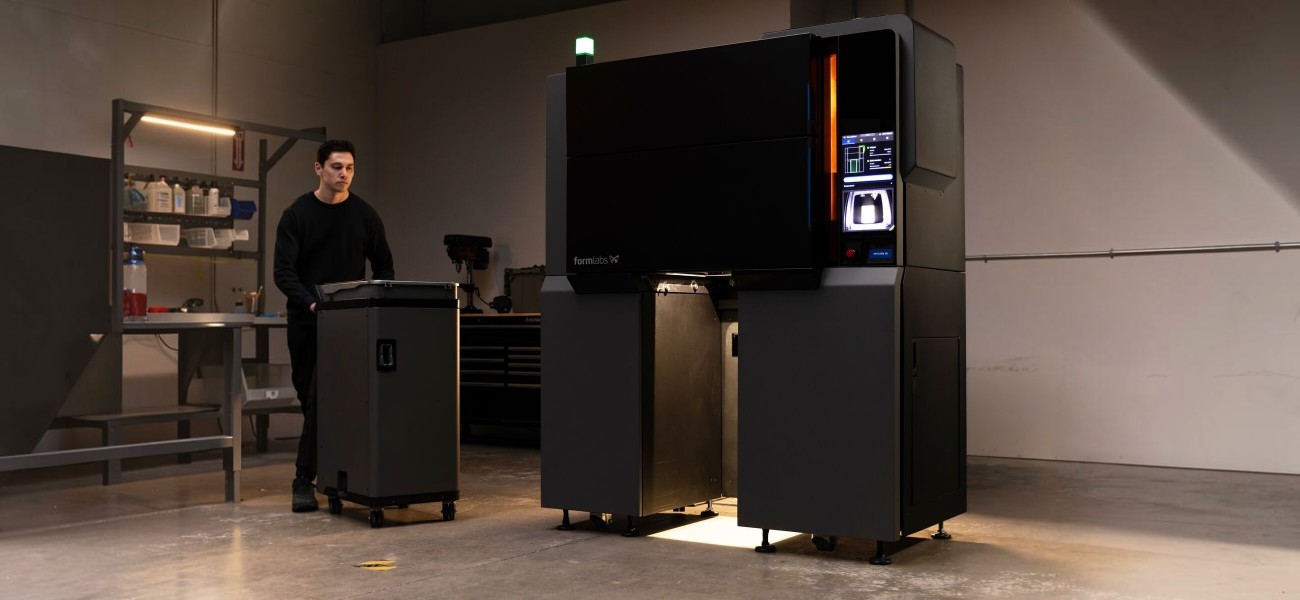
Formlabs Fuse X1 occupies approximately 1.3 m² of space and fits through standard doors without complex installation. The printer weighs 570 kg without powder and the build chamber.
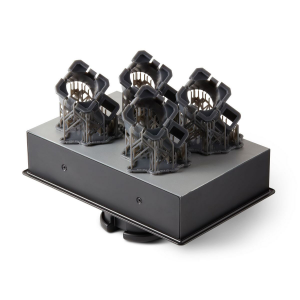
One of the main features is the interchangeable Build Unit chamber. After 3D printing is completed, the operator can detach the module with the finished parts and install another one to start the next task. Thanks to thermal insulation, the chamber continues cooling outside the printer.
The working temperature inside the system can reach 210 °C. A multi-zone heating and air treatment system with HEPA and carbon filters is used to maintain stable conditions.
PreForm Software
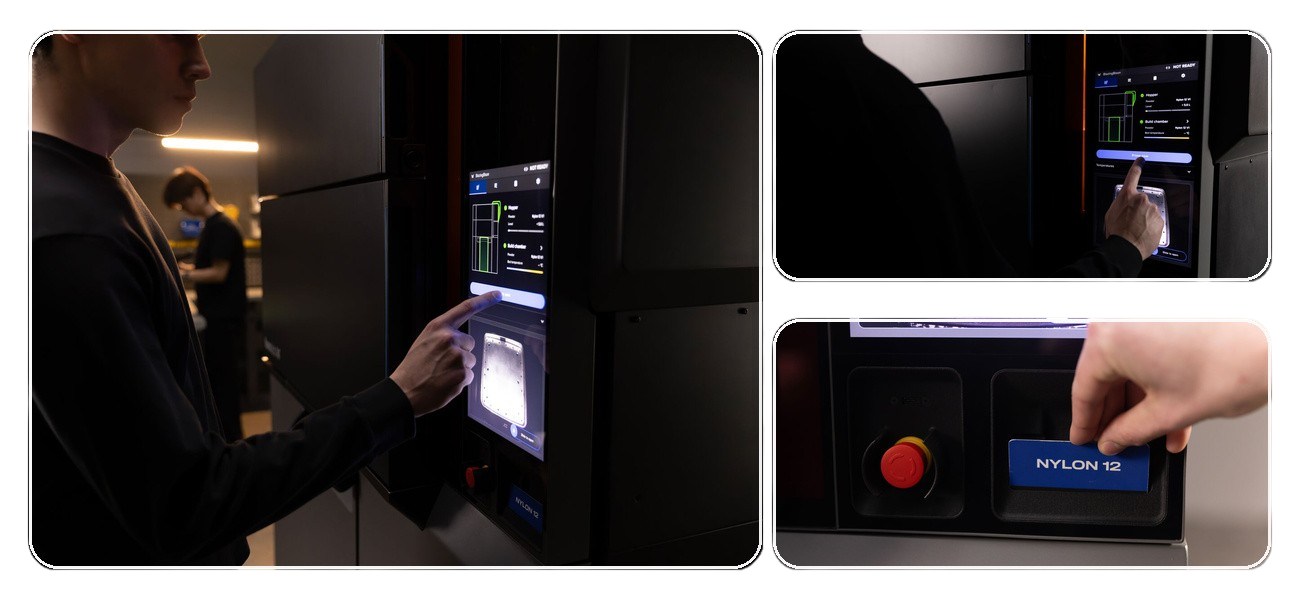
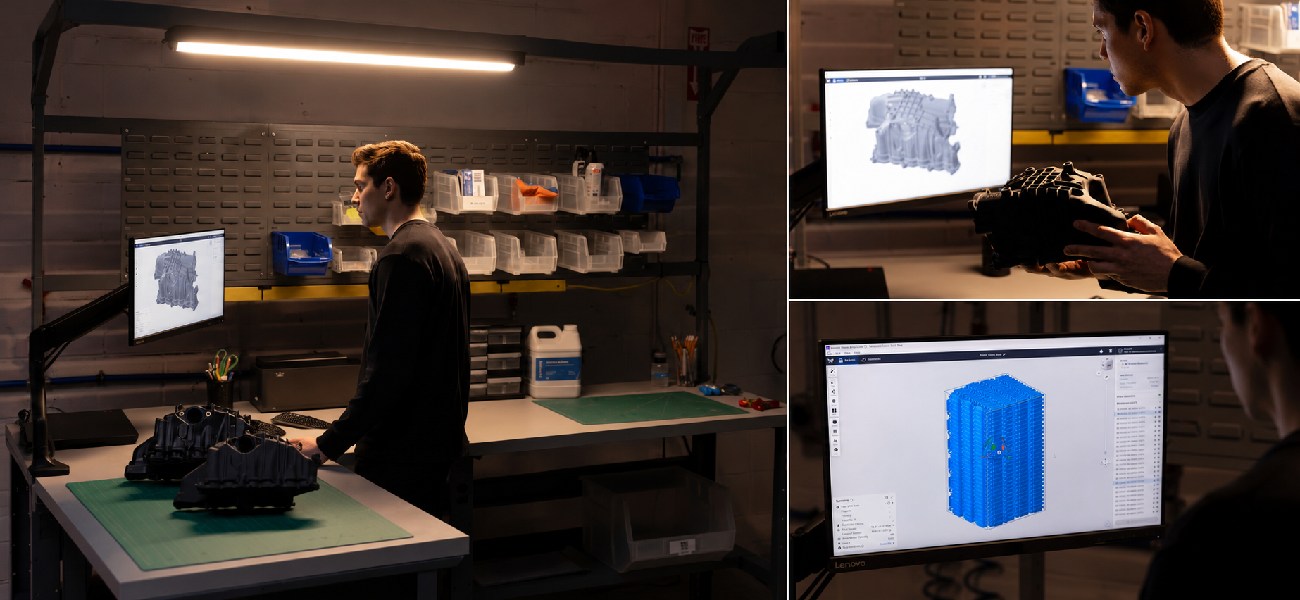
Model preparation is done in the PreForm software. The system automatically performs part placement in the chamber, 3D printing time calculation, and optimization of the working volume fill. Supported formats: STL; OBJ; 3MF; STEP; SolidWorks; CATIA. Task files are saved in the FORM format.
Print Intelligence and Quality Control
The built-in Print Intelligence system analyzes the 3D printing process in real-time. When local deviations are detected, the system helps preserve suitable parts without the need to restart the entire task.
This approach is especially useful during serial production when a large number of components are placed in the chamber simultaneously.
Production Work Cycle
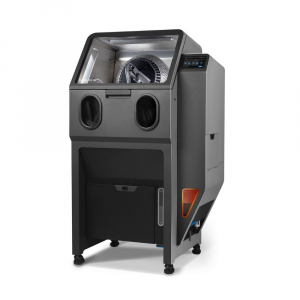
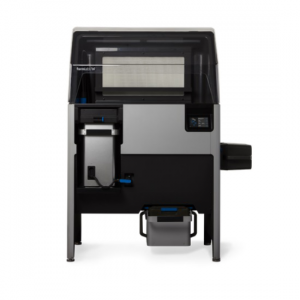
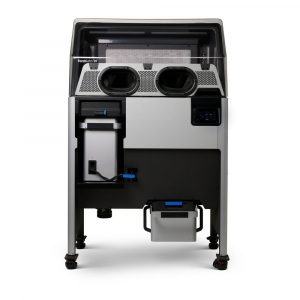
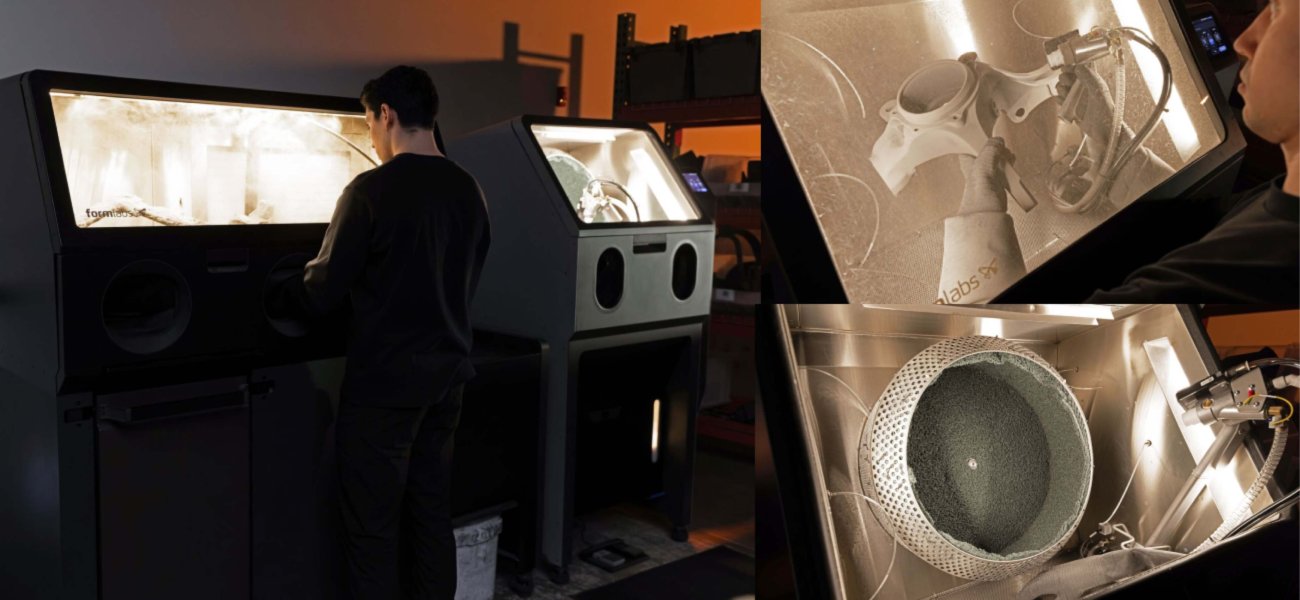
Most large-volume tasks are completed in less than 24 hours, and large parts can be manufactured in about 5 hours in accelerated build mode. After printing is completed, the Build Unit chamber is moved to the Fuse Sift X1 station, where parts are extracted and unsintered powder is separated. A sealed glove box and integrated compressed gas supply system help maintain a clean working area during part processing.
Economical Material Use
Unsintered powder is not lost after the build is completed. The recovered material is automatically transported through the Fuse X1 Vacuum Conveyor to the Mix Kit system, where it is mixed with fresh powder in a specified proportion. The mixture renewal level can be adjusted from 20%. After mixing, the material returns to the printer for subsequent print cycles, helping to reduce material costs and increase the efficiency of serial production.
Dense Part Placement in the Chamber
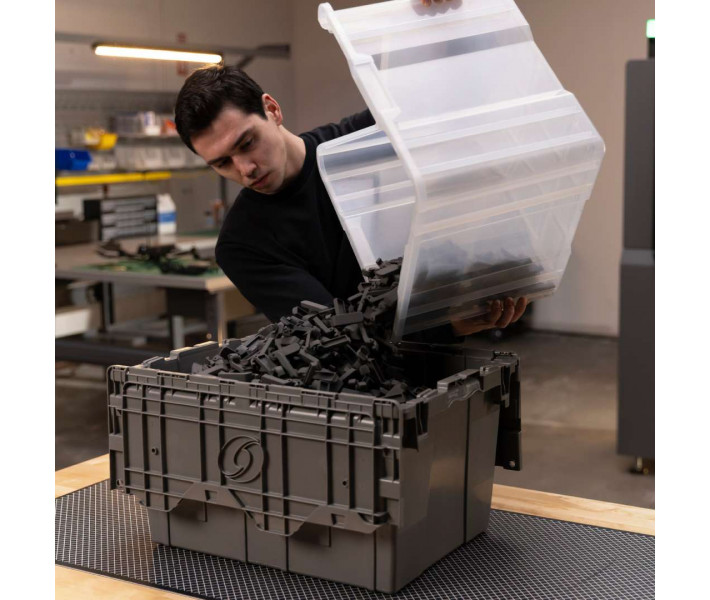
SLS technology does not require supports, so the entire available chamber volume can be used for model placement. A packing density of over 30% by volume and over 48% by weight allows for more products to be placed in one build, increasing equipment productivity without increasing the number of cycles.
Post-Processing of Finished Parts
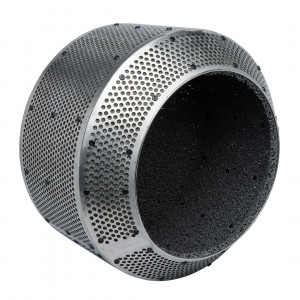
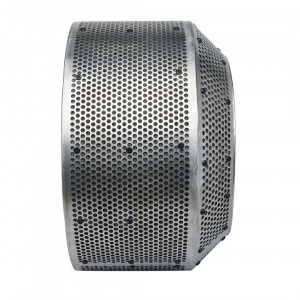
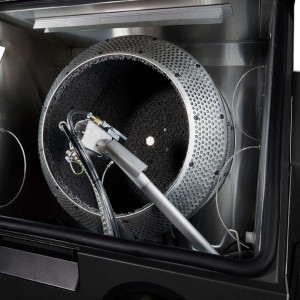
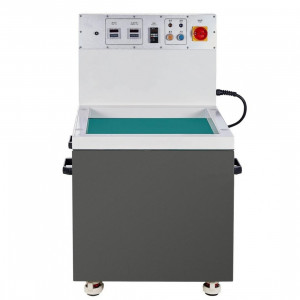
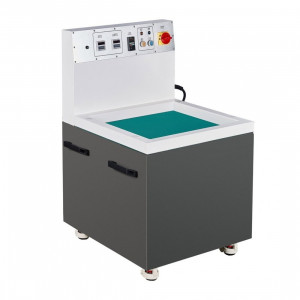
The Fuse Blast system with a Large Tumbler basket with a diameter of 400 mm is used for part cleaning. It accommodates up to 2–3 volumes of the Fuse X1 chamber and allows processing approximately 50% more parts in one cycle compared to a standard basket. If necessary, an additional polishing module can be used to create a semi-gloss surface ready for further painting.
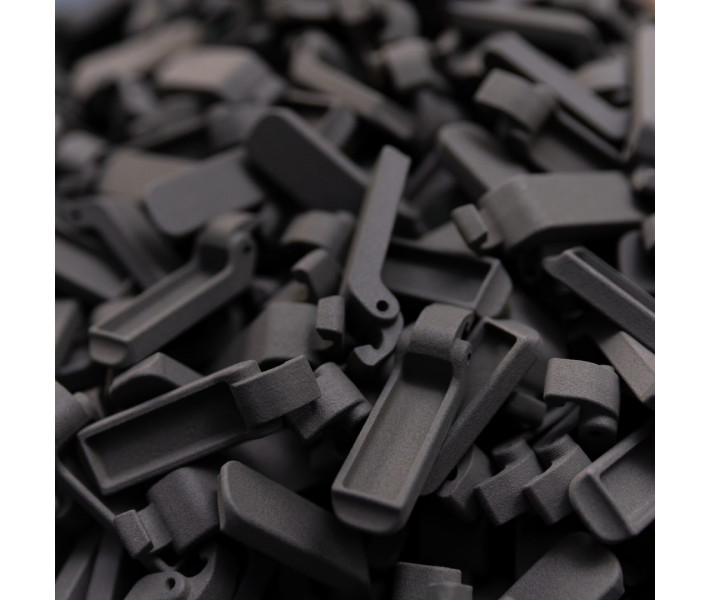
The smooth surface and high manufacturing accuracy confirm the suitability of SLS parts for both functional use and products where the appearance of the finished product is important.
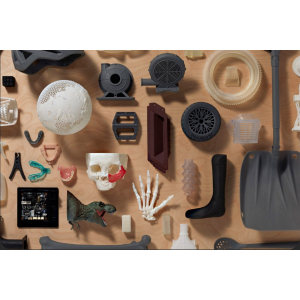
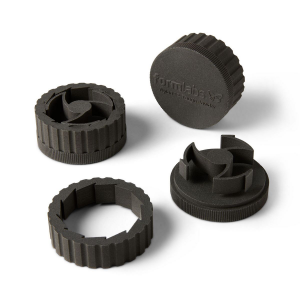
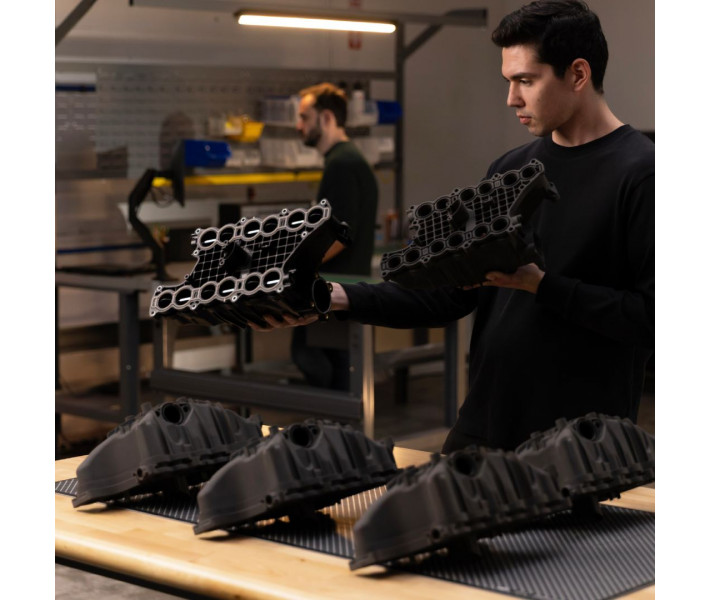
The printer is suitable for producing large-sized functional polymer parts and serial product release.
- Serial production of finished parts.
- Creation of large-scale prototypes.
- Manufacturing of custom parts in small batches.
- Automotive industry.
- Aerospace industry.
- Medical equipment.
- Technological production equipment.
- Enclosures and elements of electronic devices.
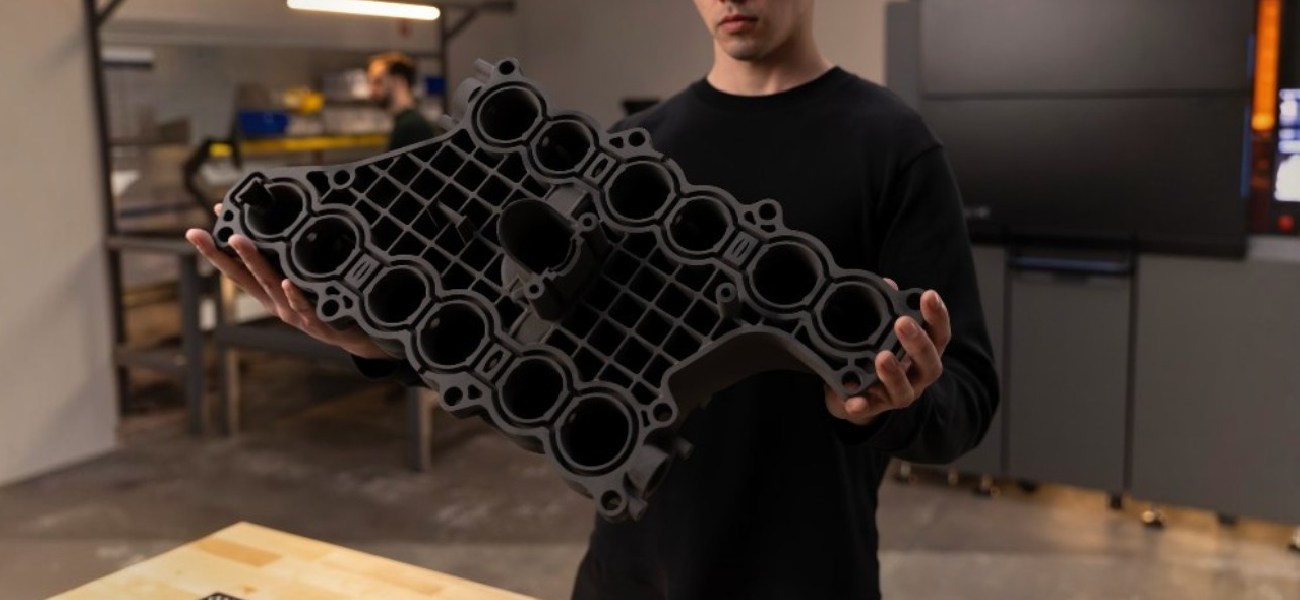
A packing density of over 30% and a chamber volume of 61.5 L allow for the production of large batches of parts in a short time. The working area of 330 x 330 x 565 mm also enables the printing of full-size prototypes of enclosures, panels, and structural assemblies without dividing the model into separate parts.
Technical Specifications of Formlabs Fuse X1
| Parameter | Value |
| Printing Technology | Selective Laser Sintering (SLS) |
| Working Area | 330 x 330 x 565 mm |
| Working Volume | 61.5 L |
| Laser Type | Ytterbium Fiber |
| Layer Thickness | 110 µm |
| Laser Power | 120 W |
| Laser Wavelength | 1064 nm |
| Laser Spot Size | 330 µm |
| Beam Divergence | 3 mrad |
| Hopper Capacity | 105 L |
| Galvanometers | Formlabs Custom, 4th Generation |
| Build Chamber | Removable Fuse X1 Build Unit |
| Task Change Time | Less than 5 minutes |
| System Startup Time | Less than 90 minutes |
| Maximum Chamber Temperature | Up to 210 °C |
| Temperature Control | Thermal Chamber, Quartz Tube Heaters, 13 Independent Heating Zones |
| Air Treatment System | Inert Gas Connection, Two-Stage Filtration with HEPA and Carbon Filters, Filtered Exhaust |
| Power Supply | 208–240 VAC, 1 Phase, 50/60 Hz, 50 A |
| Typical Power Consumption | 3.5 kW |
| Maximum Power Consumption | 7.5 kW |
| Operating Conditions | Temperature 18–28 °C, Humidity less than 30% |
| Connectivity | Wi-Fi 2.4/5 GHz, Ethernet 1000 Mbps, USB-C |
| Display | 15.55", 1080 x 1920 pixels |
| Software | PreForm |
| Supported Formats | STL, OBJ, 3MF, STEP, SolidWorks, CATIA |
| Task Format | FORM |
| Laser Safety Class | 1 |
| Laser Certification | IEC 60825-1:2014 |
| Safety Standards | UL 2011, CSA C22.2 No. 301, EN 60204-1, IEC 60825-1, IEC 62368-1 |
| Base Area | 1.3 m² |
| Net Size | 157 x 83 x 193 cm |
| Net Weight | 570 kg (without Build Unit and powder) |
Compatible Formlabs Equipment
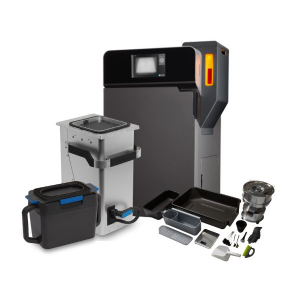
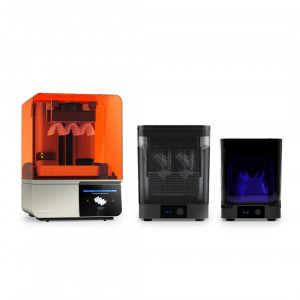
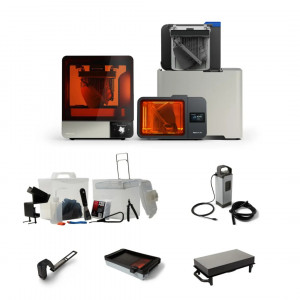
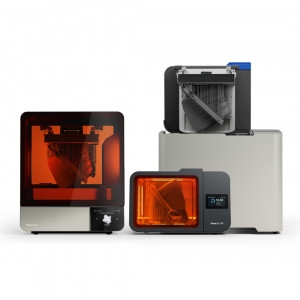
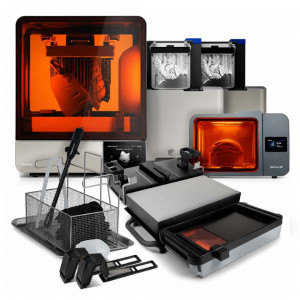
To organize a complete SLS production cycle, Formlabs Fuse X1 can work with additional modules for powder processing, part post-processing, and production process automation. All components are designed to work together within the Fuse ecosystem and help reduce manual operations during preparation, cleaning, and material reuse.
- Fuse Sift X1 — cleaning and powder recovery station.
- Fuse X1 Build Unit — interchangeable build chamber.
- Fuse X1 Vacuum Conveyor — powder transportation system.
- Fuse X1 Mix Kit — automatic mixing of new and recovered material.
- Fuse Blast High Capacity Kit — kit for increasing post-processing productivity.
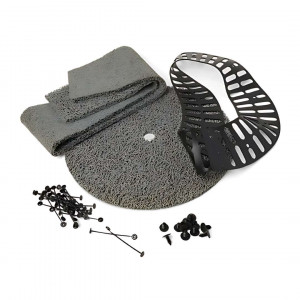
- Fuse Blast Large Tumbler Basket Liner Kit — replaceable liners for the large processing basket.
Video Review of Formlabs Fuse X1 SLS 3D Printer Capabilities
Why Buy a Formlabs Fuse X1 3D Printer from 3DDevice?
3DDevice has been supplying professional equipment for additive manufacturing since 2012. As an official representative of Formlabs, we guarantee 100% authenticity of the equipment, transparent pricing, authorized service, and official warranty. Our specialists will provide qualified pre-sales consultation and help select the optimal configuration for your production tasks.