- Stock: In Stock
- Product code: 00-00014608
- SKU: BC-FSX1-01

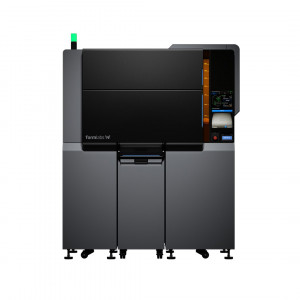
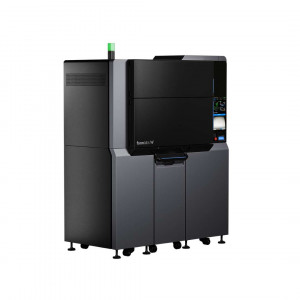
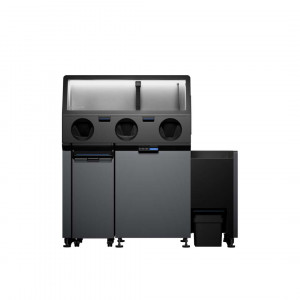
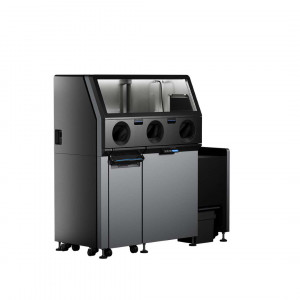
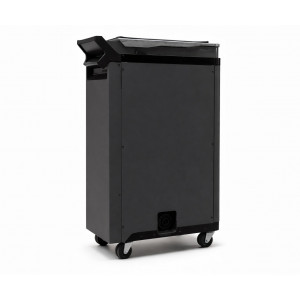
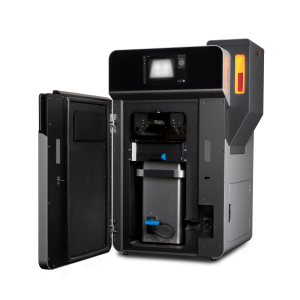
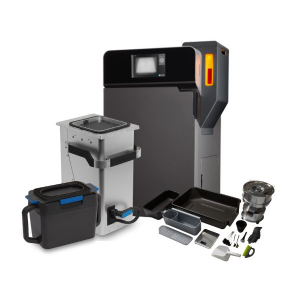
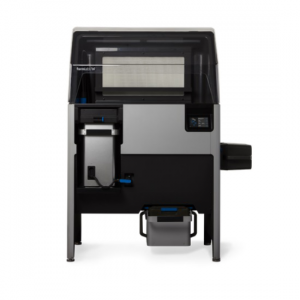
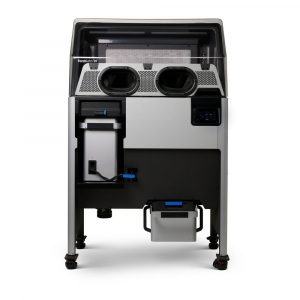
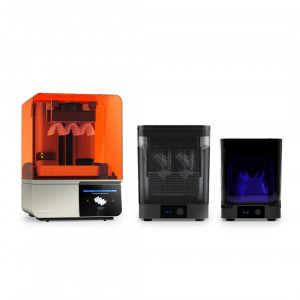
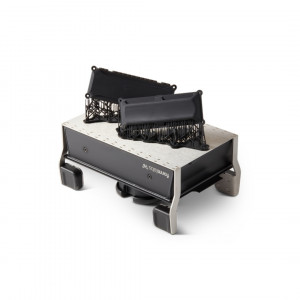
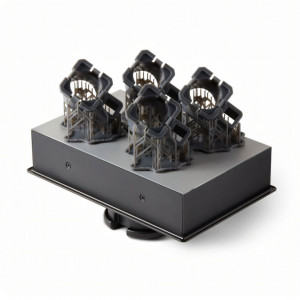
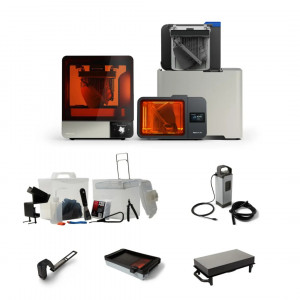
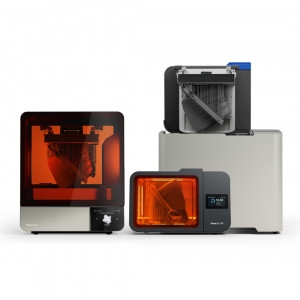
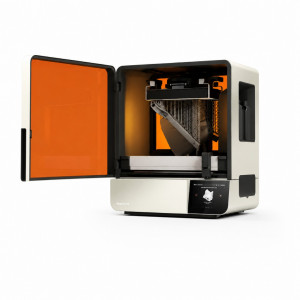
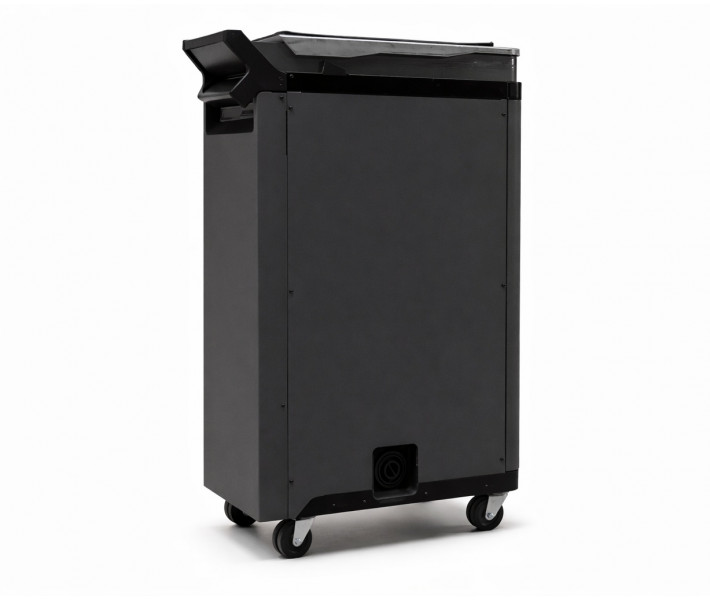
The Formlabs Fuse X1 Build Unit is a wheeled, insulated print-transport module engineered exclusively for the Fuse X1 selective laser sintering ecosystem. It bridges the Fuse X1 printer and the Fuse Sift X1 powder-breakout station through blind-mate power and data connectors, enabling ergonomic print changeovers without any manual cable management — and its thermally insulated chamber allows completed prints to cool passively outside the printer while the next build begins immediately.
| Compatible 3D Printer | Formlabs Fuse X1 |
|---|---|
| Compatible Post-Processing Station | Formlabs Fuse Sift X1 |
| Connection Interface | Blind-mate power + data connectors |
| Cooling Method | Passive insulated chamber |
Designed for Continuous SLS Production
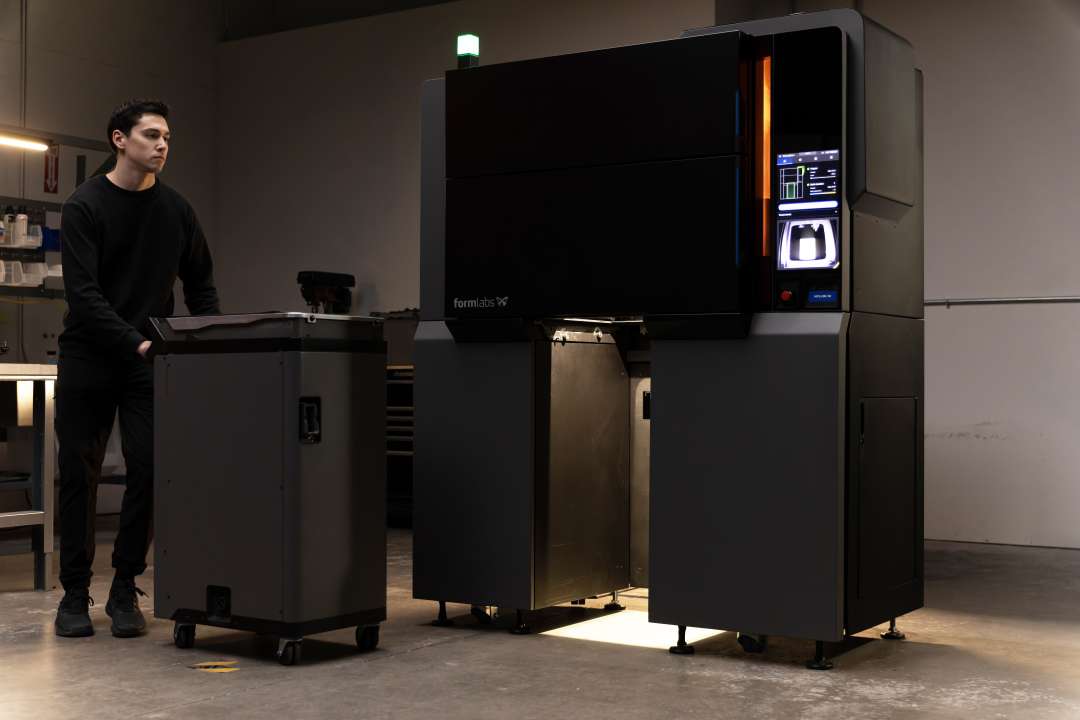
In SLS workflows, the largest single source of printer idle time is not the build itself — it is the mandatory cool-down window before the powder cake can be safely handled for breakout. On conventional SLS platforms, this window locks the machine out of service for hours. The Fuse X1 Build Unit solves this architecturally: it removes the cooling phase from the printer's critical path entirely.
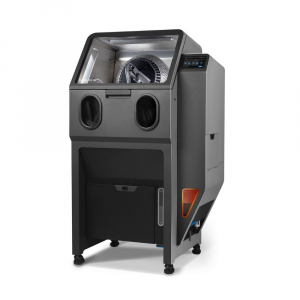
By making the entire print chamber a detachable, wheeled module, Formlabs decouples cooling from printing. Once a build finishes, the build unit rolls out, a fresh unit rolls in, and the Fuse X1 resumes its next job within minutes. The extracted unit — with its thermally insulated walls maintaining a stable thermal gradient — travels directly to the Fuse Sift X1 where powder recovery happens anyway. No secondary cooling station. No wasted floor space. No machine sitting idle.
Blind-Mate Connectors: Zero-Effort Docking
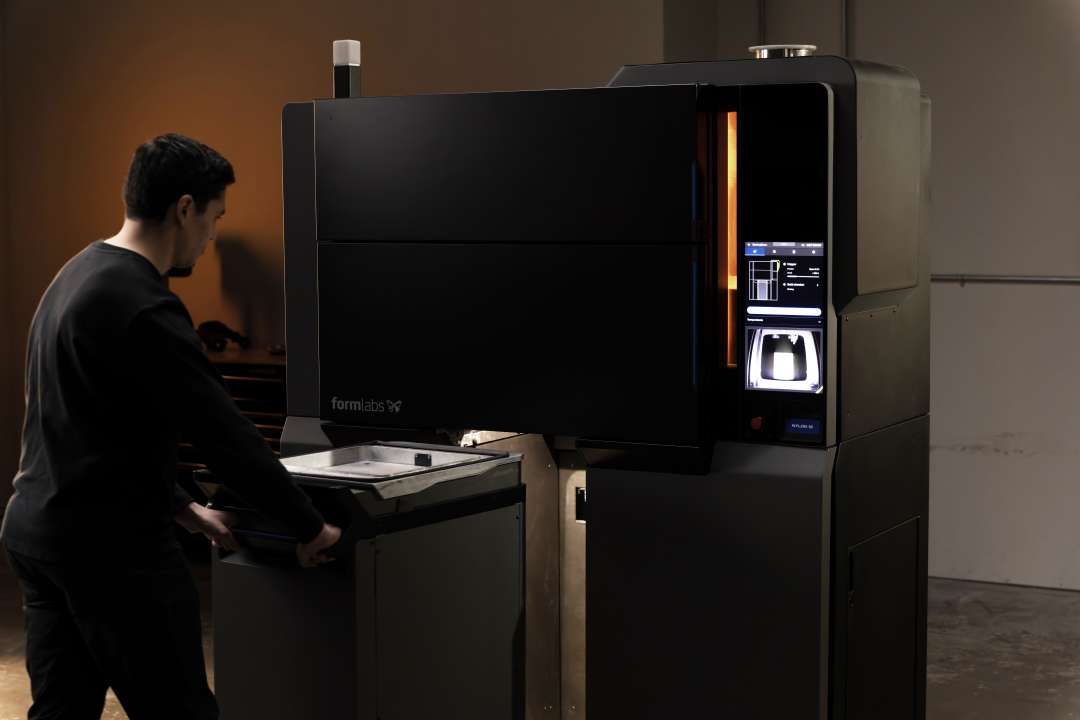
The blind-mate connection system is what makes the swappable architecture practical in a real production environment. Blind-mate connectors self-align and engage automatically the moment the build unit slides into position in the printer bay — establishing both the power link and the data link without any operator action. Disengagement is equally friction-free: the connectors release cleanly as the unit rolls out. No plugging, no unplugging, no fumbling with cables in a hot environment. This is the ergonomic print changeover Formlabs designed the system around.
Passive Cooling and Throughput
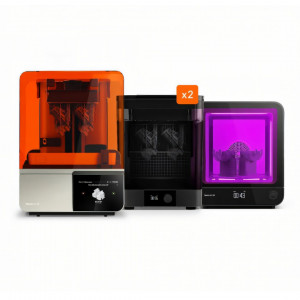
The insulated chamber is not simply a convenience — it is a throughput mechanism. SLS builds require a defined cool-down period so the powder cake solidifies uniformly and parts do not warp. The insulation of the build unit maintains the correct controlled gradient within its walls during transit, protecting print quality even as the unit moves across the workshop floor to the Fuse Sift X1. A facility operating two build units with a single Fuse X1 can achieve near-continuous output: one unit building the next job inside the printer while the other cools and undergoes powder recovery at the Sift station simultaneously.
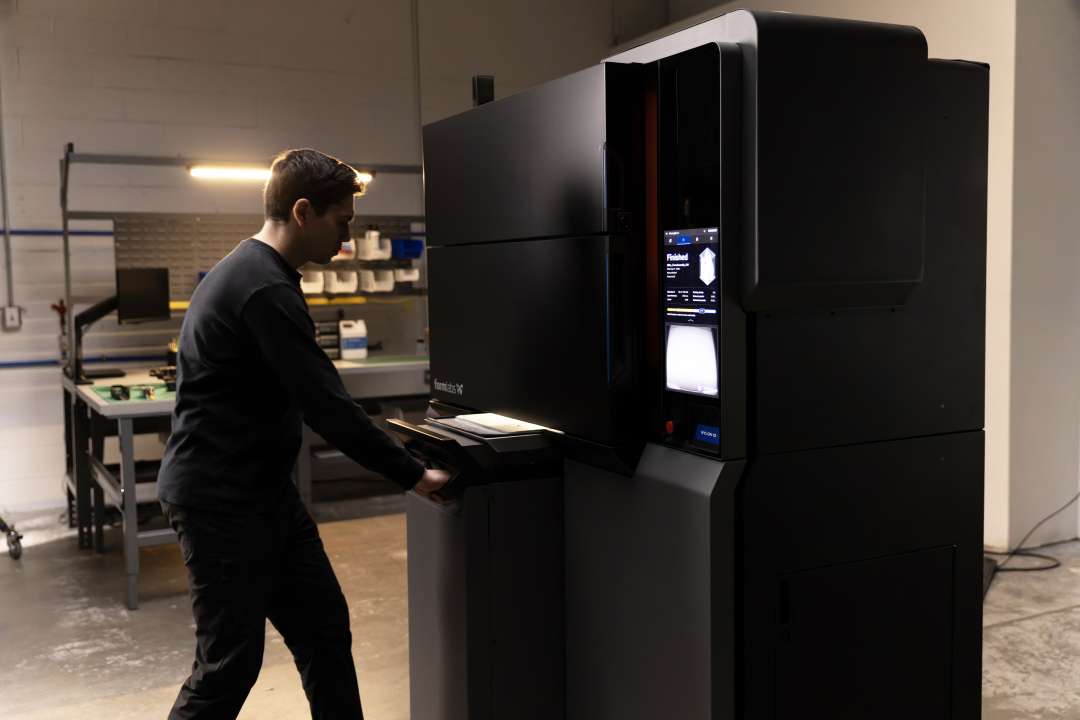
Technical Specifications of the Formlabs Fuse X1 Build Unit
System Compatibility
| Compatible 3D Printer | Formlabs Fuse X1 |
|---|---|
| Compatible Post-Processing Station | Formlabs Fuse Sift X1 |
| Ecosystem | Formlabs Fuse X1 Series |
Design & Functionality
| Mobility | Wheeled, free-rolling |
|---|---|
| Connection Interface | Blind-mate power + data (auto-engaging) |
| Cooling Method | Passive insulated chamber |
| Primary Function | Print containment, passive cooling, and transport |
Why Choose 3DDevice?
3DDevice has specialised in professional 3D printing technology since 2012 — over a decade of hands-on experience selecting, deploying, and supporting industrial-grade systems across research institutions, engineering departments, and manufacturing facilities throughout Ukraine. As an official representative of Formlabs, we guarantee the best price, authorized service, and official warranty. The Fuse X1 Build Unit is a genuine Formlabs accessory: our team handles pre-sales configuration advice, import logistics, and warranty claims directly with the manufacturer. Contact us to check current stock and discuss multi-unit configurations for your production workflow.