We use cookies and other tracking technologies to improve the website, personalize content, and analyze traffic. You can adjust your settings in the settings.
Necessary cookies enable core functionality of the website. Without these cookies the website can not function properly.
Statistic cookies help website owners to understand how visitors interact with websites by collecting and reporting information anonymously.
A set of cookies to collect information and report about website usage statistics without personally identifying individual visitors to Google.
Marketing cookies store user data and behavior information, which allows advertising services to target more audience groups.
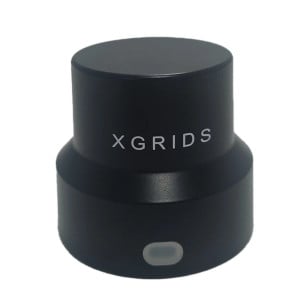
XGRIDS L3 battery charging station for 3D scanners
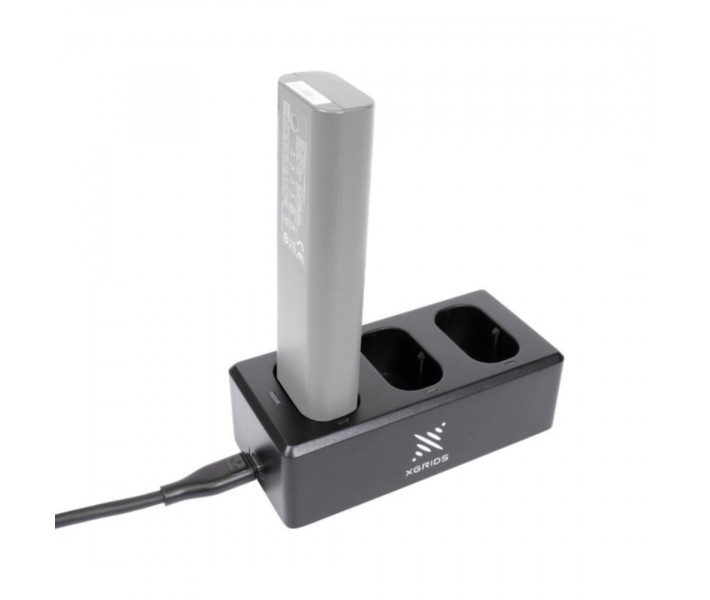
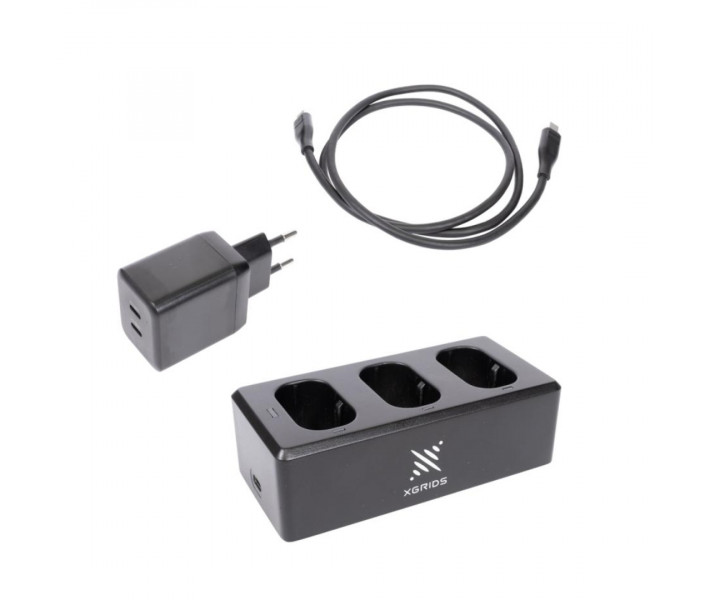
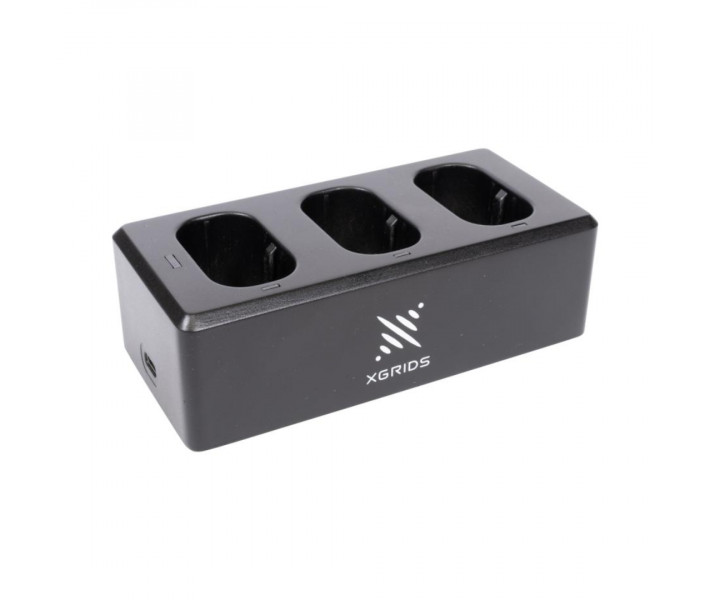
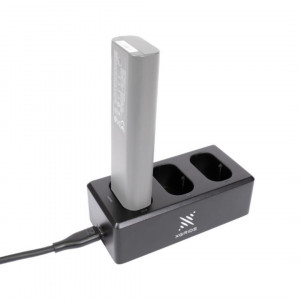
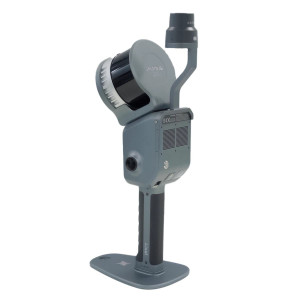
XGRIDS L3 Charger is a battery charging station for the XGRIDS Lixel L3 laser 3D scanner. The device supports two operating modes: full charging to 100% and charge maintenance for long-term battery storage. The station allows several batteries to be installed at the same time and charges them in sequence. The light indicator helps you monitor the charge level during operation.
Advantages of the XGRIDS L3 charging station
Two operating modes. Charge mode is designed for fully charging batteries to 100%, while Storage mode maintains a charge level suitable for long-term storage.
Sequential charging of several batteries. The station automatically determines the charging order based on the remaining charge level. Batteries with the most remaining energy are charged first.
Charging process monitoring. The green light indicator shows the current battery charge level. The number of flashes corresponds to one of four ranges from 0 to 99%.
Charge maintenance during storage. Storage mode helps to slow down the loss of battery capacity. For this mode to work, the station must remain connected to the power supply.
Battery charging modes
The XGRIDS L3 charging station has two modes, which differ in their purpose and the way they handle the battery.
Charge mode - standard charging mode. In Charge mode, the battery is charged to 100%. This mode is suitable for everyday work with the XGRIDS Lixel L3 3D scanner, when you need to prepare the battery for the next scan. Full charging takes approximately 100 minutes.
Storage mode - long-term storage mode. Storage mode is intended for batteries that will not be used for a long time. The station brings the charge to a level suitable for storage and maintains it. This mode helps to slow down the loss of battery capacity during prolonged downtime. To maintain the charge, leave the battery in the station and keep the station connected to the power supply.
Charge level indication
The XGRIDS L3 charger is equipped with a light indicator for monitoring the battery condition. During charging, the green indicator flashes from one to four times, depending on the current charge level.
Green indicator
Charge level
1 flash
0–24%
2 flashes
25–49%
3 flashes
50–74%
4 flashes
75–99%
The indicator allows you to determine the approximate charge level without installing the battery in the 3D scanner.
Charging order for several batteries
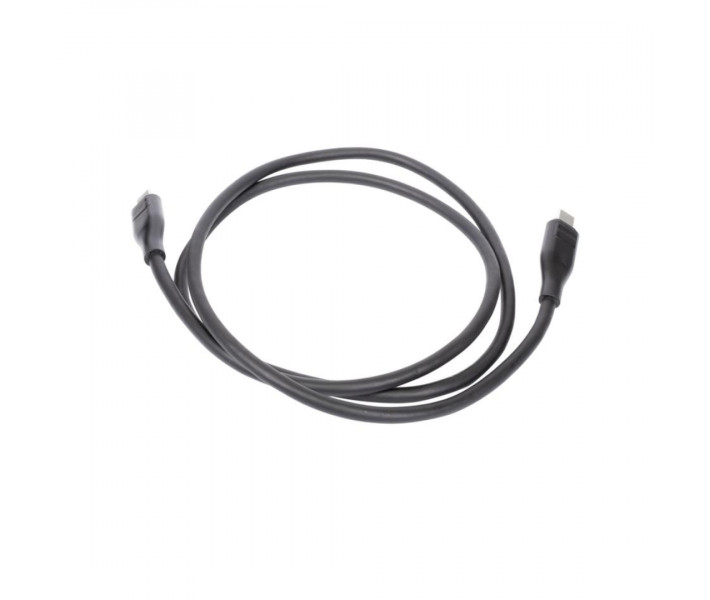
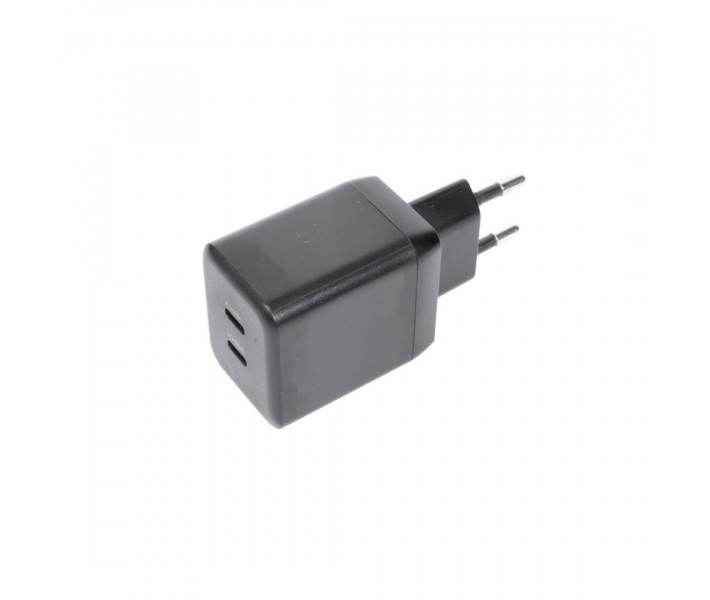
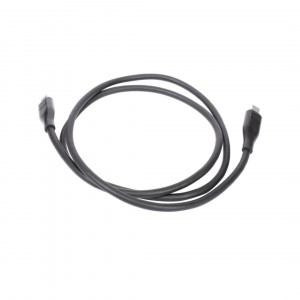
The station supports placing several batteries at the same time, but charges them one after another. If several batteries are installed, the device determines the sequence according to the remaining charge. The battery with the highest charge level is charged first, after which the station moves on to the next one. This order allows the battery that needs the least top-up to be made ready for use sooner. To start charging, install the battery in the charging station and connect the charging cable.
Charging and storage recommendations
To preserve the performance of XGRIDS Lixel L3 batteries, follow these recommendations:
After finishing work. Fully charge the battery after each use.
When storing charged batteries. Perform a full charge at least once every three months.
At a low charge level. Charge discharged or nearly discharged batteries within three days.
During prolonged downtime. Switch the station to Storage mode, leave the battery installed and do not disconnect the station from the power supply.
Failure to follow the storage recommendations may cause irreversible damage to the battery. Such damage is not covered by the warranty.
XGRIDS L3 technical specifications
Parameter
Value
Compatible equipment
XGRIDS Lixel L3 3D scanner
Purpose
Battery charging
Full charging time
Approximately 100 min
Operating modes
Charge mode, Storage mode
Maximum charge level
100%
Charging of several batteries
Sequential
Charging order
From the highest remaining charge to the lowest
Indication
Green light indicator
Number of indication ranges
4
Buy the XGRIDS L3 charger at 3DDevice
Order the XGRIDS L3 battery charging station from 3DDevice to get the batteries of your XGRIDS Lixel L3 3D scanner ready for work. Our specialists will help you check compatibility before purchase.
3D Scanner with Color Cameras XGRIDS L2 Pro 16/120 Standard Package
The 3D scanner with color cameras and LiDAR XGRIDS L2 Pro 16/120 is an advanced h..
3D scanner for landscape works XGRIDS L2 Pro 32/300 Standard Package
The XGRIDS L2 Pro 32/300 3D scanner for landscape works will help to increase th..
XGRIDS K1 Extension Pole Kit – set of poles for remote 3D scanning
The XGRIDS K1 Extension Pole Kit is a specialized accessory for the XGRIDS Lixel K1..
RTK Module for Satellite Positioning for XGRIDS K1
The RTK (Real-Time Kinematic) module for the XGRIDS Lixel K1 3D scanner is an add-on that provides..
XGRIDS L2 Drone Mount: Bracket for attaching a 3D scanner to a Drone
The XGRIDS L2 Drone Mount (sometimes called a Drone Mounting Bracket or UAV Mount..
3D Scanning with XGRIDS L2 Pro Extension Pole Kit
The XGRIDS L2 Pro Extension Pole Kit is a professional accessory designed for the XGRIDS Lixel L2 Pr..
XGRIDS L2 Pro backpack — Strap backpack for XGRIDS L2 Pro 3D scanners
The XGRIDS L2 Pro 3D scanner strap backpack is a specialized accessory for comfo..
Portable Battery for XGRIDS L2 Series 3D Scanners The portable battery for XGRIDS L2 / L2 Pro is an external power unit designed to extend the autono..
XGRIDS PortalCAM 3D Camera – Capturing Reality in Digital Space
XGRIDS PortalCAM is an innovative new-generation 3D camera designed for precise spati..
XGRIDS Survey Grade RTK Kit – 3D Scanning in Difficult Conditions
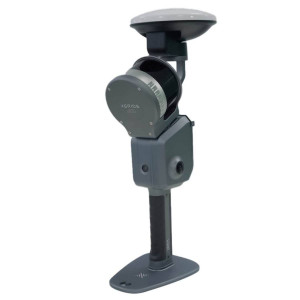
The XGRIDS Survey Grade RTK Kit is a high-precision satellite positioning module (R..
Lixel Cyber Color: software for XGRIDS 3D scanners
Lixel Cyber Color (LLC, also "Lixel CyberColor Studio") is a software package from XGRIDS that allo..
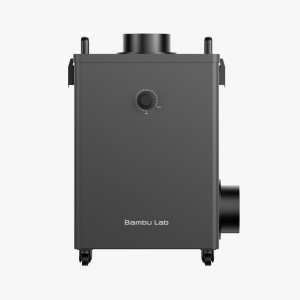
Bambu Lab Smoke Purifier air purification system for laser equipmentBambu Lab Smoke Purifier is a specialized air purification system designed to work..
Creality Air Assist Kit for Laser Engraver
Air Assist Kit is an air supply system for laser engravers designed to optimize thermal material processin..
Smoke Purification during Laser EngravingCreality Falcon AP1 Smoke Purifier is a smoke purifier for laser engravers, designed for workshops, education..
22W Laser Module Upgrade Kit for S30, S9, and S6 SeriesSculpfun 22W Laser Module Upgrade Kit is a diode laser module upgrade kit designed to increase ..
33W Laser Module Upgrade Kit for S30, S9, and S6 SeriesSculpfun 33W Laser Module Upgrade Kit is an upgrade kit for a diode laser module designed to in..
Sculpfun 350x350mm Honeycomb Exhaust System for Laser Cutting and EngravingSculpfun 350x350mm Honeycomb is a laser cutting platform with a working are..
Sculpfun H3 Honeycomb 600x600 mm Exhaust System for Laser CuttingSculpfun H3 Honeycomb is a platform for laser cutting and engraving that supports the..
lSculpfun H4 Honeycomb 840x828 mm Extraction System for Laser CuttingSculpfun H4 Honeycomb is a platform for laser cutting and engraving, designed to ..
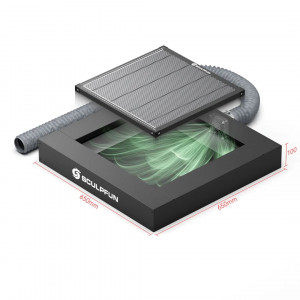
Sculpfun H5 Gen2 Honeycomb 650x650mm Exhaust System for Laser CuttingSculpfun H5 Gen2 Honeycomb is a platform for laser cutting and engraving with a b..
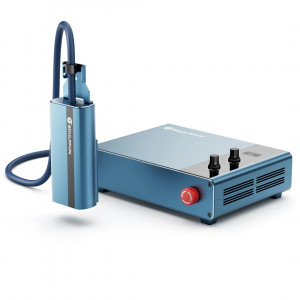
Infrared Laser Module Sculpfun IR20 with 20W PowerSculpfun IR20 20W Fiber Laser is an infrared laser module designed for engraving and marking metal p..
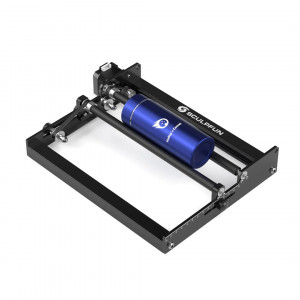
Sculpfun RA Mini Rotary Roller Module for Cylindrical BlanksSculpfun RA Mini Rotary Roller is a roller rotary module for rotating cylindrical blanks d..
Sculpfun RA Pro Rotary Chuck Module for Engraving Cylindrical ProductsSculpfun RA Pro Rotary Chuck is a multifunctional device for rotating workpieces..
Sculpfun RA Pro Max 4 in 1 Rotary Module for Engraving Cylindrical ProductsSculpfun RA Pro Max Chuck is a multifunctional device for rotating workpiec..
Expansion of the Work Area for Sculpfun G9 and V5 UV Laser SystemsSculpfun Slide Extension Kit is a module for expanding the work area to 350 x 100 mm..