

- Stock: In Stock
- Product code: 00-00014148

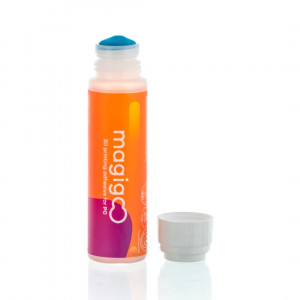
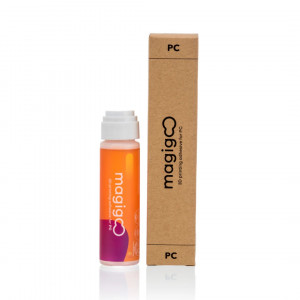
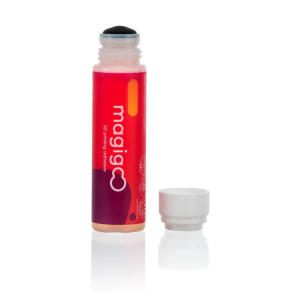
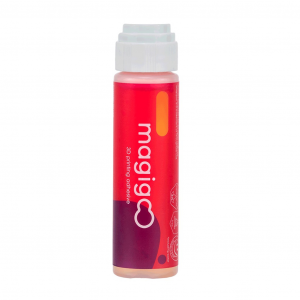
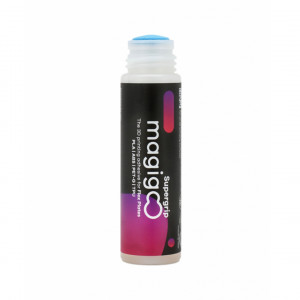
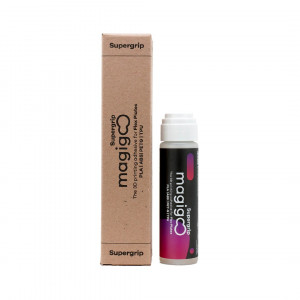
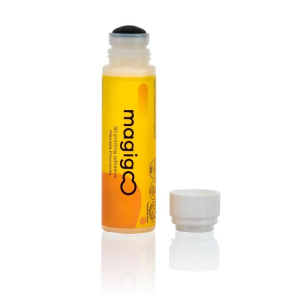
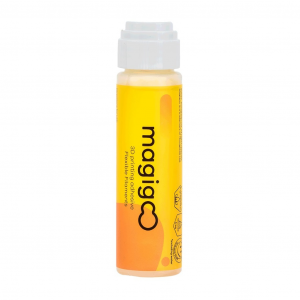
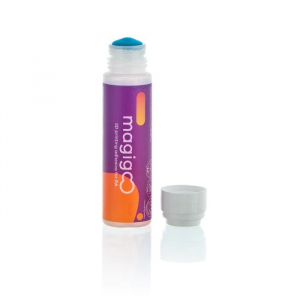
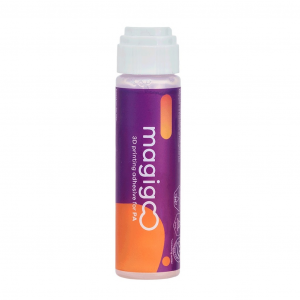
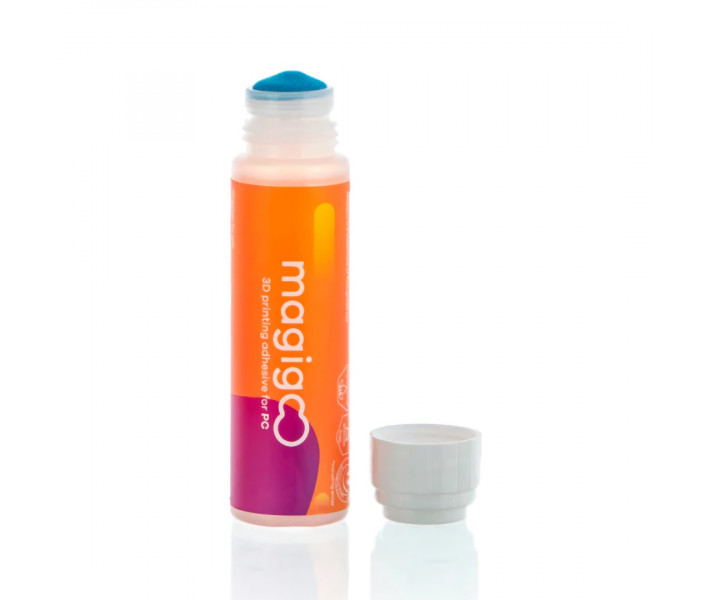
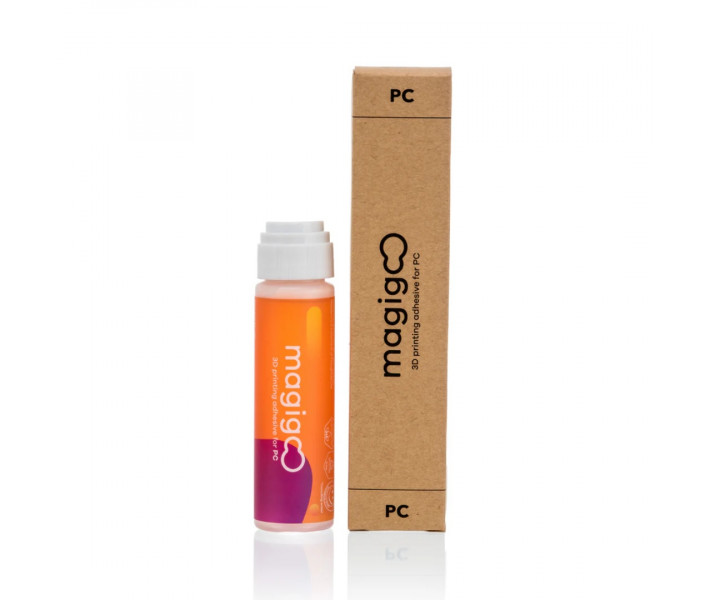
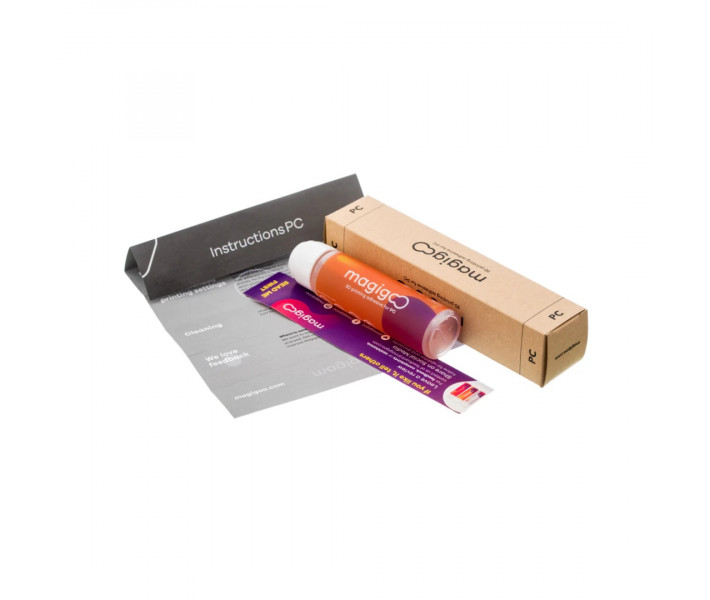
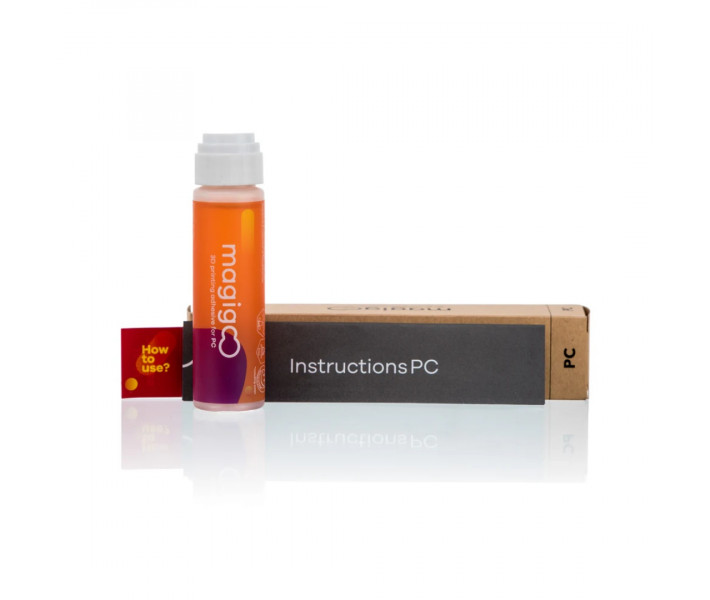
Glue for 3D Printing Magigoo Pro PC 50 ml
Magigoo Pro PC glue is a specialized adhesive for FDM/FFF 3D printing, specifically designed for working with polycarbonate (PC). Due to the high thermal shrinkage of this plastic, models often deform and detach from the platform during operation. The glue ensures reliable adhesion of the first layer, completely solving the problem of part warping. After the table cools down, finished products can be easily removed manually, without additional tools and without the risk of damaging the surface.
Main Advantages of Magigoo Pro PC Glue
- Reliable first-layer adhesion during 3D printing with polycarbonate.
- Easy removal of parts after the table cools down.
- Suitable for working with PC and some composite filaments based on polycarbonate.
- Applies in a thin and even layer.
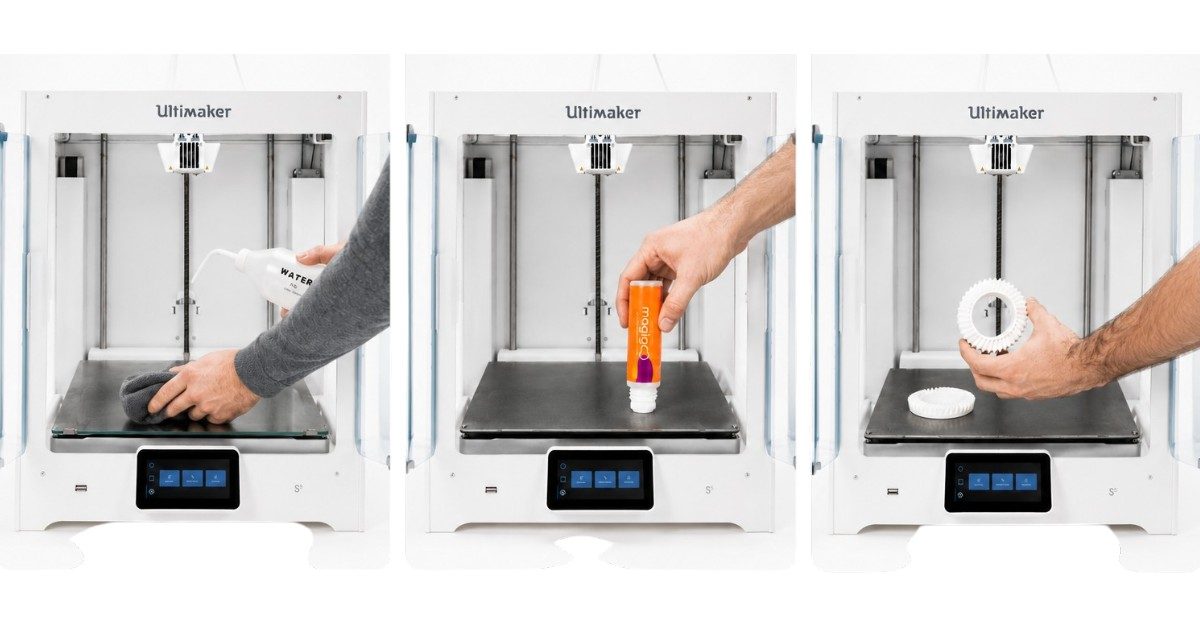
- Easy to clean from the surface with a soft cloth moistened in clean water.
- Helps extend the life of flexible plate coatings. Reduces the risk of surface damage during the removal of printed models.
- Compact bottle. Convenient to take with you to the workshop, service center, or production site.
For Which Plastics is Magigoo Pro PC Suitable
Magigoo Pro PC is specifically designed for 3D printing with polycarbonate and materials based on it, including PC-ABS, PC-PBT, and composite filaments with added carbon or fiberglass. The glue provides stable adhesion of models to the platform at high print bed temperatures typical for PC plastics. For stable 3D printing with polycarbonate, it is recommended to use 3D printers with a closed chamber. Exact printing parameters may vary depending on the specific filament, so it is worth checking the manufacturer's recommendations before starting work.
How Magigoo Pro PC Works
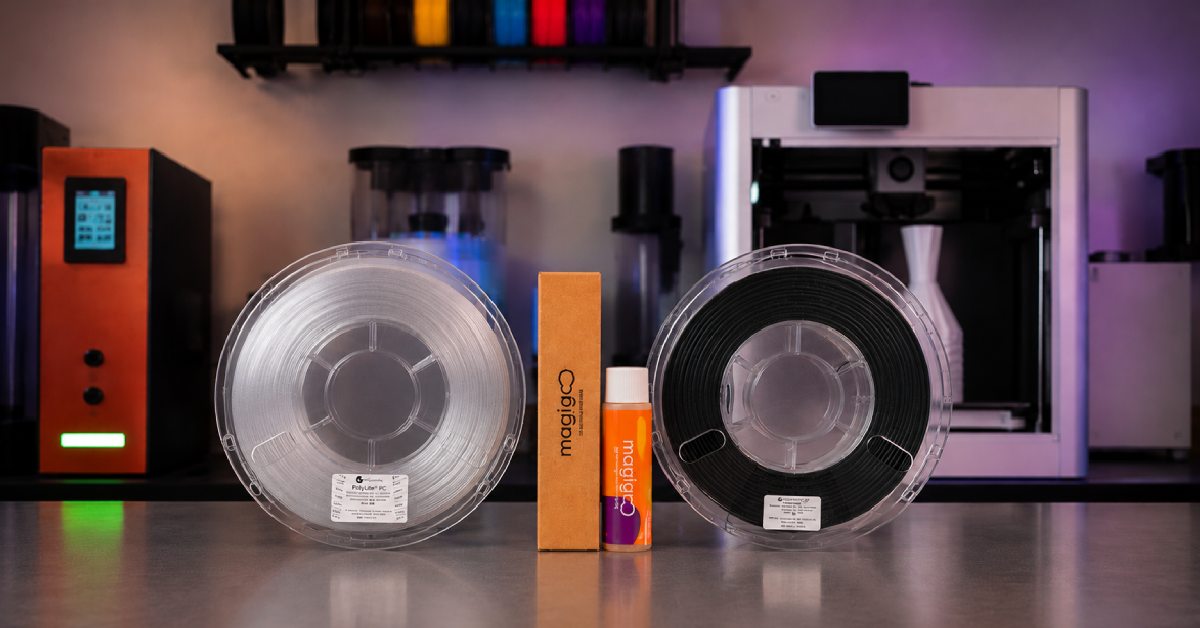
After the print bed is heated, Magigoo Pro PC glue ensures reliable adhesion of the model to the platform. This helps to keep the part stable during 3D printing even at high temperatures typical for polycarbonate. When the surface cools down, the adhesion weakens, allowing the model to be easily detached from the platform without excessive effort.
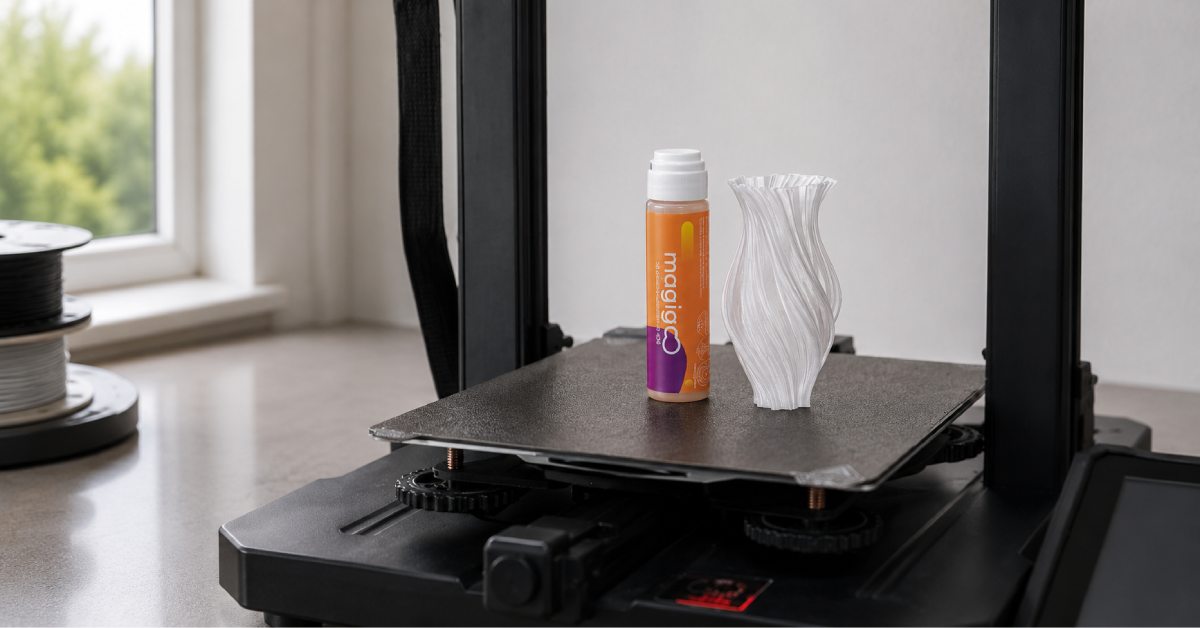
Tip: before applying, make sure the table surface is clean and free of old glue residues or contaminants. A thin, even layer over the entire 3D printing area is sufficient for effective glue performance.
Step-by-Step Usage
- Shake the bottle well before applying.
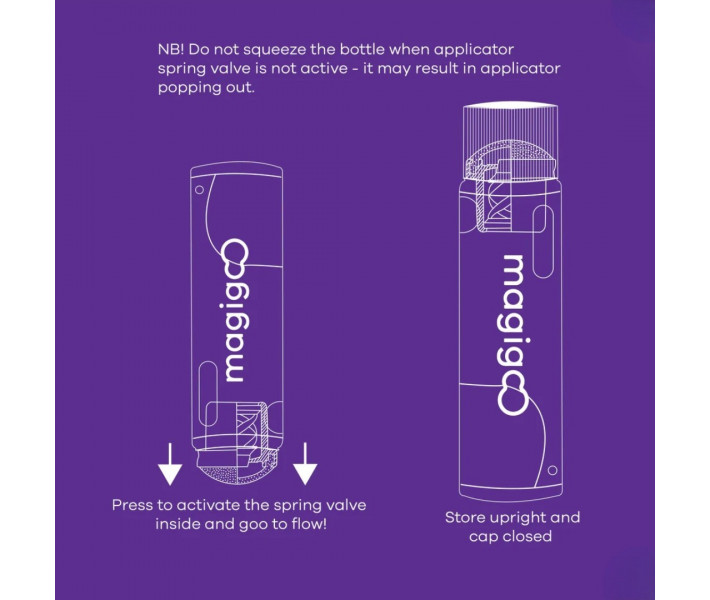
- Press the applicator against the table surface to activate the spring valve.
- Apply the glue in linear motions over the entire required area.
- Start 3D printing with the recommended table temperature.
- After completion, wait for the platform to cool down.
- Remove the model without abrupt movements. No tools are needed for this!
- Clean the working surface with a clean cloth moistened in clean water.
- Store the glue in an upright position with the cap closed.
Important! Do not squeeze the bottle without the applicator pressed against the table surface. This may lead to excessive glue leakage, uneven application, and contamination of the print platform or work area.
Tips from 3DDevice Experts
- Apply in a thin layer. Excessive glue does not improve adhesion but may leave more marks, making cleaning difficult. A thin layer is sufficient for normal adhesion.
- Wait for the platform to cool completely. Do not attempt to remove the model immediately after 3D printing is finished. When the table cools, adhesion decreases, making it much easier to detach the part without the risk of surface damage.
- Clean the platform. After 3D printing is complete, remove Magigoo Pro PC glue residues with a soft cloth or tissue moistened in clean water.
Need glue for 3D printing with polycarbonate? Order Magigoo Pro PC 50 ml — an adhesive for working with PC plastics and materials based on polycarbonate. The glue helps improve model adhesion to the platform, reduce the risk of deformation, and simplify the removal of finished parts.