


- Stock: In Stock
- Product code: 00-00014600

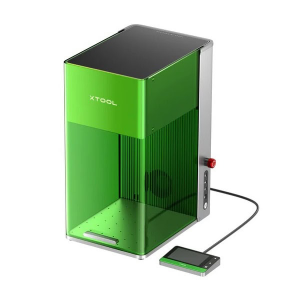
Color Printing on a Laser Engraver: xTool M2 CMYK Inkjet Module
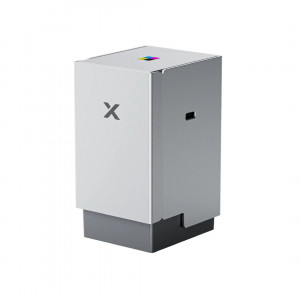
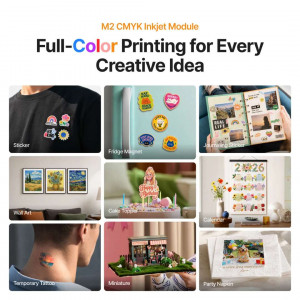
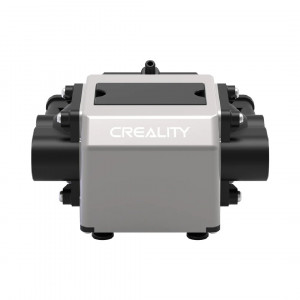
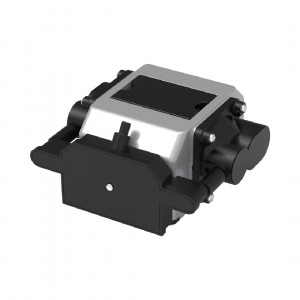
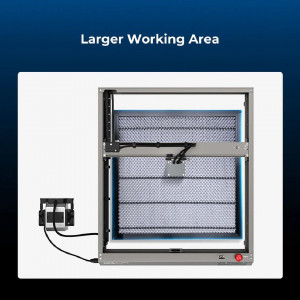
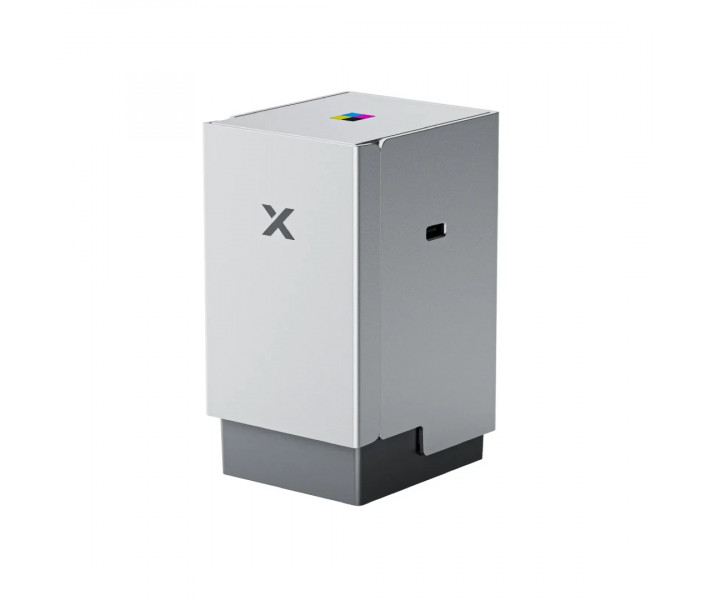
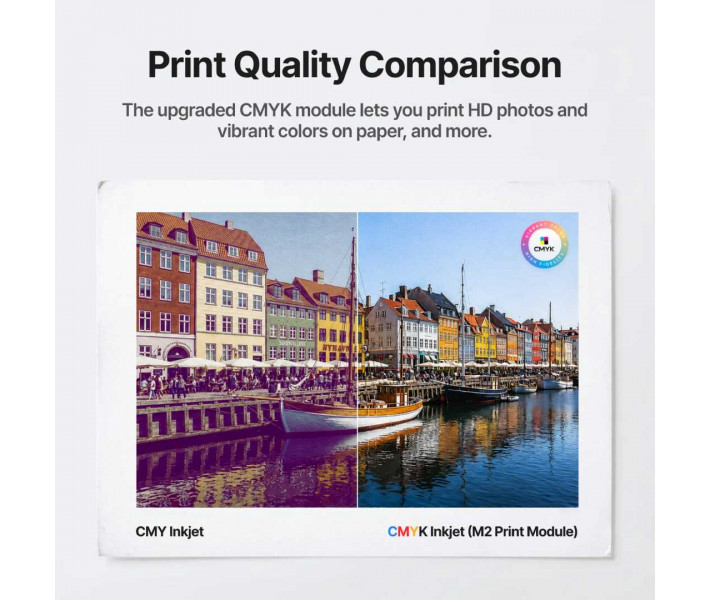
The removable xTool M2 CMYK Inkjet Printing Module expands the capabilities of the xTool M2 laser engraver by adding full-color inkjet printing functionality. The module allows for the application of clear color images within the working area of 300 × 294 mm. The Print & Cut feature combines printing and contour laser cutting into one automatic process, eliminating the need for manual material alignment and excluding errors.
Features and Specifications of the xTool M2 CMYK Inkjet Module
- Four-color CMYK printing: The integrated unit operates at a resolution of 1200 × 1200 dpi, allowing for detailed and clear reproduction of complex designs, photos, or branding elements on the surface.
- Quick installation: Thanks to the magnetic mounting system and a single connection cable, this removable unit is mounted on the equipment's moving head in seconds.
- Process automation: Compatible operation with the device's two cameras at 5 MP and 2 MP ensures precise boundary recognition, allowing for sequential printing of graphics and laser cutting without shifts.
- Software: All work cycles, from layout preparation and calibration to color transfer control, occur in a single utility — xTool Creative Space.
Working with Different Types of Materials
- Supported bases: Paper, cardboard, stickers, wood, cotton, canvas, and felt, photo paper, transfers for temporary tattoos, and shrink films. Printing on acrylic or glass is possible with prior surface treatment.
- Texture requirements: Optimal quality and clarity of the image are achieved on light or white materials that absorb ink well.
Package Contents
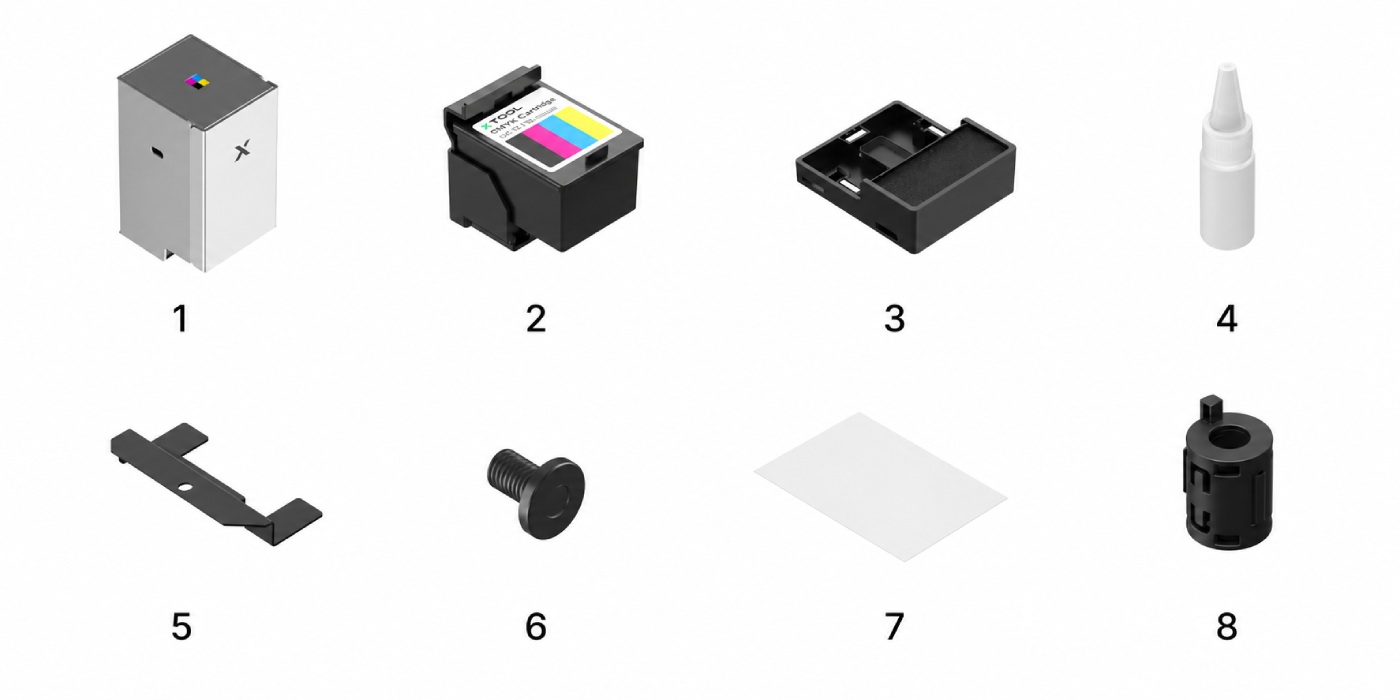
- xTool M2 CMYK Inkjet Printing Module — 1 pc.
- CMYK Ink Cartridge — 1 pc.
- Lower protective cover — 1 pc.
- Nozzle moisturizing liquid — 1 pc.
- Lower cover fixing plate — 1 pc.
- Module mounting screw — 1 pc.
- A5 Calibration card — 1 pc.
- Ferrite ring (interface filter) — 1 pc.
Technical Specifications
| Parameter | Value |
| Printing technology | Color inkjet printing CMYK |
| Printing work area | 300 × 294 mm |
| Machine compatibility | xTool M2 |
| Type of consumables | Original combined xTool CMYK Ink Cartridge |
| Type of ink | Water-based |
| Software | xTool Creative Space |
| Supported OS | Windows, macOS |
| File formats for printing | SVG, DXF, JPG, JPEG, PNG, BMP, PDF |
| Mounting method on the machine | Magnetic mounting on the moving carriage + interface cable |
Ordering and Professional Support at 3DDevice
At the 3DDevice store, you can purchase the printing module for xTool M2 and related components. Our technical specialists will provide detailed consultations on equipment compatibility, assist with the initial setup and calibration of the device, and select the configuration for specific tasks of your production or workshop.