

- Stock: Discontinued
- Product code: 00-00014046

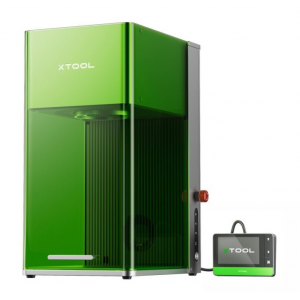
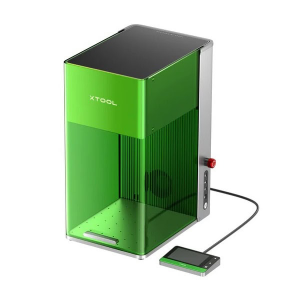
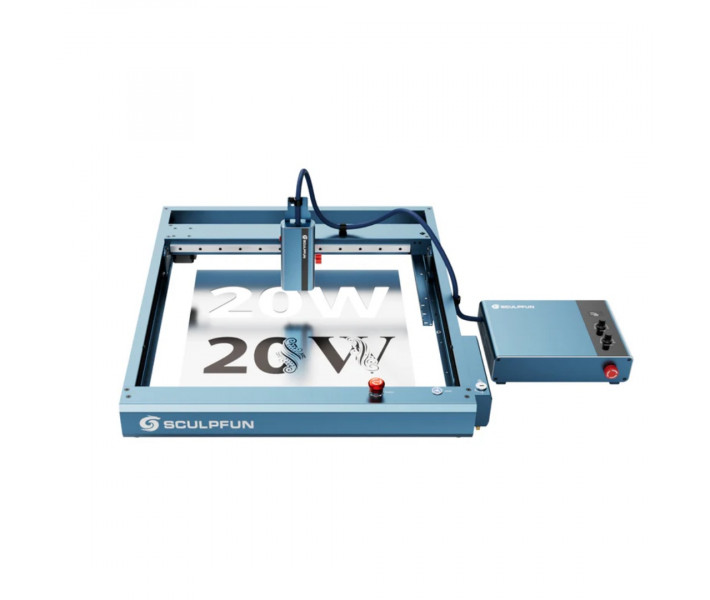
20W Fiber Laser in SCULPFUN A9 Ultra for Precise Engraving and Marking
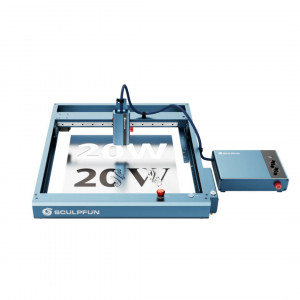
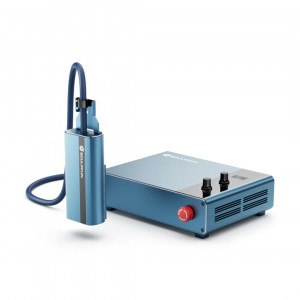
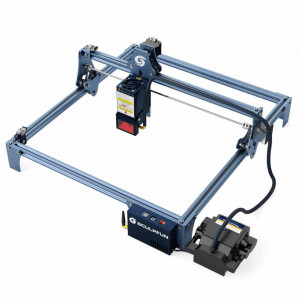
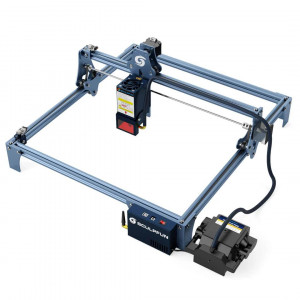
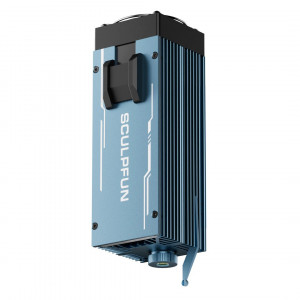
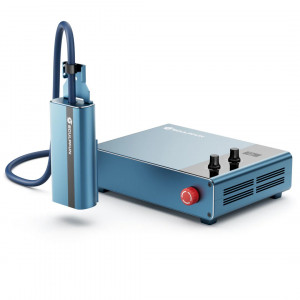
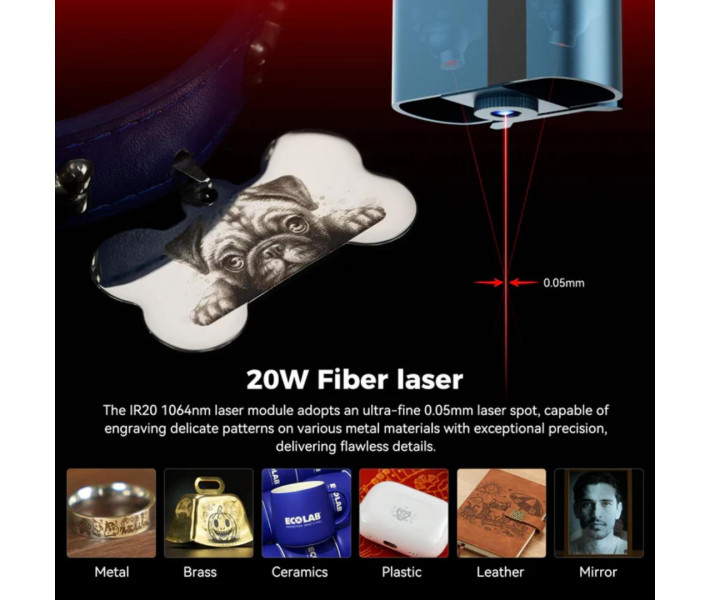
SCULPFUN A9 Ultra IR20W is a laser engraver with a 20W infrared emitter and a wavelength of 1064 nm. Designed for high-precision metal engraving, plastic marking, and product personalization. The machine is developed for commercial use, serial branding, and industrial marking, where speed and result stability are critically important.
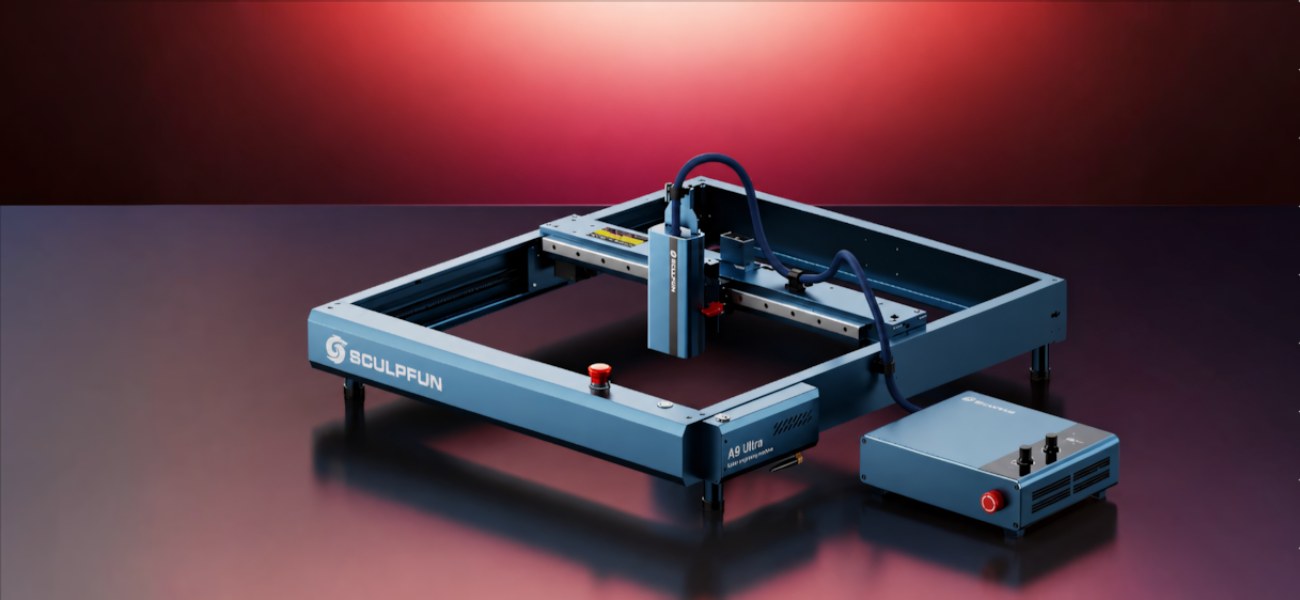
Main Advantages of SCULPFUN A9 Ultra IR20W
- Clear Metal Marking: the 20W infrared beam qualitatively applies texts, logos, serial numbers, and graphics on metal surfaces.
- Jewelry Detailing: a focal point diameter of 0.05 mm accurately reproduces the smallest elements and micro fonts.
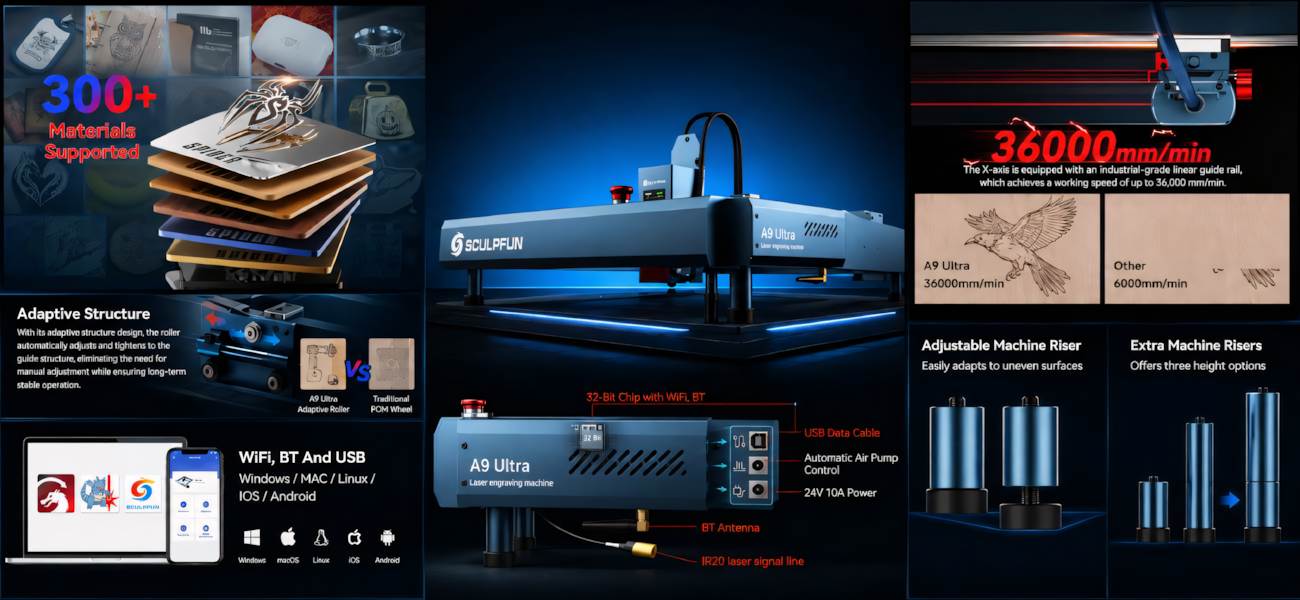
- Serial Productivity: a maximum movement speed of up to 36,000 mm/min allows for quickly completing large volumes of work without loss of quality.
- Processing Versatility: the system is compatible with more than 350 types of metal and polymer surfaces.
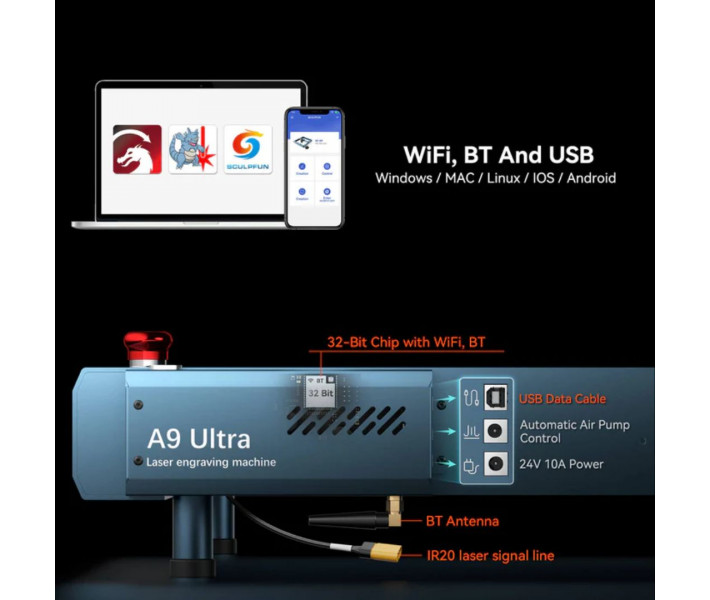
- Wireless Control: files can be transferred and parameters adjusted via Wi-Fi, Bluetooth, or USB.
- Quick Focusing: manual adjustment allows for instant adaptation of optics to the height of the workpiece.
Compatible Materials for Engraving
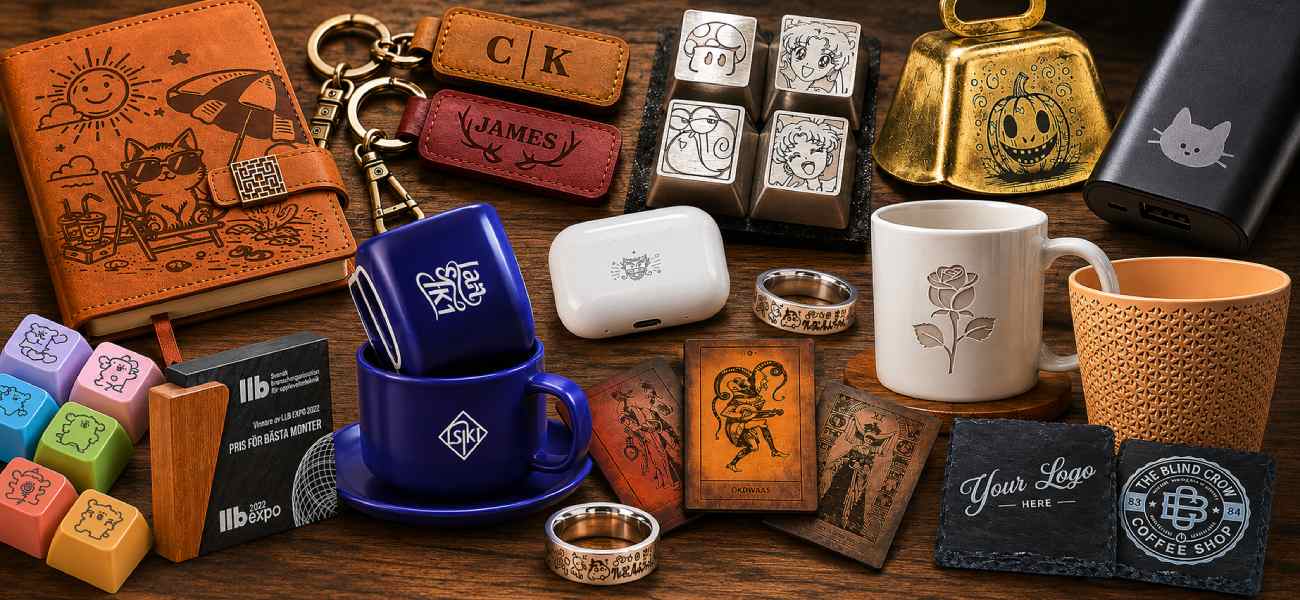
The A9 Ultra IR20W model is designed exclusively for working with metals and some polymers. The laser provides durable contrast marking and is suitable for making plates, nameplates, tags, and souvenirs.
Supported Materials: stainless steel, aluminum, brass, silver, gold, titanium, platinum, iron, and opaque plastics (ABS, PVC, etc.).
Note: this type of laser (1064 nm) is not intended for cutting or engraving wood, leather, plywood, and clear acrylic.
Working Area and Processing Speed of A9 Ultra
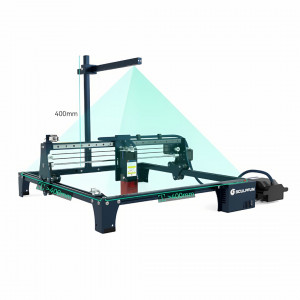
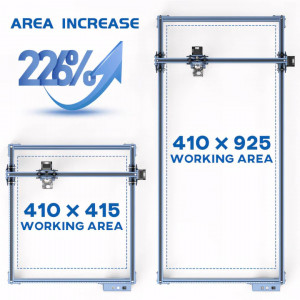
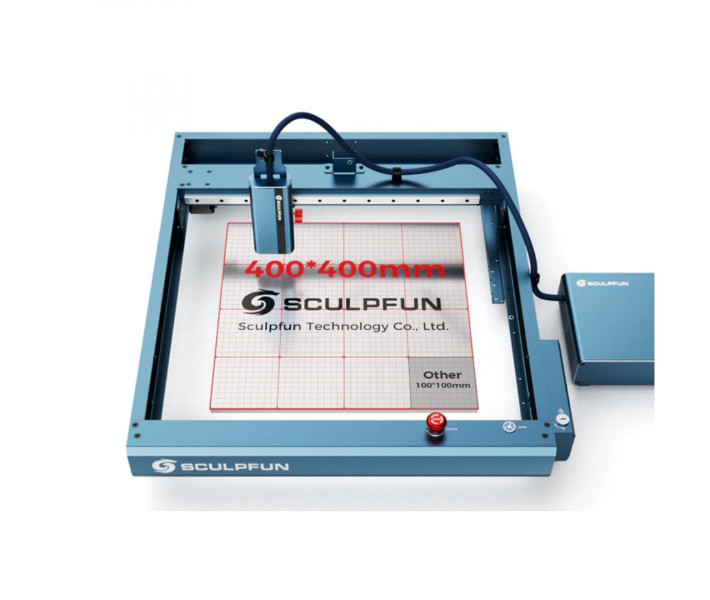
A working field of 400 x 400 mm allows for marking large parts or laying out large matrices of small workpieces for serial branding in one cycle. A speed of up to 36,000 mm/min minimizes the processing time of a single product unit.
Control and Data Transfer
For file transfer and equipment control, Wi-Fi, Bluetooth, and USB connections are available. The laser engraver is compatible with LightBurn and LaserGRBL software, allowing you to prepare layouts, set processing parameters, and manage the workflow. Supported operating systems include Windows, macOS, Android, and iOS.
How to Start Working with the Laser Engraver
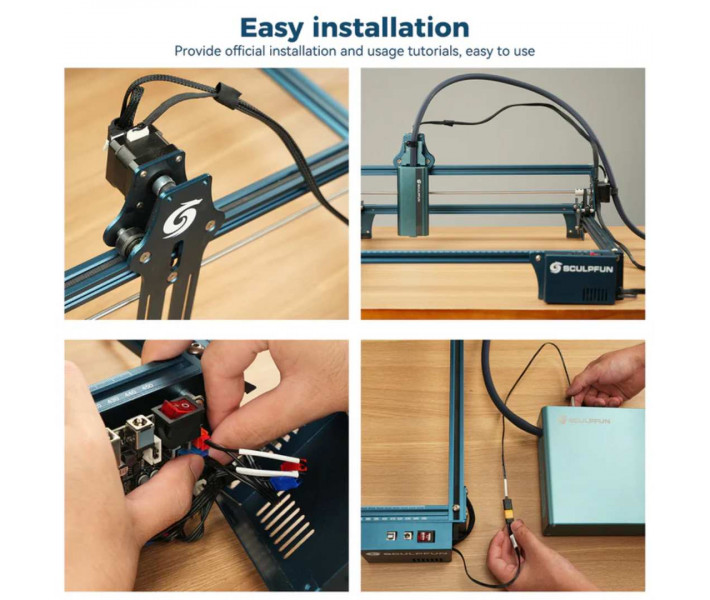
Before the first launch, it is necessary to assemble the equipment and perform basic system setup. For quality results, it is recommended to conduct a test engraving on a material sample.
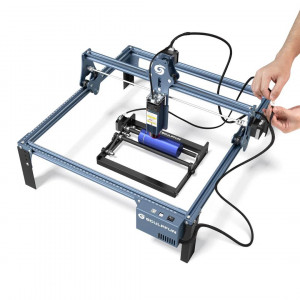
- Assemble the engraver frame according to the manufacturer's instructions.
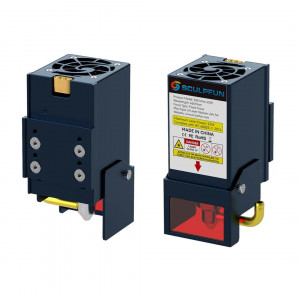
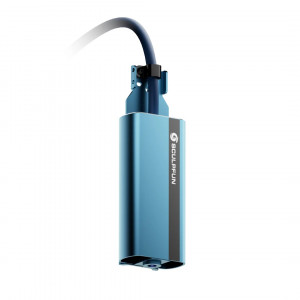
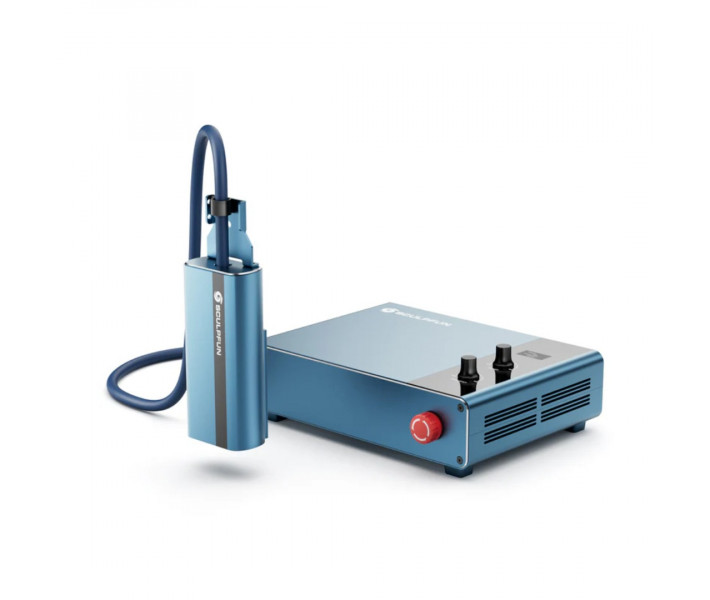
- Install the 20W infrared laser module.
- Connect the power supply and interface cables.
- Connect the equipment to a PC or smartphone via Wi-Fi, Bluetooth, or USB.
- Install and configure LightBurn or LaserGRBL software.
- Focus the laser on the material surface.
- Conduct a test marking on a metal sample to select speed and power.
- Start the working project.
Tip: Save the tested parameters in the LightBurn material library for quick launch of repeat orders.
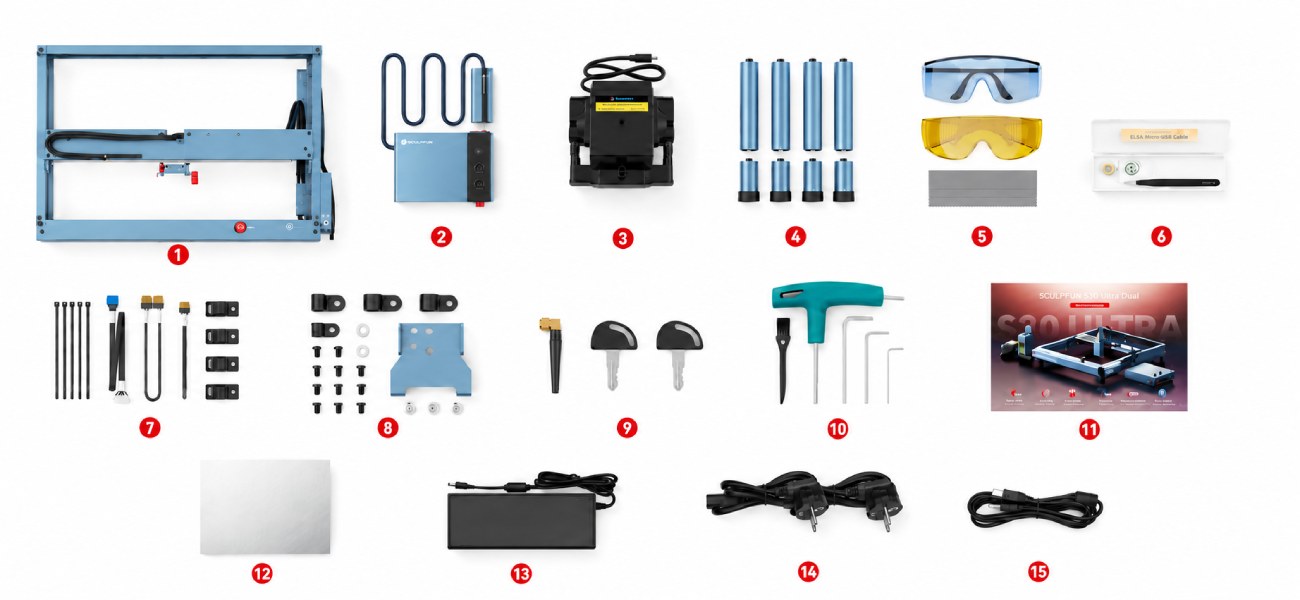
What's Included in the A9 Ultra IR20W Package
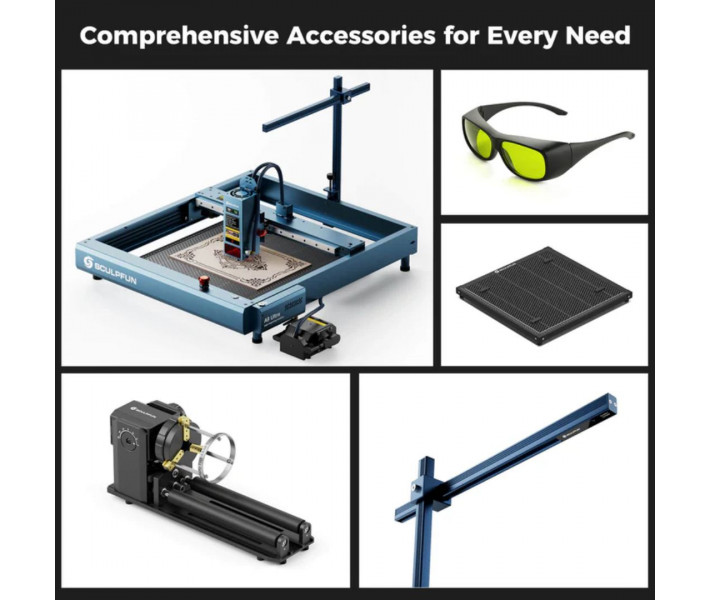
The supply package includes the main components for assembling the equipment and starting work. The set includes elements for mounting, connecting, and testing the laser engraver.
- Main module SCULPFUN A9 Ultra.
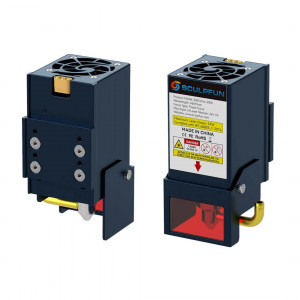
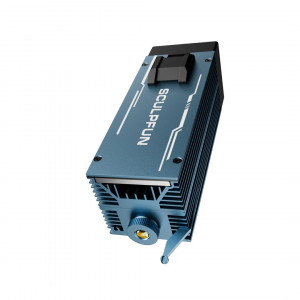
- 20W infrared laser module (1064 nm).
- Air pump (compressor).
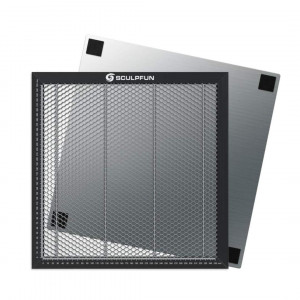
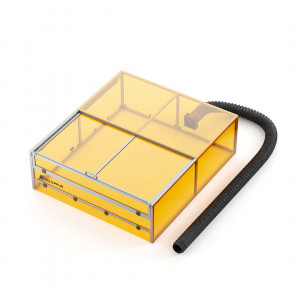
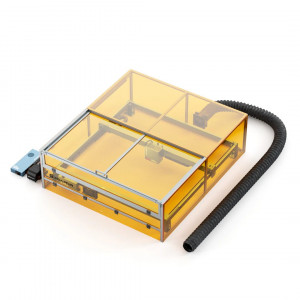
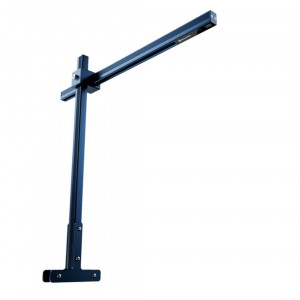
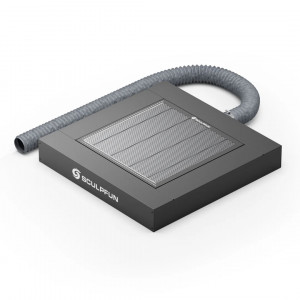
- Supports for increasing the working area height.
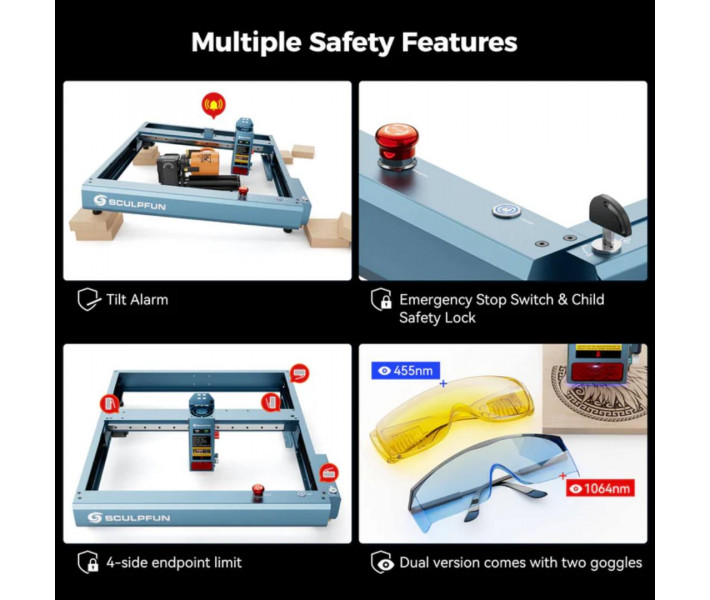
- Protective glasses for safe operation.
- Lens cleaning and maintenance kit.
- Cable set for equipment connection.
- Screw set for assembly.
- Keys for mounting and adjusting units.
- User manual.
- Aluminum plate for trial engraving.
- Power adapter.
- Power cable.
- Data transfer cable.
- Testing New Materials: since the laser works only with metals and plastics, always perform a power and speed test grid on a sample — different alloys react to the 1064 nm wavelength differently, from slight darkening to deep engraving.
- Optics Care: regularly remove fine dust from the laser's protective glass using the wipes from the kit. Lens contamination leads to a decrease in beam power.
Technical Specifications of A9 Ultra IR20W
| Specification | Value |
| Laser Type | Fiber |
| Laser Power | 20W |
| Wavelength | 1064 nm |
| Working Area | 400 x 400 mm |
| Focal Spot Diameter | 0.05 mm |
| Maximum Speed | 36,000 mm/min |
| Focusing | Manual |
| Connection | Wi-Fi / Bluetooth / USB |
| Compatible Software | LightBurn / LaserGRBL |
| Supported OS | Windows / macOS / Android / iOS |
| Safety Class | 4 |
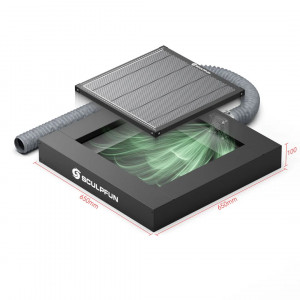
| Net Dimensions | 606 x 665 x 110 mm |
| Net Weight | 14.6 kg |
Practical Recommendations
Need precise marking of metals and plastics within a single system? SCULPFUN A9 Ultra IR20W combines high detailing, stable processing quality, and a 400 × 400 mm working field to perform a wide range of commercial tasks.