



- Stock: In Stock
- Product code: 00-00013827

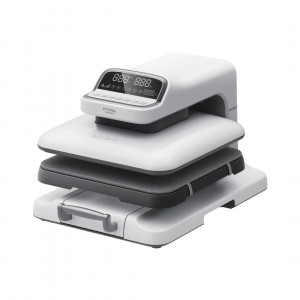
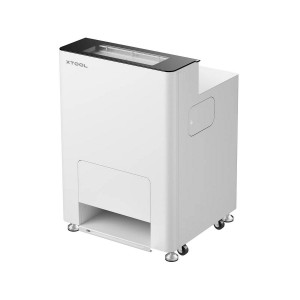
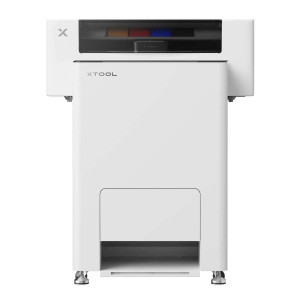
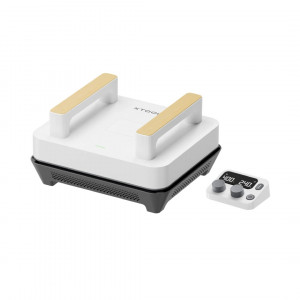
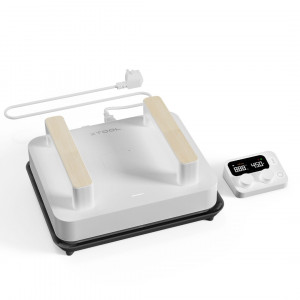
xTool Automatic Heat Press for DTF Printing and HTV Films
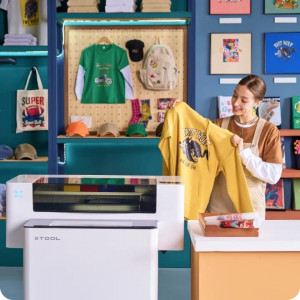
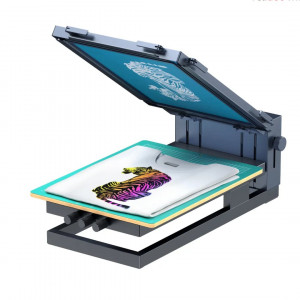
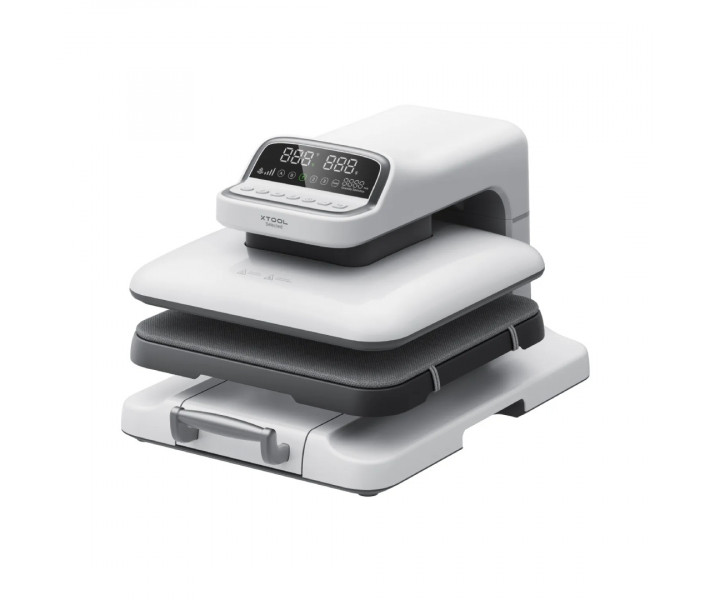
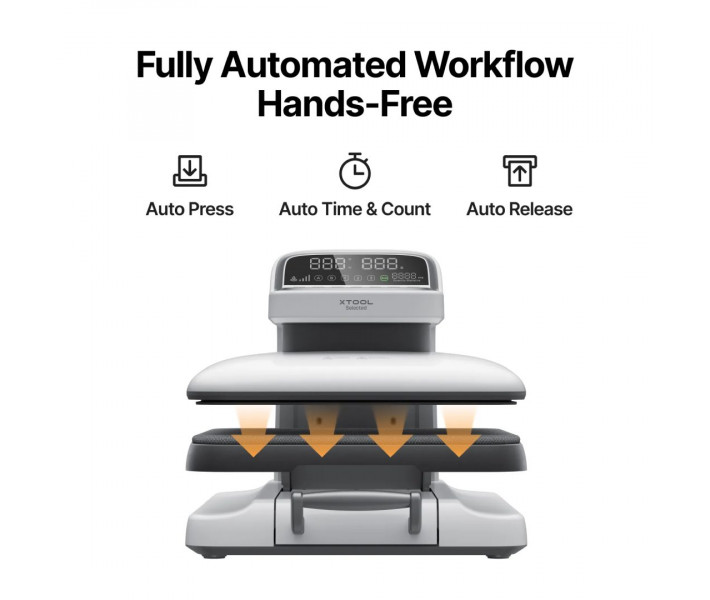
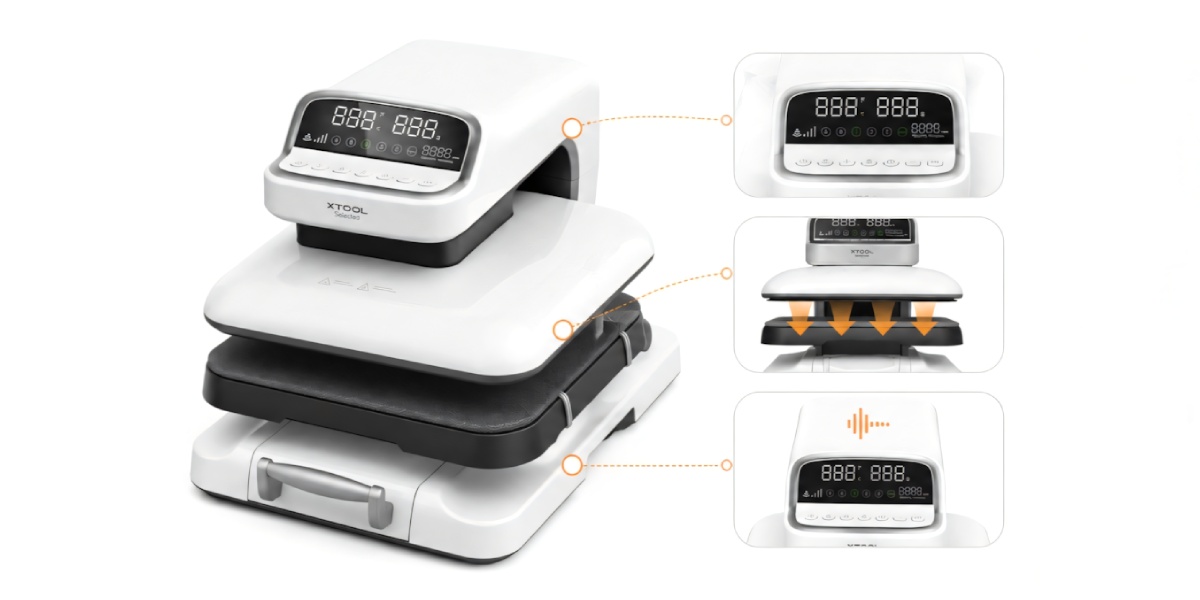
xTool Selected HP2 Auto Heat Press is an automatic heat press designed for applying images to textiles using sublimation, DTF transfers, DTG, and heat transfer vinyl. The equipment automatically performs the pressing cycle after starting, applies pressure, and opens after the set time is completed. With adjustable temperature, time, and pressure, the heat press is suitable for printing on t-shirts, hoodies, tote bags, and other textile products, and can also be used in workshops, print shops, and for advertising production.
Main Advantages of xTool Selected HP2 Auto Heat Press
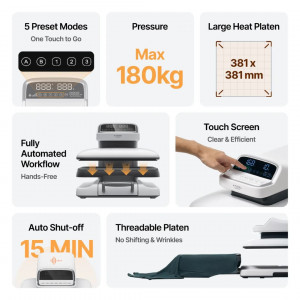
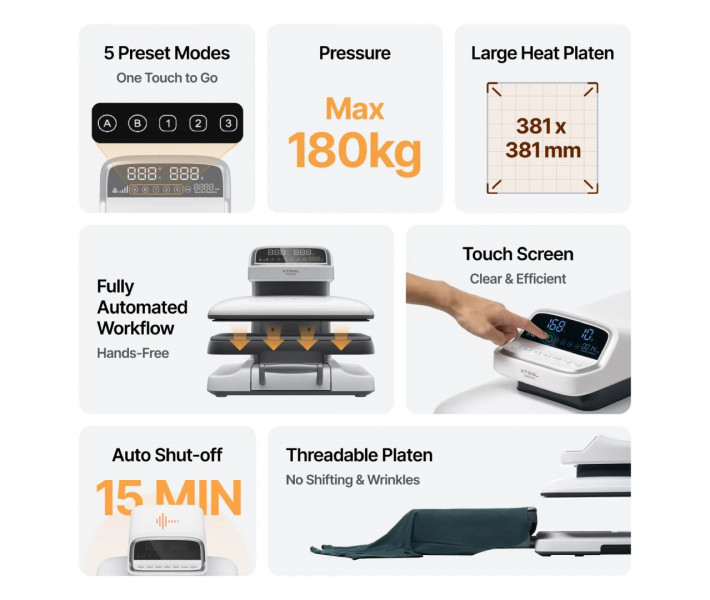
- Automatic opening after cycle completion.
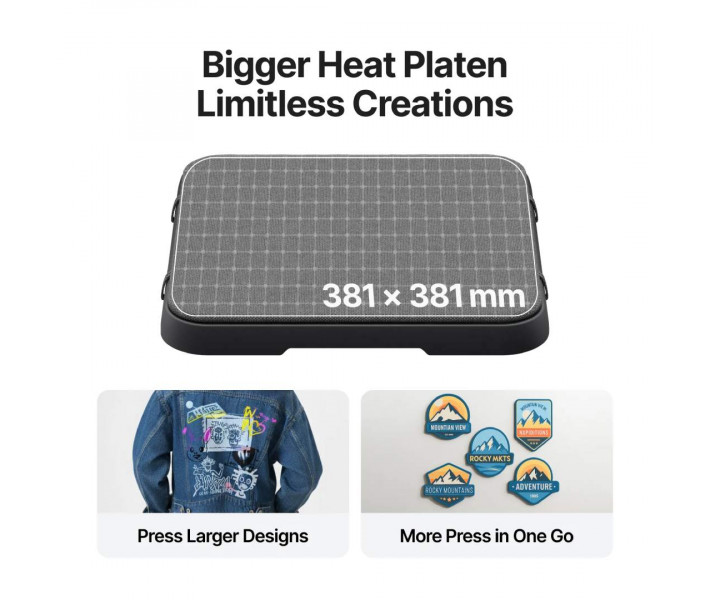
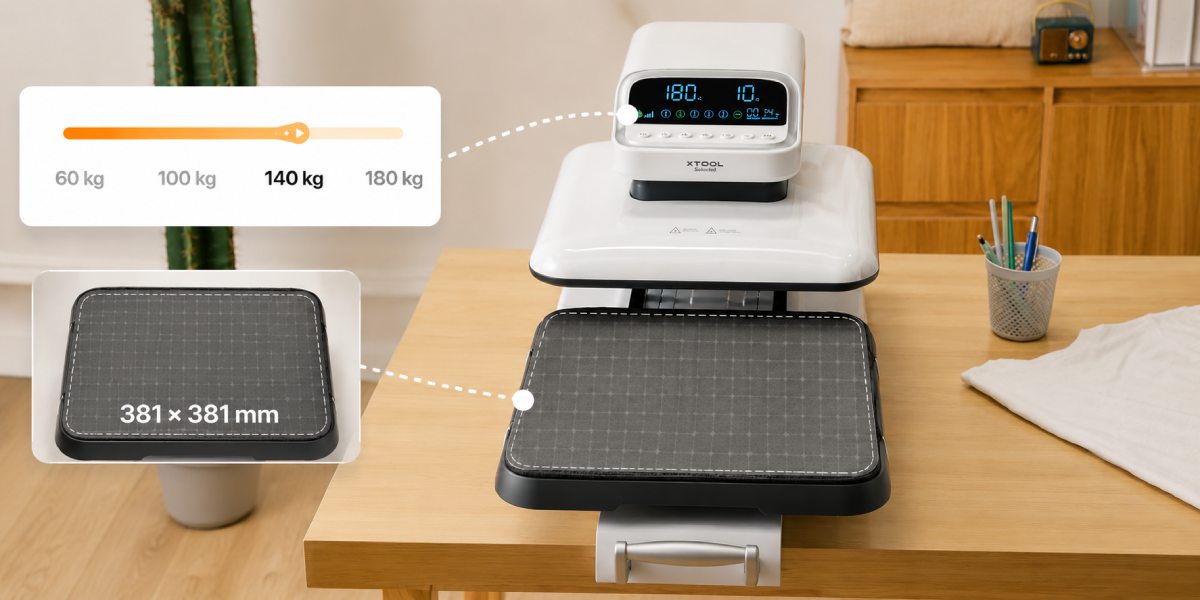
- Working surface 381x381 mm.
- Four pressure levels: 60, 100, 140, and 180 kg.
- Temperature range from 40°C to 210°C.
- Timer from 1 to 999 seconds.
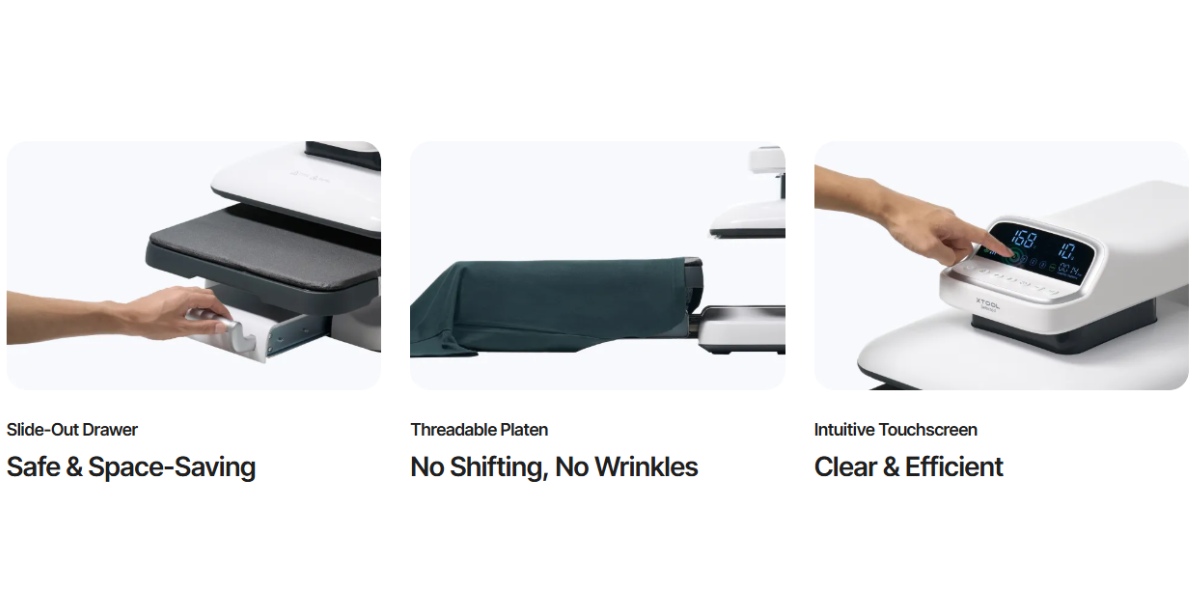
- Touch control panel.
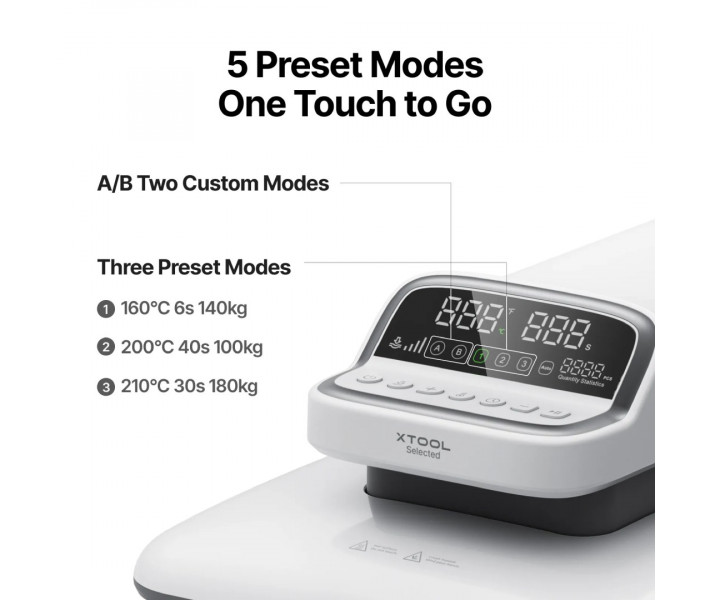
- Five operating modes for quick setup.
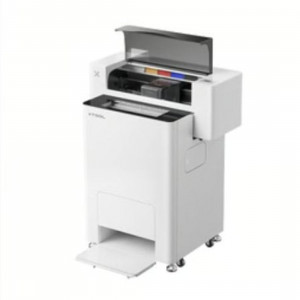
- Slide-out platform for convenient placement of products.
- Support for sublimation, DTF, DTG, and HTV films.
- Automatic shutdown function after idle time.
Heat Press for Sublimation DTF and HTV
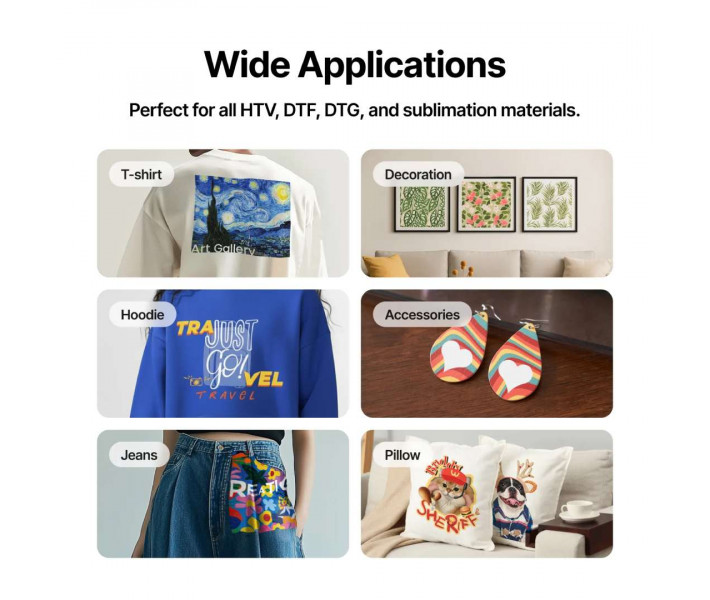
xTool Selected HP2 supports popular heat transfer technologies for textile printing. The heat press is compatible with sublimation transfers, DTF transfers, DTG transfers, and vinyl HTV films. Four pressure levels allow adjustment for different types of materials and transfers, which is especially relevant when working with dense fabrics or multi-layer images.
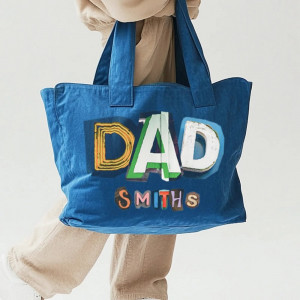
The 381x381 mm working surface provides sufficient area for applying large prints on popular textile products. The heat press is suitable for printing on t-shirts, hoodies, sweatshirts, eco-bags, totes, and other fabric products.
Application Options
xTool Selected HP2 is designed for applying images to textiles using sublimation, DTF transfers, and HTV films. The equipment is suitable for producing both single items and serial batches of products.
- Branding t-shirts, polos, and sweatshirts.
- Applying logos to corporate clothing.
- Personalizing sports uniforms.
- Producing souvenir textile products.
- Printing on totes, eco-bags, and fabric accessories.
- Creating merchandise for companies, events, and brands.
- Transferring sublimation images to polyester products.
- Applying DTF transfers to cotton and mixed fabrics.
- Working with various types of HTV heat transfer films.
Automatic Heat Press for Workshops and Production
The established work cycle helps reduce the number of manual operations during textile printing. After starting, the xTool Selected HP2 automatically applies pressure to the blank, maintains the set pressing time, and opens after the cycle is completed.
This solution is especially convenient when printing a large number of items with the same parameters. While the heat press performs the current cycle, the operator can prepare the next item for image application. Additional convenience is provided by five operating modes, which allow quick switching between different materials and heat transfer technologies.

How to Use xTool Heat Press HP2?
- Place the xTool Heat Press HP2 on a flat and stable surface, then connect the equipment to the power supply.
- On the touch panel, set the required temperature, pressing time, and pressure level according to the recommendations for the selected material.
- Place the t-shirt, hoodie, tote, or other textile item on the lower platform and carefully smooth out the fabric.
- If necessary, perform a short preheating of the item to remove residual moisture and wrinkles.
- Place the sublimation transfer, DTF film, or HTV material in the desired location and align the image.
- Slide the platform into the working area and start the pressing cycle. The heat press will automatically apply pressure and open after the set time is completed.
- Carefully remove the finished item and remove the transfer according to the manufacturer's recommendations.
- Check the quality of the image transfer and adjust the parameters for the next items if necessary.
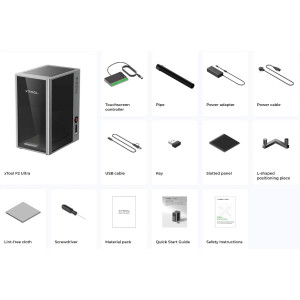
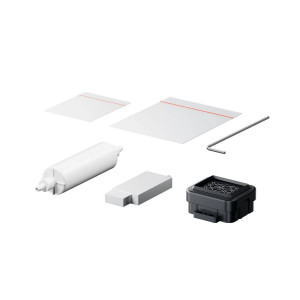
xTool Selected HP2 Auto Heat Press Package Contents
- xTool Selected HP2 Heat Press.
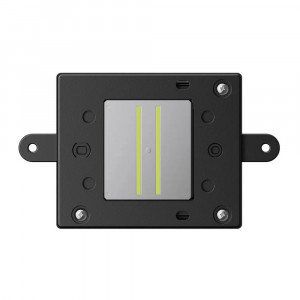
- Heating plate 381x381 mm.
- Slide-out lower platform.
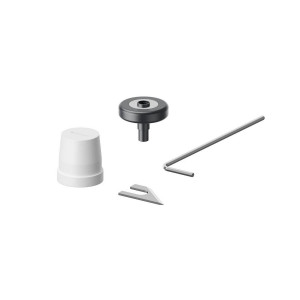
- Installation handle.
- Power cable.
- User documentation.
Technical Specifications
| Specification | Value |
| Type | Automatic heat press |
| Plate size | 381x381 mm |
| Maximum product thickness | 25 mm |
| Heating temperature | 40°C – 210°C |
| Timer | 1–999 seconds |
| Pressure levels | 60 / 100 / 140 / 180 kg |
| Number of modes | 5 |
| Power | 1500 W |
| Voltage | 100–120 V or 220–240 V |
| Frequency | 50/60 Hz |
| Dimensions | 550x400x365 mm |
| Weight | 22 kg |
Recommendations for Using a Heat Press
- Before starting work, check the recommended temperature and time parameters for the selected transfer material.
- For different types of textiles, choose the appropriate pressure level from the four available modes.
- When working with large prints, use the entire 381x381 mm plate area for precise image placement.
- Before executing a large order, it is recommended to test the parameters on a sample item.
If you need an automatic heat press for sublimation, DTF printing, or working with HTV films, the xTool Selected HP2 is a practical choice for stable image application on textiles in a workshop or production setting.