
Як обрати 3D-принтер? Порівняння технологій 3D-друку FDM, SLA та SLS
Оцінка витрат часу на технологічні етапи 3D-друку в різних технологіях
У порівнянні з аутсорсингом постачальникам послуг або використанням таких традиційних інструментів, як механічна обробка або лиття під тиском, власний 3D-друк може заощадити тижні при виробництві одиничних прототипів або нестандартних деталей.
Але коли справа доходить до вибору найшвидшої технології 3D-друку, технічні характеристики та вихідна швидкість друку не дають повної картини для усвідомленого вибору. Вам також необхідно враховувати, скільки часу знадобиться на налаштування друку та постобробку деталей для досягнення бажаних результатів. Щоб обрати 3D-принтер, вам потрібно буде порівняти ці параметри. Це допоможе вам знайти технологію, яка пропонує правильний баланс між часом та продуктивністю.
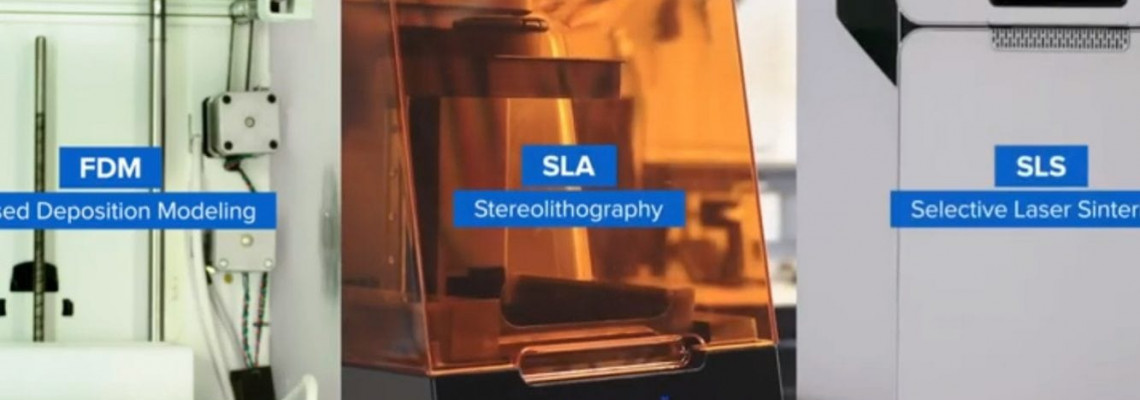
Давайте порівняємо робочі процеси для найпоширеніших технологій 3D-друку: FDM, SLA та SLS.
1. Налаштування друку
Незалежно від використовуваної технології, 3D-друк включає два основних кроки. Це налаштування файлу з 3D-моделлю, яку ми будемо друкувати, та безпосередньо налаштування принтера.
У процесі налаштування файлу користувач використовує спеціальне програмне забезпечення для підготовки до друку, яке іноді називають слайсером. Перед відправкою дизайну на 3D-принтер, у цій програмі обираються налаштування таких параметрів, як: структури підтримки, орієнтація деталей та роздільна здатність друку. Під налаштуванням принтера ми, в контексті даної статті, розуміємо процес підготовки принтера до початку друку шляхом завантаження, заміни або повторного заповнення матеріалу, та заміни резервуара або картриджа, якщо це необхідно.
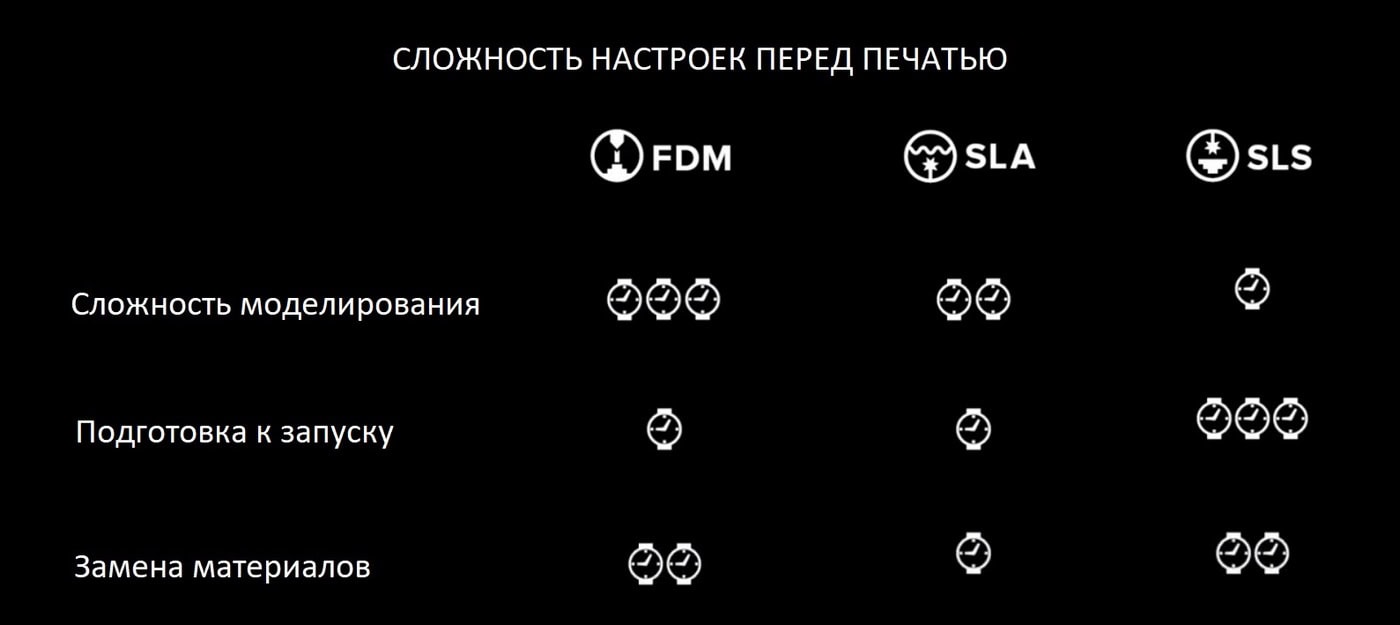
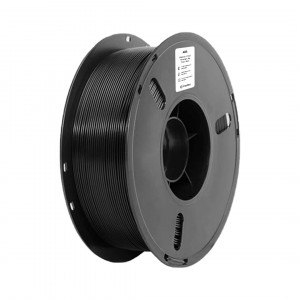
Давайте подивимося на процес налаштування для кожної технології, починаючи з FDM. 3D-друк FDM має більше конструктивних обмежень, ніж SLA або SLS, особливо зі складними деталями, з якими може знадобитися більше роботи для оптимізації моделей CAD перед друком. З іншого боку, налаштувати принтер FDM, у більшості випадків, досить просто, а зміна матеріалу займає всього кілька хвилин.
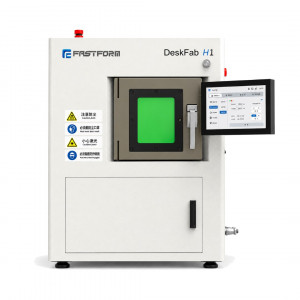
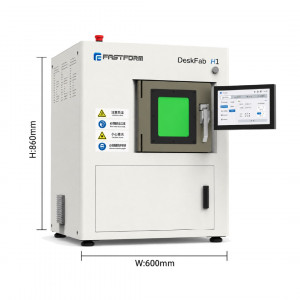
SLA-друк має менше конструктивних обмежень, а підготовка файлу для друку займає всього кілька кліків мишею. Підготовка до друку SLA-принтера значною мірою проста і не потребує складного налаштування, а зміна матеріалів займає лише кілька секунд.
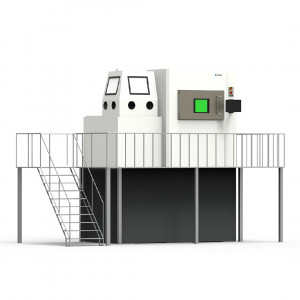
Оскільки деталі при 3D-друці за технологією SLS підтримуються навколишнім порошком, допоміжні опори не потрібні. Це знижує обмеження на геометрію друку. Підготовка завдань на друк також проста, оскільки програмне забезпечення допомагає розміщувати та оптимізувати деталі в об'ємі камери. Робочий процес налаштування SLS-принтерів та повторного використання порошку може здатися складним, але правильні аксесуари для постобробки значно спростять його.
Порівняння витрат часу на підготовку до 3D-друку з використанням різних технологій:
2. Швидкість друку
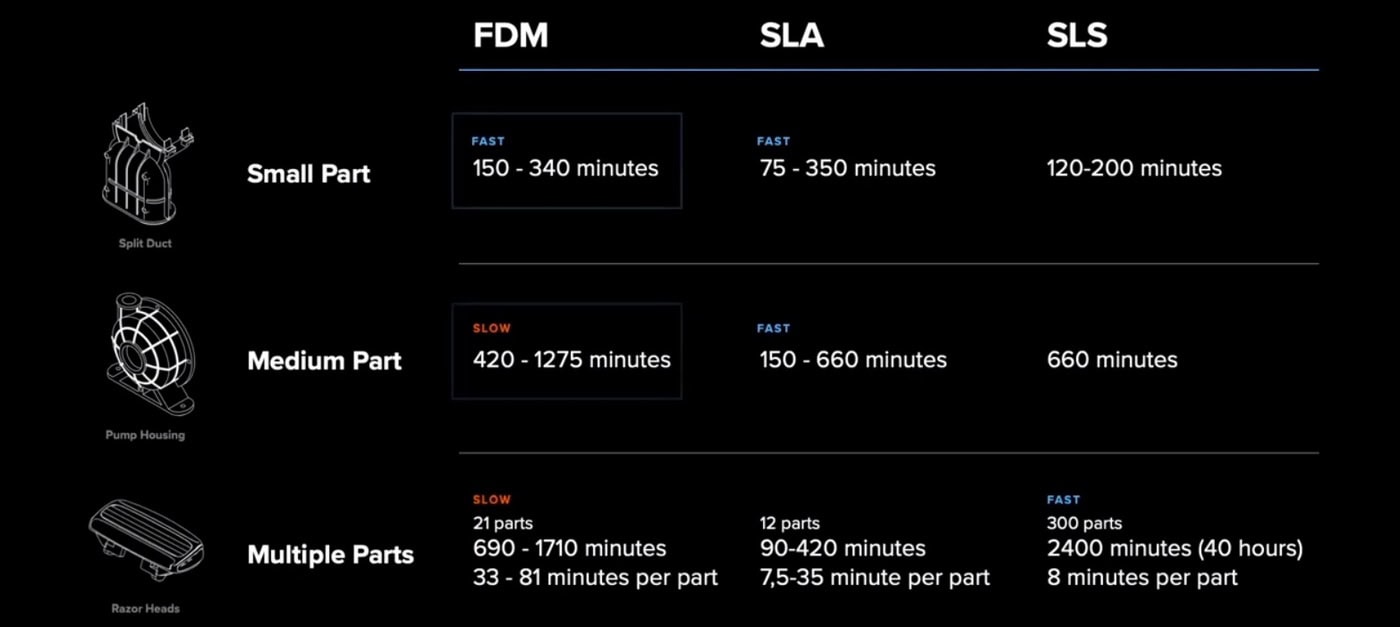
Тепер давайте порівняємо безпосередньо час друку моделей. Деякі принтери швидше друкують одиничні деталі, тоді як інші оптимізовані для великих партій. Тому важливо обрати 3D-принтер, який врівноважує час на одну деталь та продуктивність відповідно до ваших потреб.
Принтери FDM зазвичай не створюють суцільних деталей, а натомість формують внутрішні структури, щоб заповнити простір всередині моделі та заощадити час. Вони також використовують товстіші грубі шари, що призводить до компромісу між швидкістю та деталізацією. Як результат, принтер FDM — це хороший вибір для чорнових прототипів, але він повільніше виробляє складні деталі з тонкою деталізацією.
3D-принтери SLA є золотою серединою завдяки своїй універсальності. Вони найбільш відомі тим, що створюють водонепроникні функціональні деталі з гладкою поверхнею та дрібними елементами. З деякими новими матеріалами вони представляють собою найшвидшу технологію для створення швидких чорнових деталей з товстішими шарами для швидкого прототипування. Час друку кожної деталі також швидко скорочується, коли ви додаєте багато деталей в одну збірку. Таким чином, SLA часто є хорошим вибором для друку великих партій деталей. Для тих, хто хоче друкувати з вищою продуктивністю, це може бути важливою перевагою.
Процес 3D-друку SLS зазвичай займає більше часу, оскільки принтеру необхідно нагрітися, а роздрукована модель також має повільно охолонути після друку. Однак процес SLS дозволяє об'єднувати безліч деталей в одну збірку. Це, у свою чергу, часто може бути найбільш ефективним способом виробництва великих партій деталей, якщо враховувати постобробку та фінішну обробку.
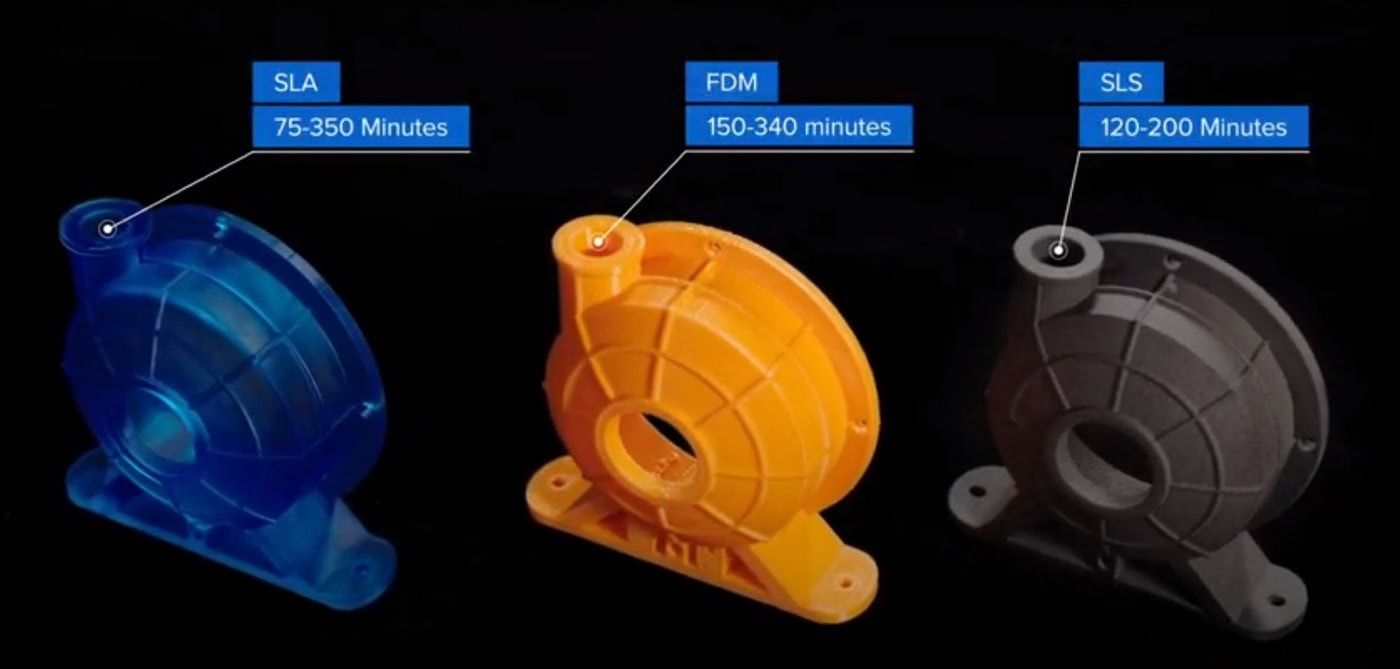
Порівняння витрат часу на 3D-друк деталей маленького, середнього розміру та кількох деталей одночасно:
3. Постобробка
Обробка деталей після 3D-друку — це річ, про яку більшість виробників не говорять. Проте вона сильно впливає на дизайн і займає певний час у робочому процесі.
Постобробка деталей FDM може бути швидкою, але тільки для простих деталей та чорнових прототипів. Більш складні деталі вимагають створення опорних структур, які відламуються в процесі постобробки. Якщо підтримуючі структури надруковані зі спеціальних матеріалів, вони потребують розчинення у воді або інших хімікатах. Це залежить від матеріалу, з якого вони надруковані. Для отримання високоякісної обробки деталей з FDM потрібне тривале ручне шліфування та чистова обробка. Це може суттєво вплинути на точність розмірів, форму та підгонку деталей.
Постобробка деталей з SLA-принтера складається з промивання деталі та, залежно від матеріалу і конструкції, також подальшого затвердіння та видалення опор. Промивання та затвердіння можна автоматизувати за допомогою спеціальних пристроїв для економії часу. Завдяки тонкому дизайну точок контакту, підтримки знімаються швидко, що забезпечує високу якість обслуговування відразу після друку. Загалом це призводить до повільнішої постобробки порівняно з FDM для простих деталей. Інша ситуація з високоякісними деталями зі складною деталізацією та тонкими структурами. Для SLA обробка таких виробів буде швидшою, ніж для FDM. Складні деталі в FDM вимагають побудови більшої кількості підтримок і, відповідно, складнішої постобробки.
Порошкова природа SLS може зробити постобробку брудною та такою, що вимагає ручної праці. Проте правильні аксесуари можуть значно спростити процес. Віддруковані деталі необхідно звільнити від порошку, який їх оточує, та видалити надлишки матеріалу. Для досягнення найкращої якості поверхні можна використовувати дробеструйне очищення. Найважливішим є те, що опорні структури не друкуються на кожній деталі. Постобробку можна масштабувати і, загалом, вона легша порівняно з FDM та SLA. Як результат, часу на постобробку деталі для SLS може бути значно менше при великих обсягах.
Порівняння витрат часу на постобробку в різних технологіях друку:
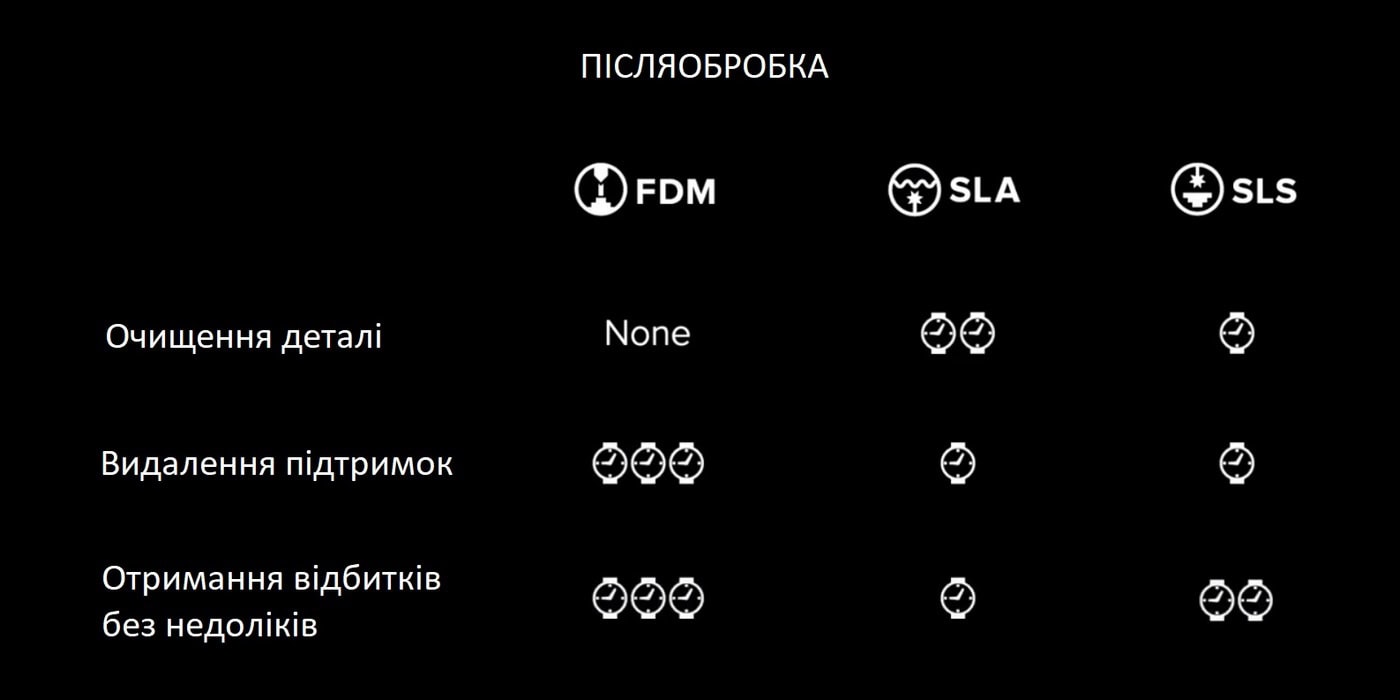
Як ми бачимо, швидкість у 3D-друці — це дещо більше, ніж просто швидкість друку принтера. Щоб мати можливість із впевненістю порівнювати різні рішення, корисно ознайомитися з усім робочим процесом обраного принтера або технології та дослідити їх від дизайну до готової деталі. Час оцінюється на основі вашого дизайну та вимог.
Це одна з трьох статей, що допомагають відповісти на питання Як обрати 3D-принтер. Дивіться також інші матеріали на цю тему:
Порівняння: FDM, SLA та SLS. Функціональні та візуальні характеристики

Залишити коментар