

Як обрати технологію для настільного 3D-друку? Порівнюємо ціни
Ціни на 3D-друк можуть варіюватися залежно від технології, яка застосовується в конкретному 3D-принтері. Домашній 3D-друк — один із найекономічніших методів виробництва одиничних прототипів і нестандартних деталей. 3D-принтери не вимагають дорогого обладнання чи тривалого налаштування. Вони можуть виготовляти деталі на 80-95 відсотків дешевше, ніж традиційні методи, такі як механічна обробка або передача на аутсорс постачальникам послуг.
Але, порівнюючи вартість різних 3D-принтерів і точно розраховуючи вартість деталі, потрібно враховувати не лише суму на ціннику.
Для оцінки ціни виробництва одиниці роздрукованої продукції за конкретною технологією, необхідно оцінити частку таких витрат, як:
- ціна на придбання та обслуговування самого обладнання;
- ціна сировини та витратних матеріалів;
- і вартість трудовитрат, необхідних для обслуговування цього обладнання та постобробки роздрукованих деталей.
Ці змінні можуть різко змінюватися залежно від пропускної здатності 3D-принтера та ваших конкретних потреб. Вони є важливими факторами, про які слід подумати, перш ніж приймати рішення про те, яка технологія підходить саме вам.
Давайте порівняємо витрати на три найпоширеніші технології 3D-друку пластиком: FDM, SLA та SLS.
1. Придбання обладнання
Постійні витрати, такі як вартість 3D-принтера, контракти на обслуговування, встановлення та технічна підтримка, становлять вартість володіння обладнанням. Це витрати, які вам доведеться сплатити незалежно від того, простоює ваш принтер чи випускає десятки деталей на тиждень.
Розрахуйте приблизний розподіл цих витрат на кожну деталь, склавши всі прогнозовані фіксовані витрати протягом усього терміну служби машини, а потім розділіть отриману суму на кількість деталей, які вона планує виготовити.
Приклад розрахунку вартості однієї деталі залежно від завантаженості 3D-принтера:
$5000 ÷ (5 на тиждень * 52 тижні * 4 роки) = $4,8
$5000 ÷ (70 на тиждень * 52 тижні * 4 роки) = $0,35
Як бачимо, вартість придбання обладнання може стати практично незначною, якщо розділити її на тисячі деталей, які машина здатна виготовити протягом свого терміну служби.
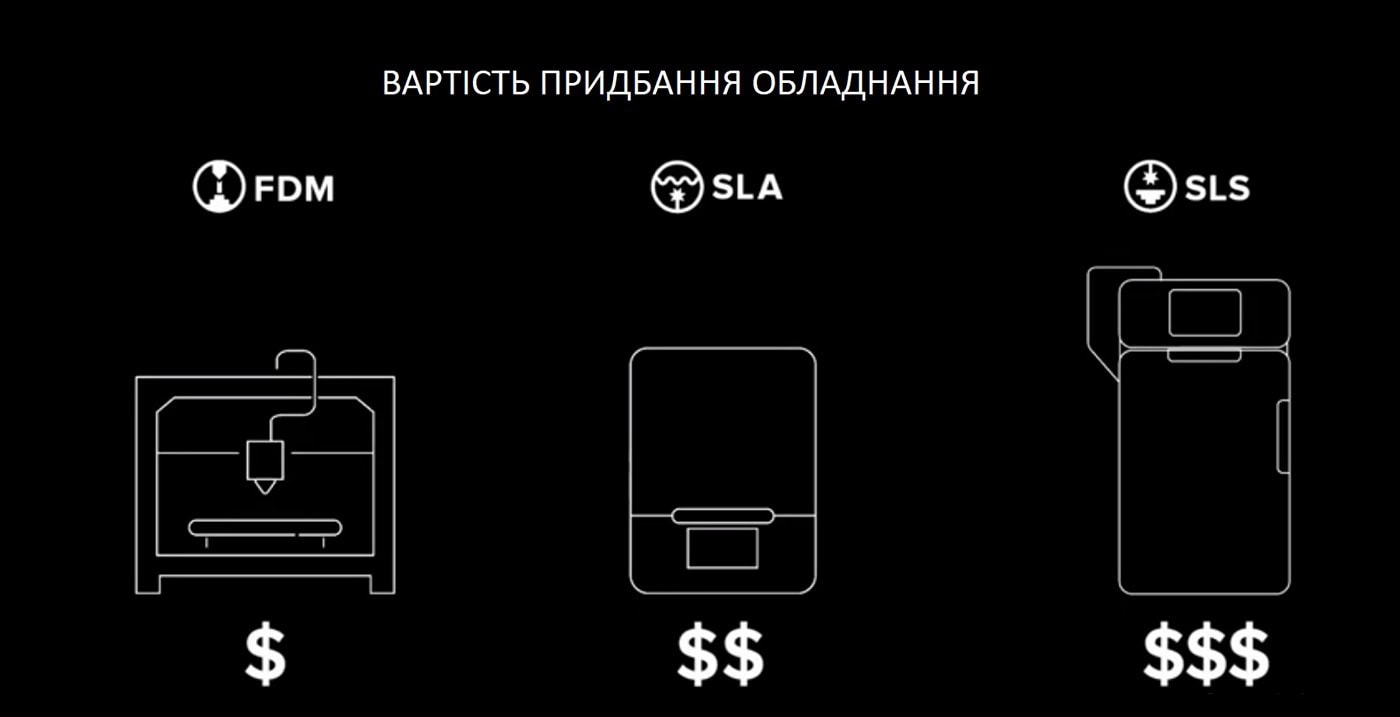
Як правило, 3D-принтери FDM пропонують найнижчу початкову вартість для 3D-друку:
Ціни на аматорські принтери: менше $1000
Ціни на професійні принтери: від $2000 до $8000
3D-принтери SLA забезпечують вищу точність і більш гладку поверхню при мінімальних витратах.
Але, як правило, вони мають дещо вищу ціну.
Ціна SLA: від $3500 до $10000
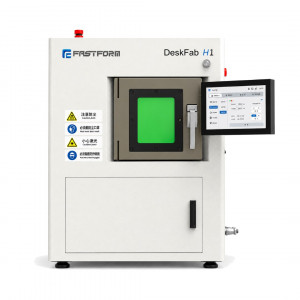
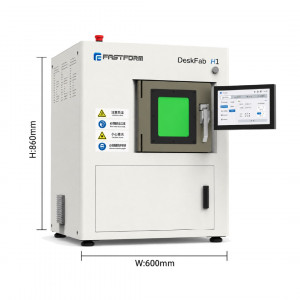
3D-друк SLS лише нещодавно став доступним у вигляді невеликих і доступних настільних рішень.
Але він і досі коштує значно дорожче, ніж FDM або SLA.
Ціна SLS: від $10000 і вище
Ціна обладнання. 3D-друк FDM, SLA і SLS:
2. Ціни на 3D-друк. Сировина та витратні матеріали
Сировина та інші витратні матеріали, необхідні для створення деталей — це періодичні витрати, які сильно
залежать від кількості деталей, що ви виготовляєте.
При розрахунку витрат на матеріали,
виміряйте кількість матеріалу, необхідну для створення однієї деталі, і помножте її на вартість матеріалу. Також не
забудьте врахувати
опорні конструкції (підтримки), відходи та будь-які інші витратні матеріали, необхідні для виробництва деталей:
Приклад розрахунку: (25 мл ÷ 1000 мл) * $150 = $3,75
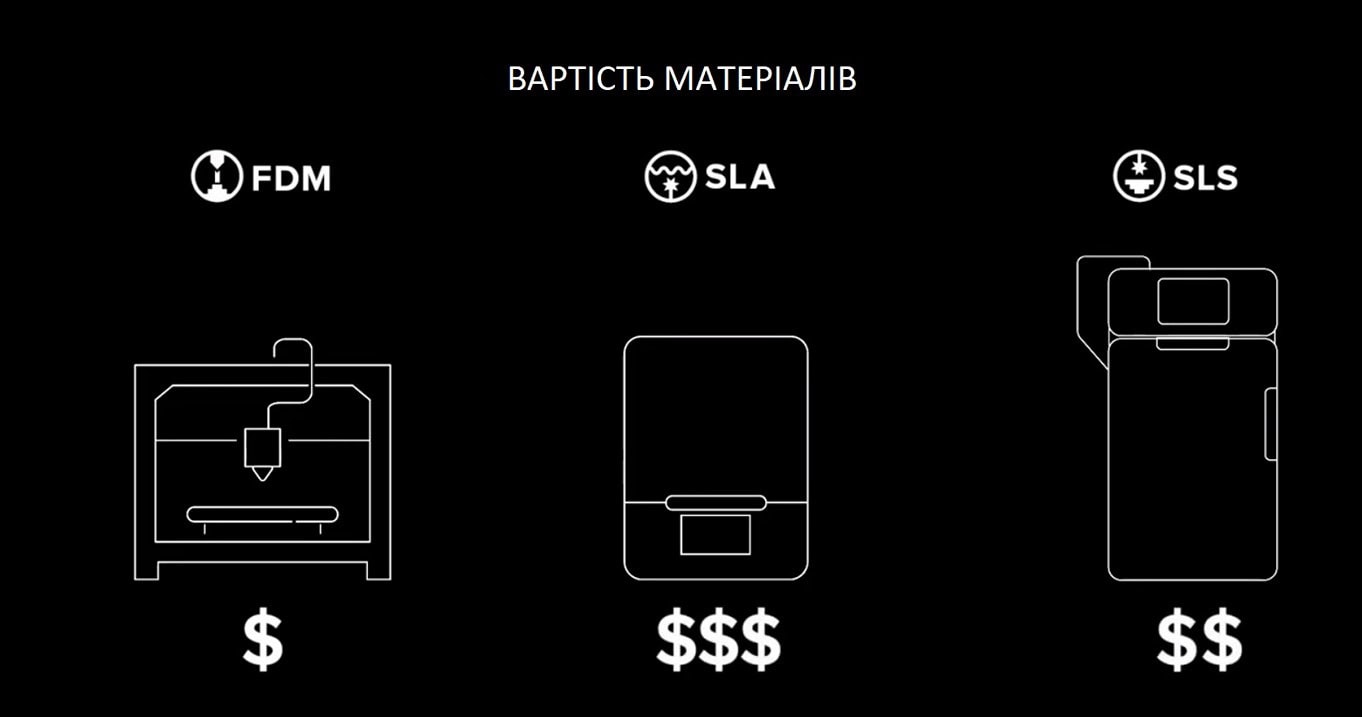
У середньому, матеріали FDM зазвичай коштують найменше. Але друк FDM має вищу потребу у створенні опорних конструкцій або використанні окремих матеріалів підтримки, які необхідні для складніших деталей. Це може суттєво збільшити матеріальні витрати. FDM матеріали: $50 — $150/кг. Підтримки $100 — $200/кг
Матеріали SLA зазвичай мають вищу вартість: $149 — $200 за літр
Вартість матеріалу SLS знаходиться між FDM та SLA, але, оскільки для 3D-друку SLS не потрібні опорні конструкції, нерозплавлений порошок можна використовувати повторно, і вартість матеріалу може бути значно знижена. SLS матеріали: $100/кг
Співвідношення вартості витратних матеріалів у готовому виробі, роздрукованому за технологією FDM, SLA та SLS:
3. Ціни на 3D-друк. Трудовитрати
Трудовитрати часто залишаються поза увагою. Навіть якщо це може суттєво вплинути на вартість деталей, особливо при
великих обсягах друку.
Хоча настільні 3D-принтери зазвичай вимагають менше праці, ніж традиційні методи
виробництва, робочий процес із налаштування та обслуговування принтерів разом із подальшою обробкою деталей може
бути досить трудомістким.
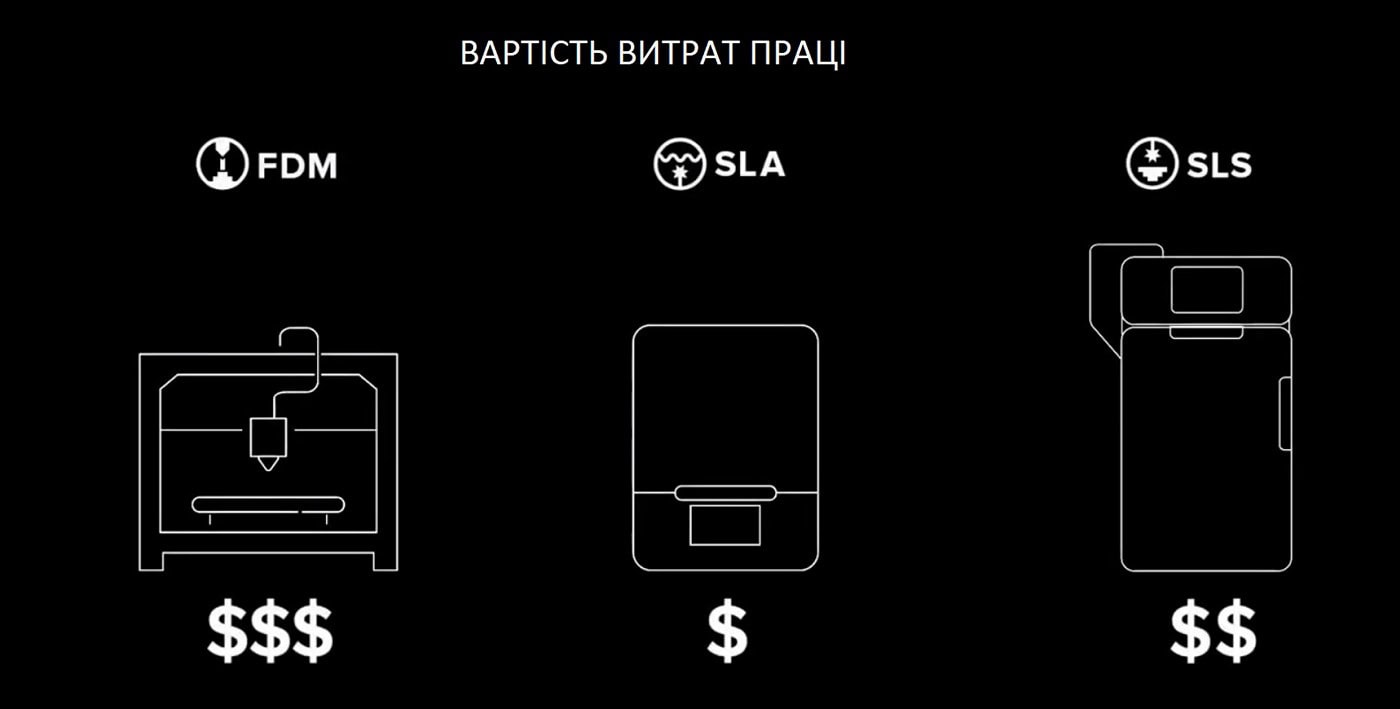
У більшості випадків налаштування та обслуговування принтерів FDM є доволі простим. Постобробка деталей також може бути швидкою, але лише для простих деталей і грубих прототипів. Для складних деталей потрібні опорні конструкції. Їх потрібно відокремити вручну, або ж розчинити у воді чи за допомогою хімікатів. Для досягнення кращої якості поверхні часто потрібне тривале ручне шліфування та фінішна обробка.
Коли справа доходить до налаштування та обслуговування, принтери SLA ще простіші та швидші, ніж FDM. Постобробка для SLA включає промивання деталей у розчиннику і, залежно від матеріалу, також подальше затвердіння деталей. Однак, ці кроки можна автоматизувати, щоб мінімізувати час і працю. Завдяки тонкому дизайну точок дотику (примикань), підтримки знімаються швидко. При цьому деталі мають високу якість поверхні відразу з принтера.
3D-принтери SLS вимагають більше часу на налаштування для роботи з порошковим матеріалом і значно більше часу
на обслуговування між різними завданнями друку.
Але, зазвичай, цей час розподіляється між багатьма відбитками в
одному завданні на друк. Тому підготовка до друку та постобробка SLS-деталей може бути найменш трудомістким із
процесів під час обробки повної партії деталей. Деталі потрібно просто витягти з навколишнього порошку та очистити
від
зайвого матеріалу.
Частка трудовитрат у вартості готового виробу, роздрукованого за технологією FDM, SLA та SLS:
Підбиваємо підсумок у виборі ціни на 3D-друк. FDM дасть вам найдешевший варіант, якщо ви друкуєте лише відносно прості прототипи в обмеженій кількості.
SLA пропонує вищу якість із невеликою надбавкою у вартості. Але різниця швидко зменшується під час друку складних дизайнів або великих партій через менш трудомістку постобробку.
Нарешті, SLS — це найбільш рентабельний процес виробництва середніх і великих обсягів високоякісних функціональних деталей.
Однак, вартість буде відрізнятися від виробника до виробника. Переконайтеся, що ставите правильні запитання перед покупкою.
Це одна з трьох статей, що допомагають обрати технологію 3D-друку під свої вимоги, в якій ми порівняли ціни на 3D-друк. Дивіться також інші матеріали на цю тему:
Як обрати технологію для настільного 3D-друку: FDM, SLA і SLS. Швидкість

Залишити коментар