
Color 3D Printing: What It Is
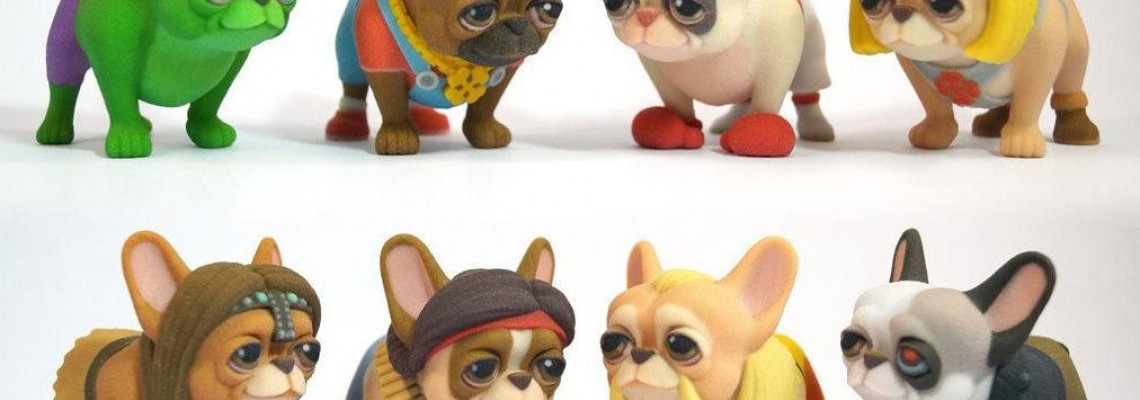
Full Color Sandstone (FCS) is currently the only material that allows for full-color 3D printing. This material is an excellent choice for creating figurines of people, miniatures, memes, and other fun and realistic colored models. Color 3D printing is a versatile tool for various purposes. Full-color professional 3D printers work as follows: they apply thin layers of powder and use a binding component mixed with paint to bind this powder together, repeating the cross-section of the future model to reproduce the entire product. Just like in the process of color "2D" printing, the colors on the print may differ from those displayed on the screen.
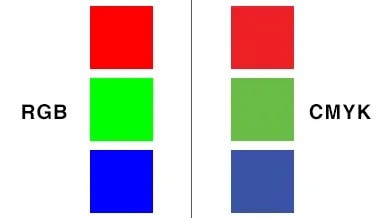
Each pixel on the screen consists of red, green, and blue colors (RGB), while cyan, magenta, yellow, and black (the CMYK palette) are used for full-color sandstone printing. When modeling for this material, there are several techniques that can significantly improve color reproduction, and we will discuss them below.
Color 3D Printing: Coloring Tips
- Firstly, it is important to know that color 3D printing in the CMYK palette is better at conveying light, bright, and contrasting colors. To achieve a good result, avoid blurred edges, gradient transitions, and shadows. Complex colors that you see in photos of photorealistic models are actually quite difficult to reproduce.
- Remember that some colors are simply difficult to print. For example, brown tones are hard to reproduce because these colors require mixing all 4 inks (CMYK). As a result, we may get an unpredictable outcome (a large amount of ink and a porous powder surface with uneven absorption).
- Be sure to consider the wall thickness during 3D modeling, as it is very important in coloring.
Features of Color 3D Printing
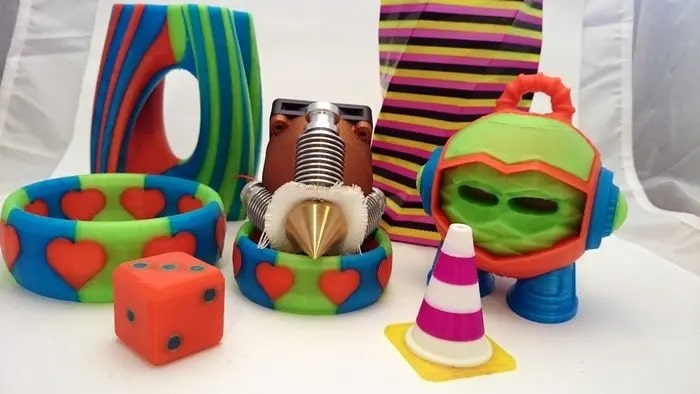
When preparing a color 3D model for printing, you only set the surface color — the texture determines the color on the outside, not inside the object. This is correct since printers can only color the outer layer of the model. After printing is complete, immerse each model in cyanoacrylate. This coating increases the model's strength and gives the color brightness and depth. If your model has significantly varying wall thicknesses, different sections of the model will absorb different amounts of this coating. As a result, you will see slight color changes, especially noticeable in massive models.
Also, pay attention to the following points:
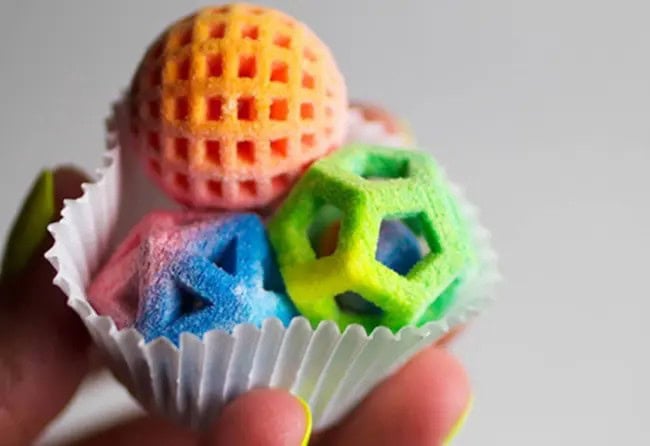
- If you make the model hollow and maintain a wall thickness of approximately 3 mm, the color will be more uniform, and the cost of 3D printing will significantly decrease;
- If your model requires variable wall thickness, it is better to maintain a smooth transition between thicknesses to avoid sudden changes in color saturation;
- Technical resolution versus actual resolution;
- Another issue to keep in mind is that we are working with powder that absorbs ink. Even though the resolution of the inkjet print head is 300 DPI, the effective resolution of the texture map is likely closer to 50 DPI. Keep this in mind when designing small details, especially on small models.
We hope our tips have helped you improve the color and quality of printed models. If you stumbled upon this page by accident and are interested in the presented method, we recommend learning more about the possibilities of color 3D printing and placing an order if necessary.










Leave a Comment